
Opening the Sensitive Data Section for a Connected Application
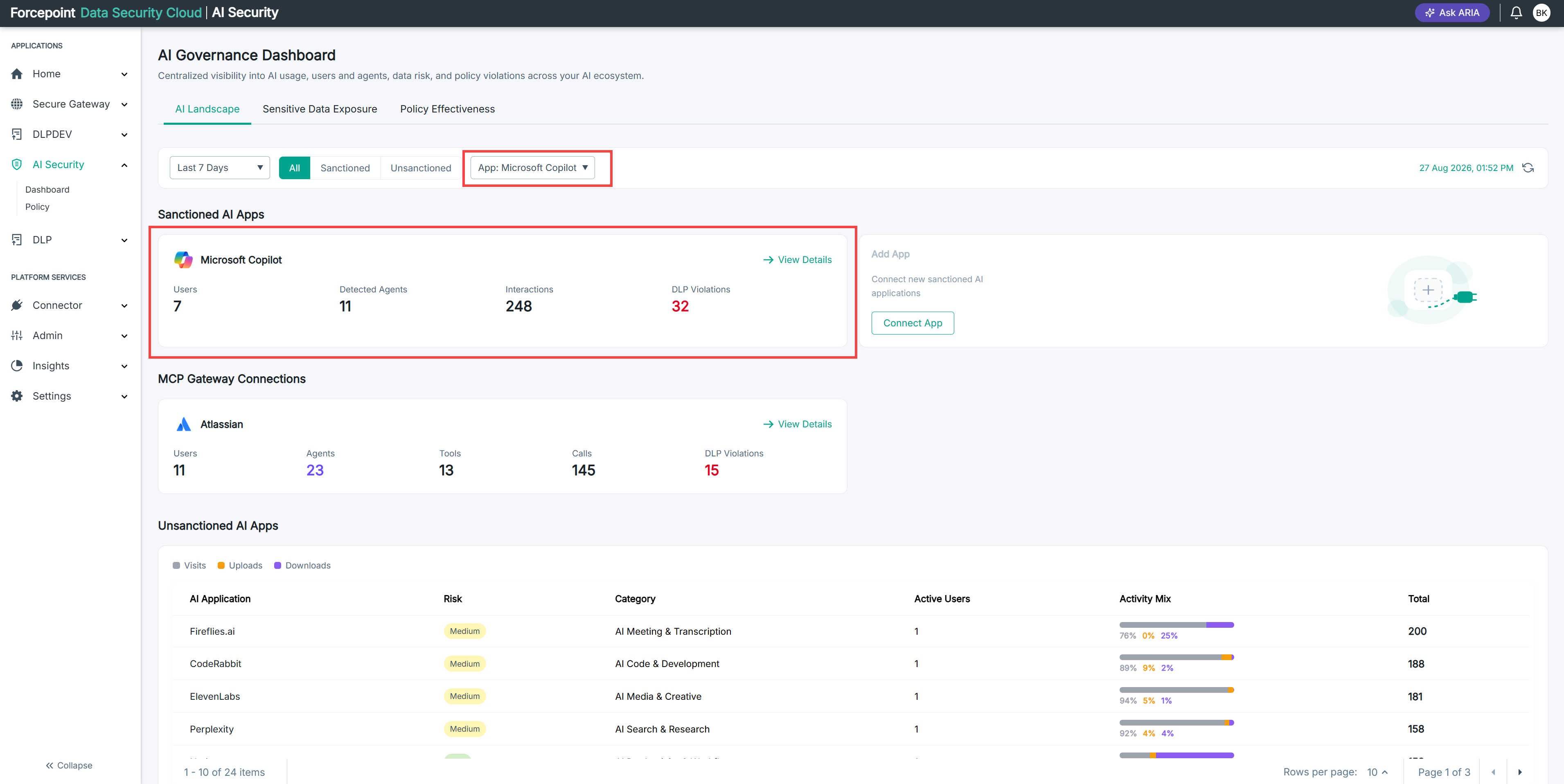
Look at the sensitive data one AI application has been exposed to, rather than the totals across all of them.
Before you begin
You are on the AI Landscape section of the AI Governance Dashboard.
Steps
-
Select the application you want to look at, for example Microsoft Copilot.
The Sensitive Data section becomes visible for that application.
-
Review the figures in the section.
Result
The dashboard now reports on one application at a time.