
Viewing Data Security Violation Events
Look at the individual violations behind an application's summary figures.
Before you begin
You have selected an application on the AI Landscape.
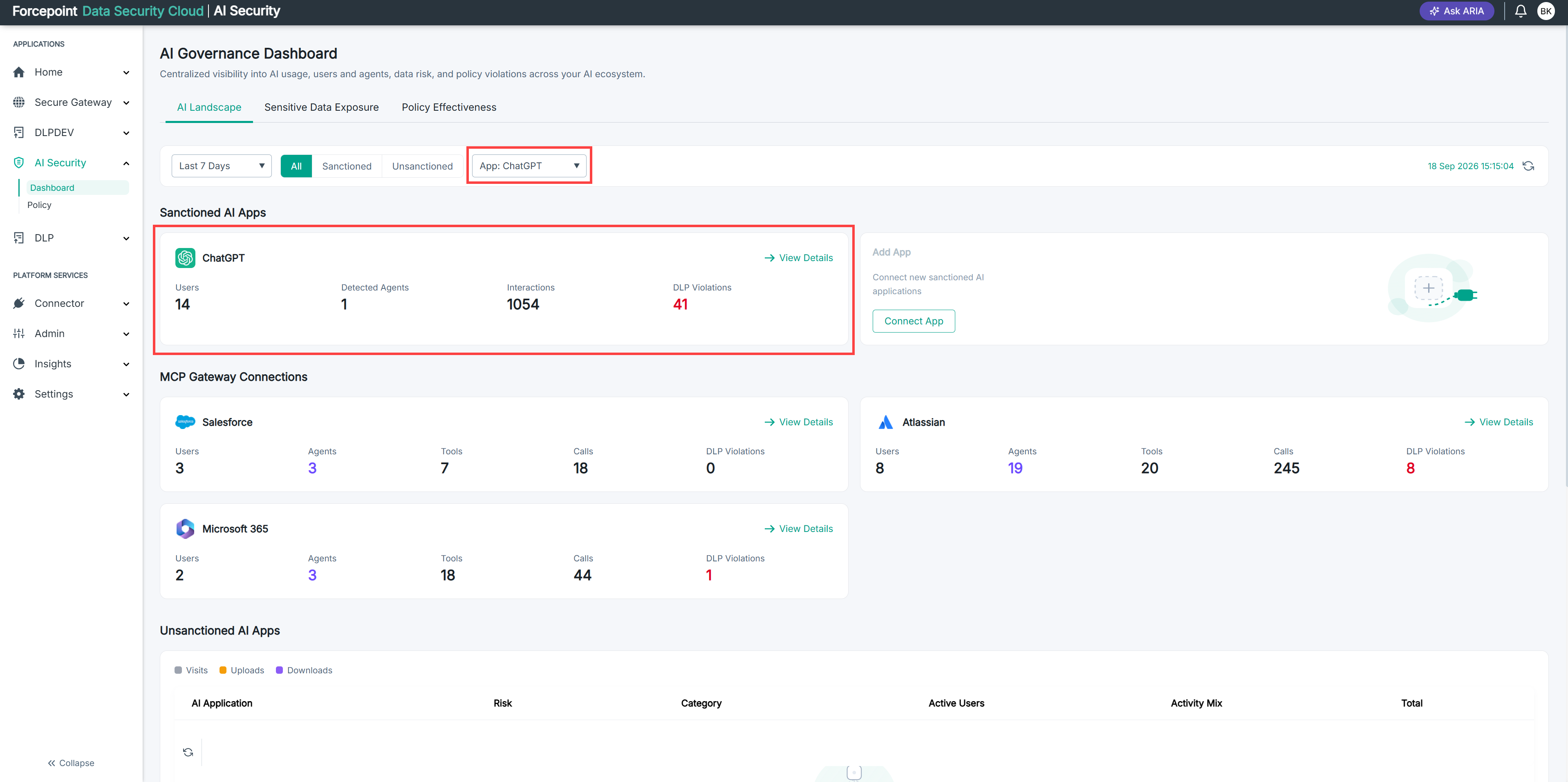
Steps
-
Select a widget in the Sensitive Data section.
The events behind that figure are listed.
-
Review the events in the list.
Each row is one occasion on which a data security policy matched traffic to this application.
Result
You can see the individual violations rather than only the totals.