
Selecting Per-User Authentication for a Connector
Configure a gateway connector so that each user authenticates individually and their own permissions apply to agent activity.
With per-user authentication, an agent acting on behalf of a user can only do what that user is already permitted to do in the business application.
Steps
-
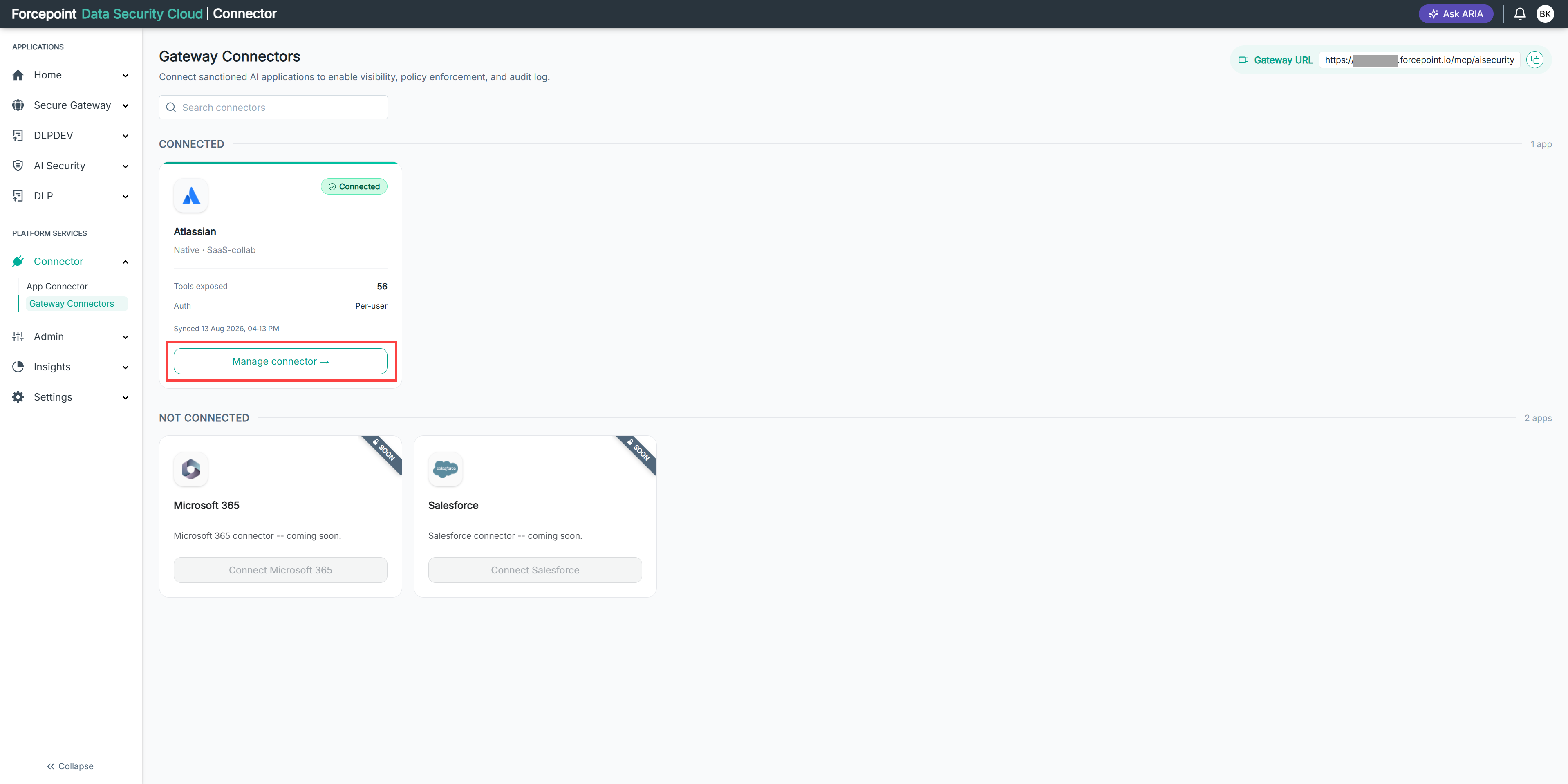
Open the Manage connector panel for the gateway connector.
-
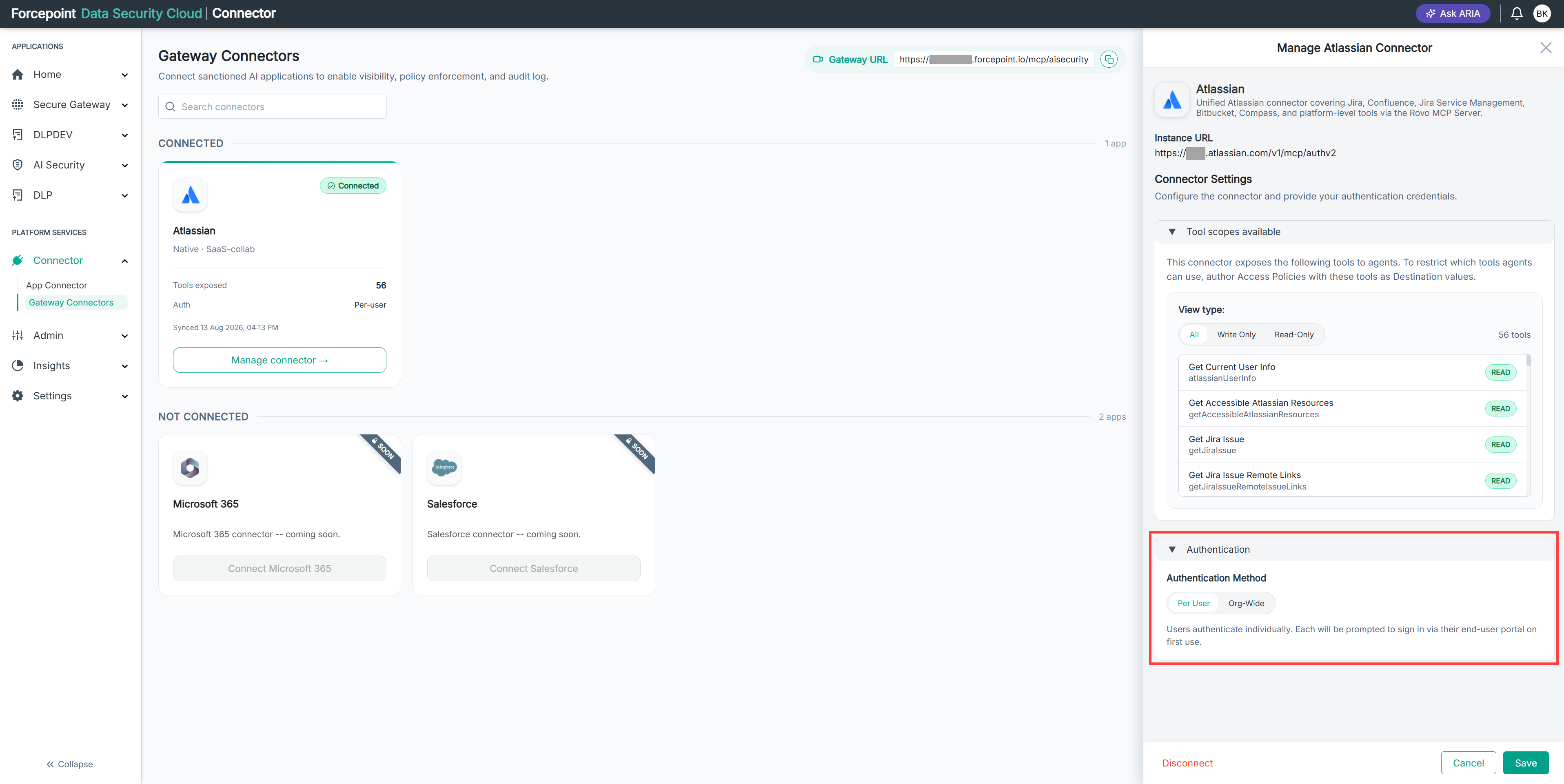
Expand Authentication.
-
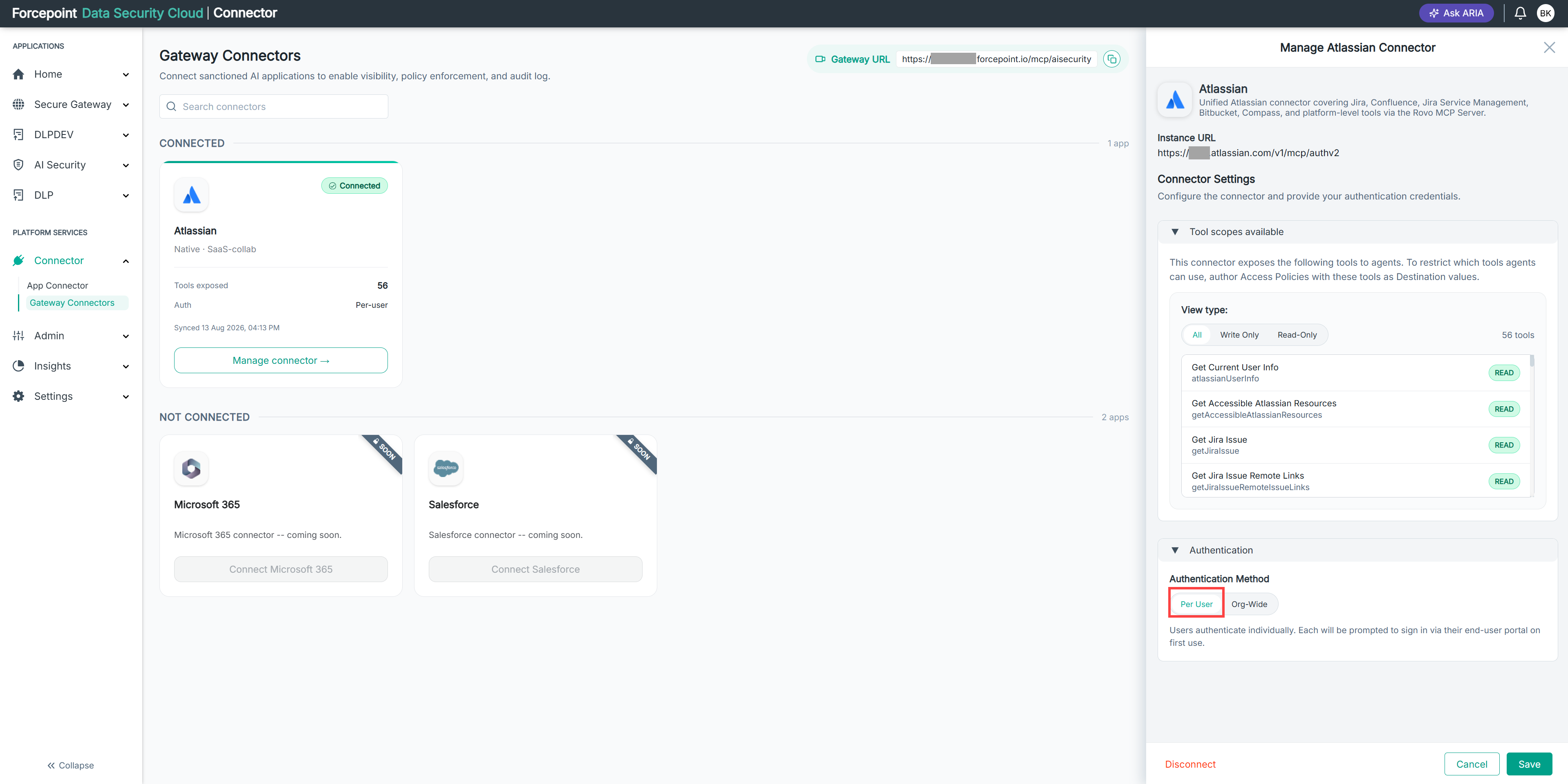
Under Authentication Method, select Per User.
-
Select Save.
Result
The connector uses per-user authentication. The connector card shows Per-user as the authentication mode.
Next steps
Users authenticate individually the first time their agent activity reaches the connector.