
Selecting Org-Wide Authentication for a Connector
Configure a gateway connector so that a single organizational identity is used for all agent activity.
Before you begin
You need either a System Administrator account for the business application, or an API key generated in that application.
Steps
-
Open the Manage connector panel for the gateway connector.
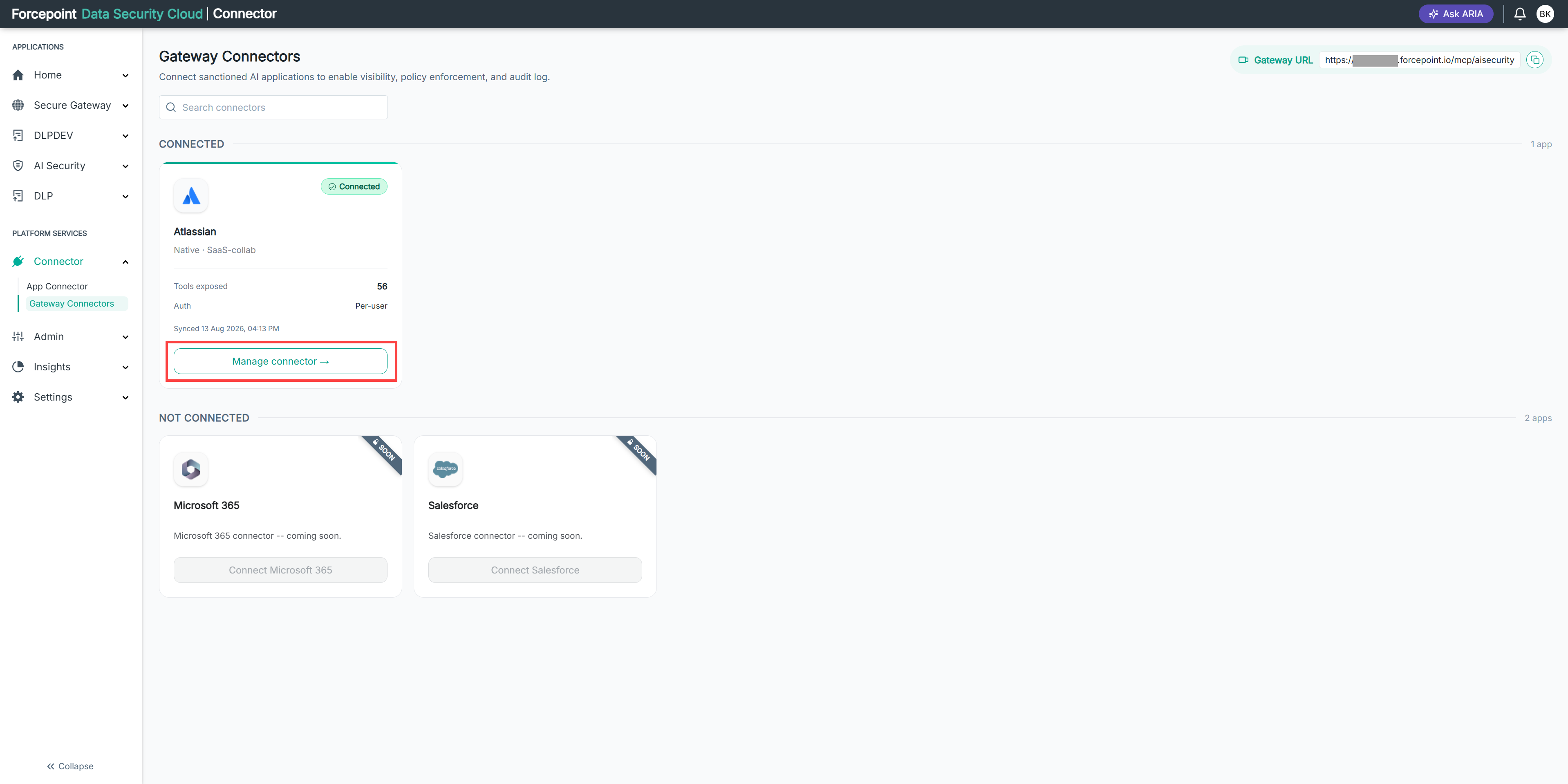
-
Expand Authentication.
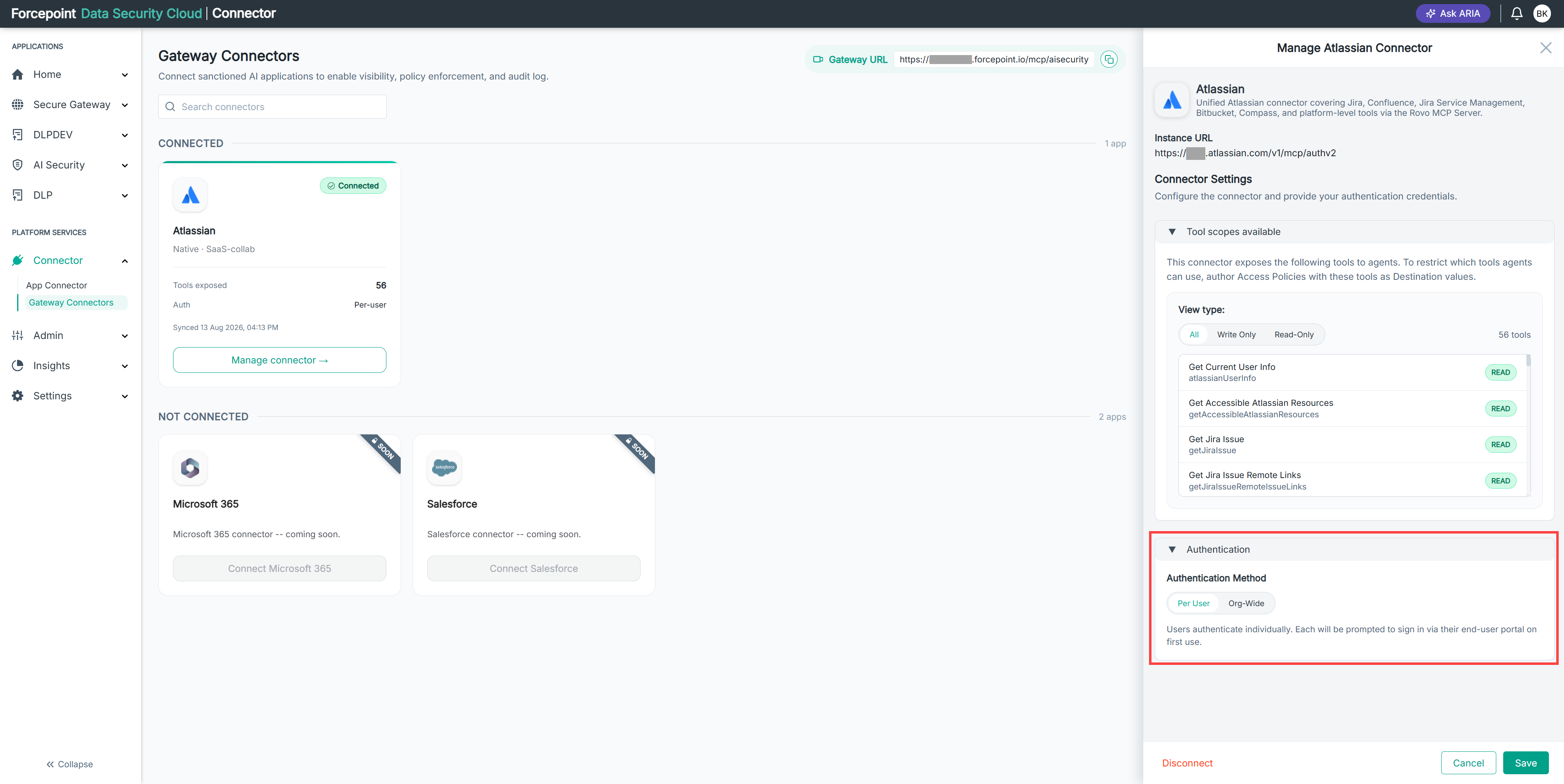
-
Under Authentication Method, select Org-Wide.
The Type options are displayed.
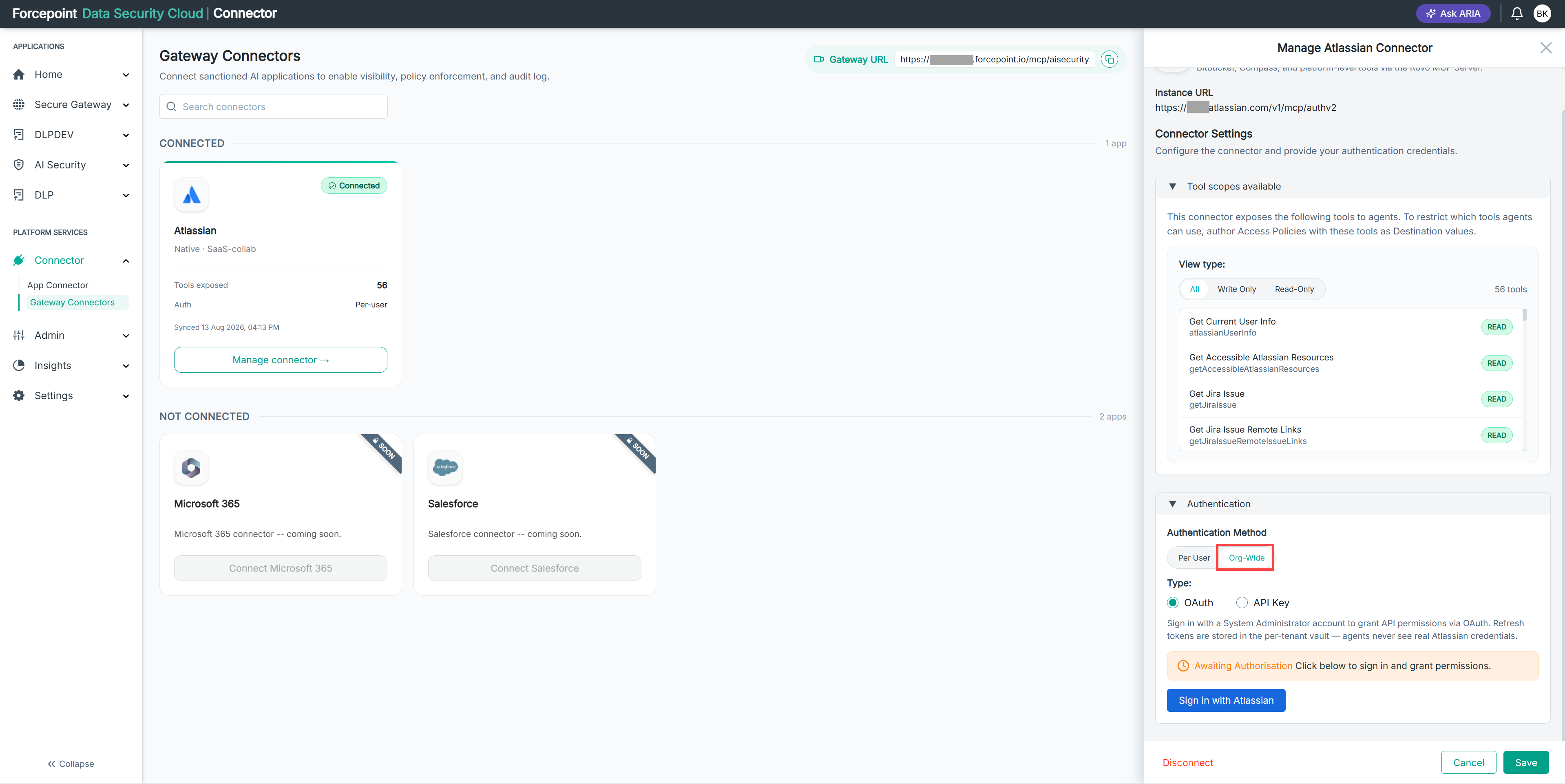
-
Select the authorization type you want to use.
-
Complete the authorization for the type you selected.
-
Select Save.
Result
The connector uses org-wide authentication, and all agent calls to the business application use the organizational identity.