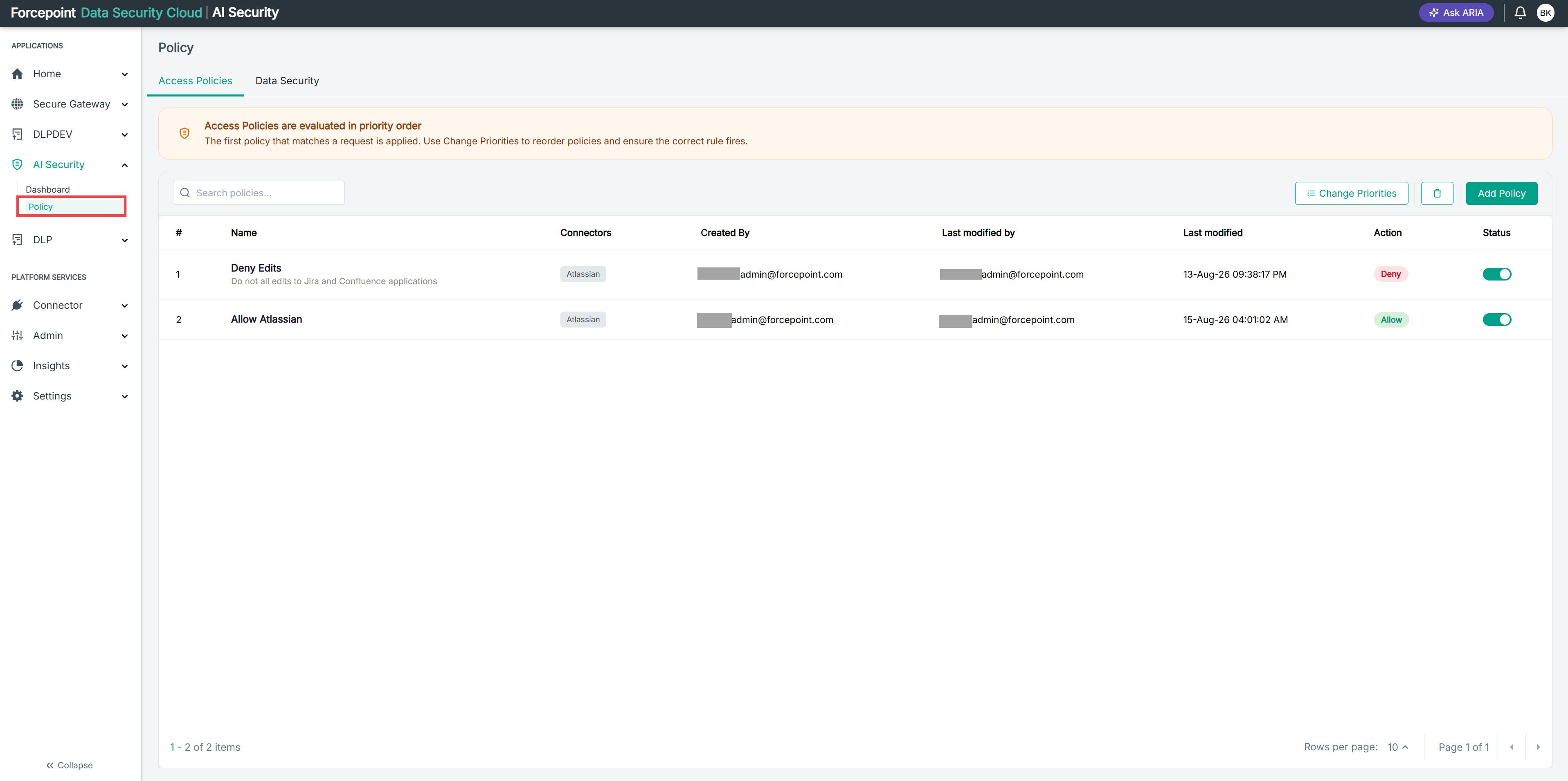
Opening the Policy Page
Open the Policy page to review, create, and reorder the access policies that control what your AI agents can do.
Before you begin
You must be signed in to Forcepoint Data Security Cloud with permission to manage AI Security policies.
Steps
- In the left navigation, under APPLICATIONS, select AI Security.
- Select Policy.
Result
The Policy page opens on the Access Policies tab, showing your policies in evaluation order.