
Viewing Recent High-Severity Events
Review the individual violations that matter most, so that you can deal with the serious ones first.
Before you begin
You are on the Sensitive Data Exposure tab.
Steps
-
Scroll to the Recent High Severity Events list.
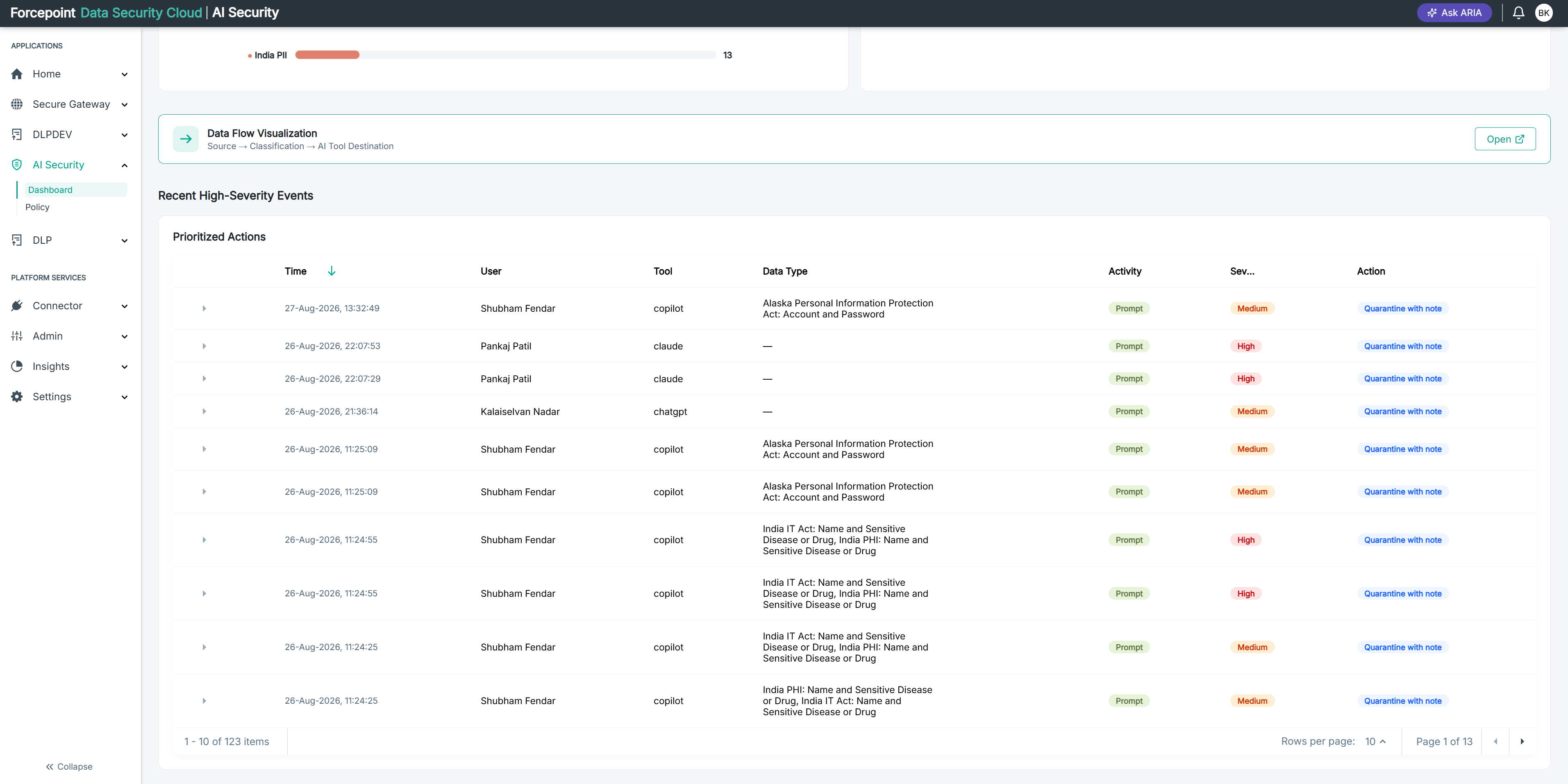
Every high-severity violation in the reporting period is listed, most recent first.
-
Review the events in the list.
Each row shows the user involved, the AI application, the data type detected, activity, severity, and the action taken.
Result
You have the serious violations in front of you, ready to investigate one at a time.