
Opening and Filtering the Effectiveness Tab
Open the Policy Effectiveness tab and set the period you want it to report on.
Every figure on the tab is scoped to the period you select here, so set the period before you read anything else.
Steps
-
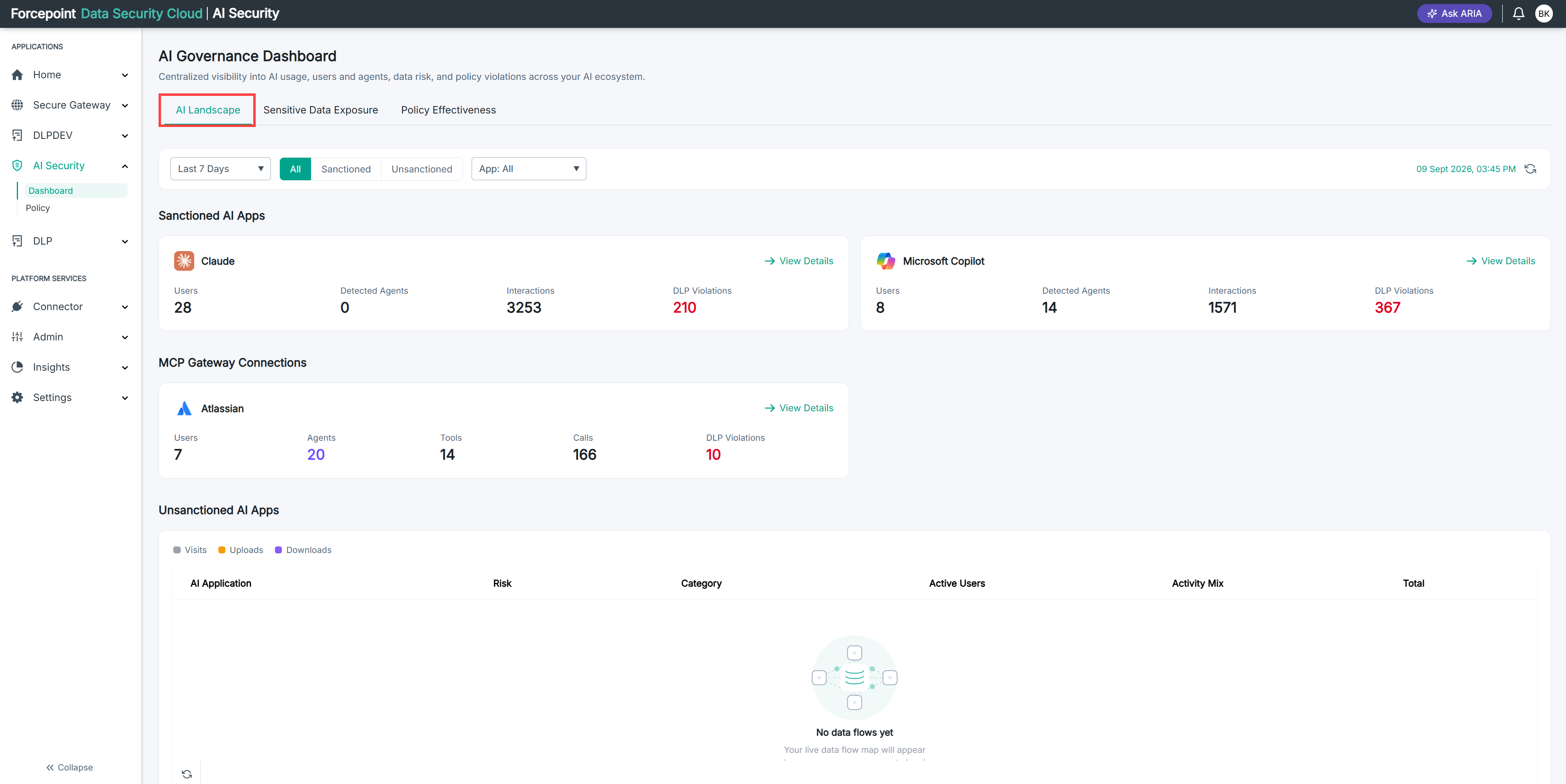
Go to AI Security › Dashboard.
The AI Governance Dashboard opens on the AI Landscape tab.
-
Click Policy Effectiveness.
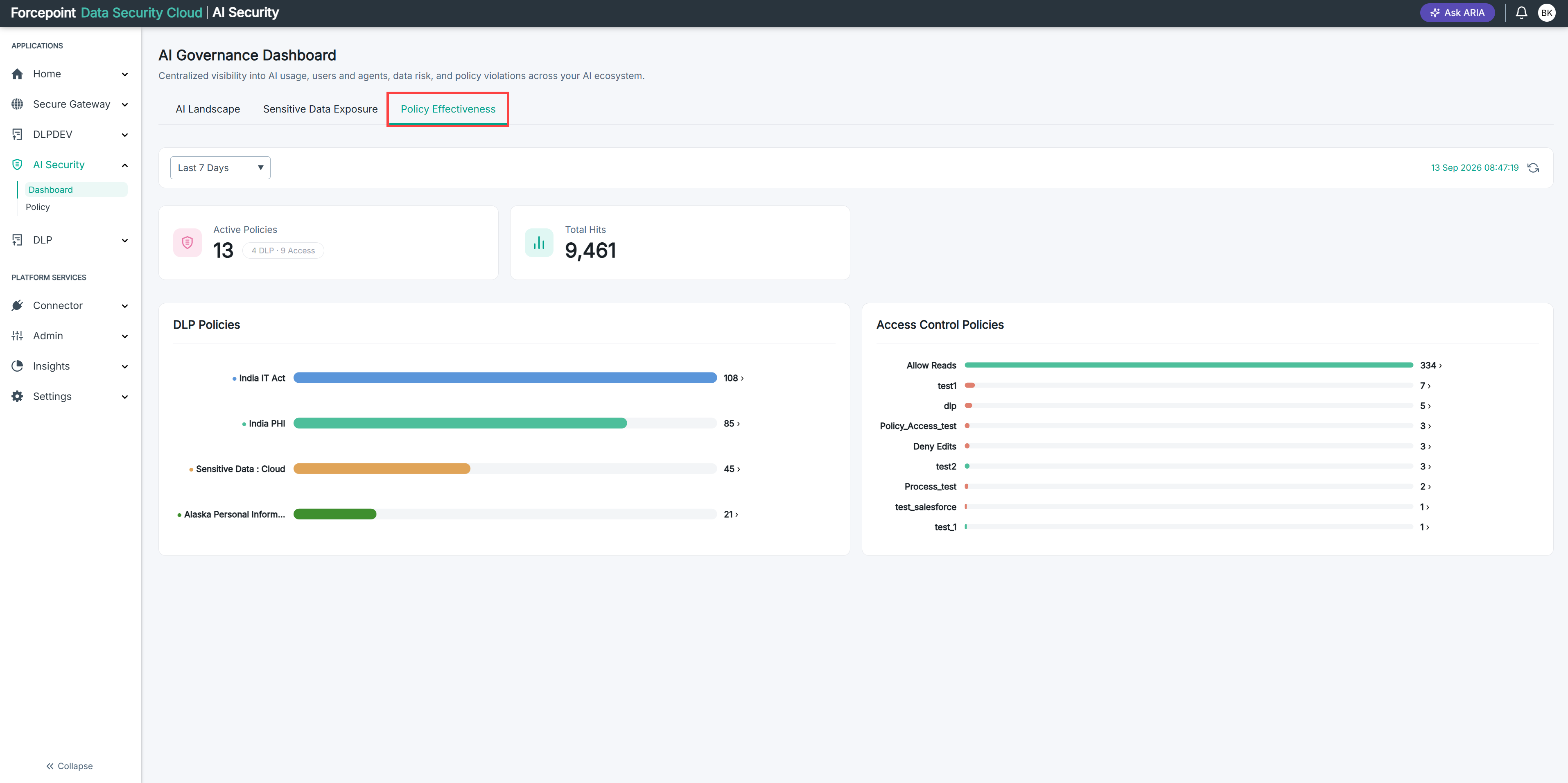
The tab opens, reporting on the last 7 days.
-
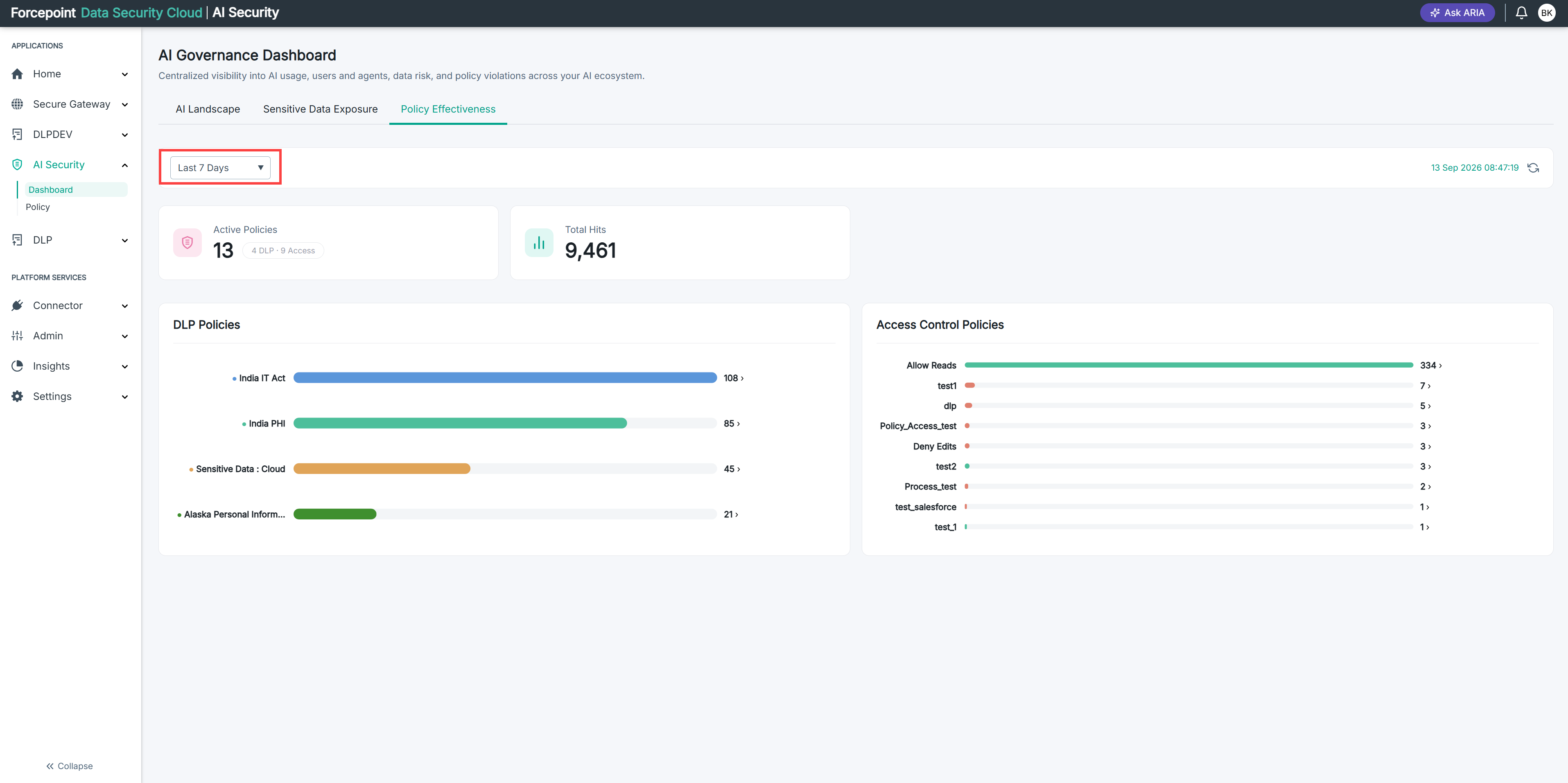
Select a period from the time period list.
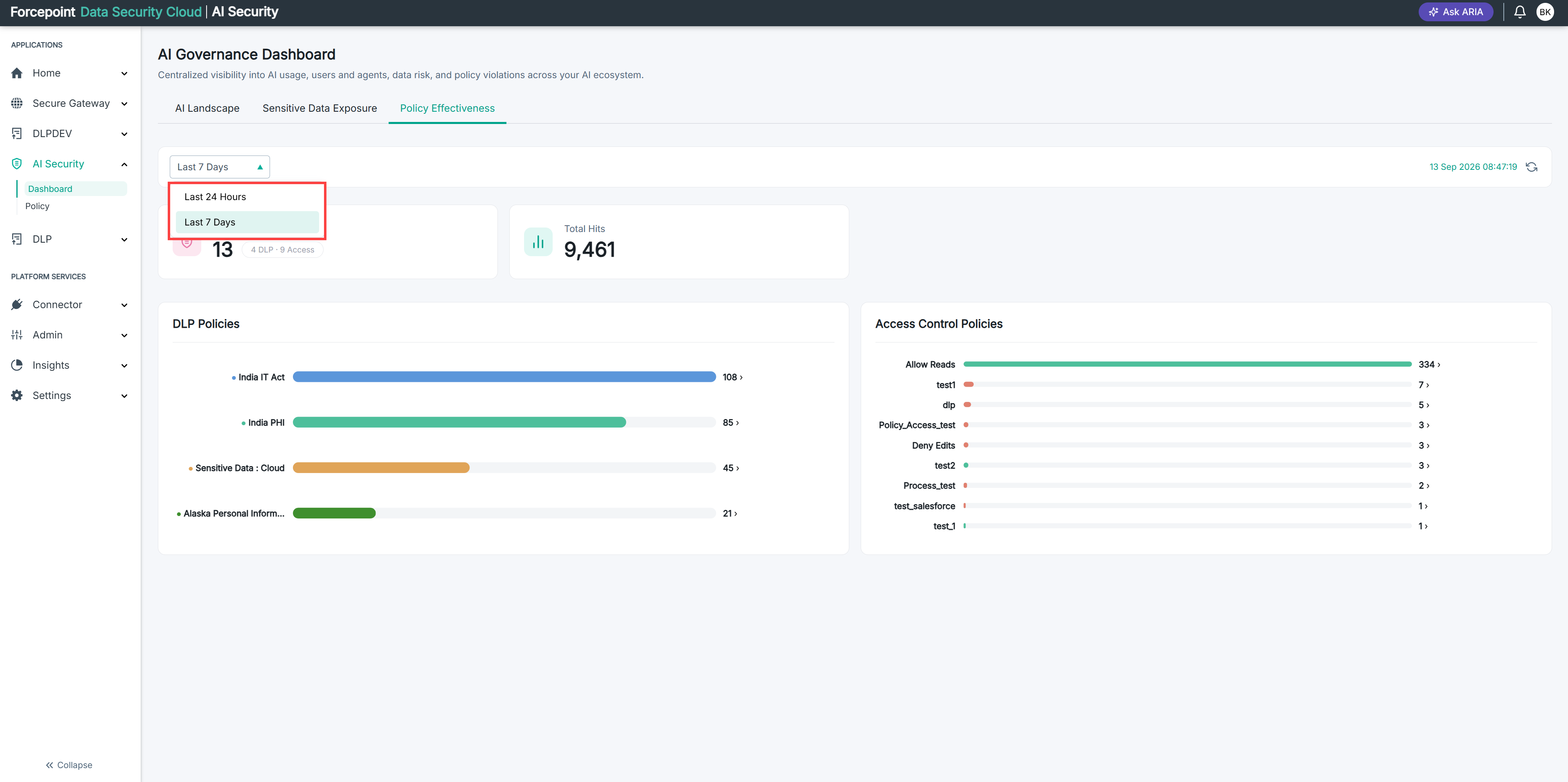
The list sits at the top left of the tab.
Every card, chart, and list on the tab reloads for the period you chose.
-
Check the date and time shown at the top right of the tab.
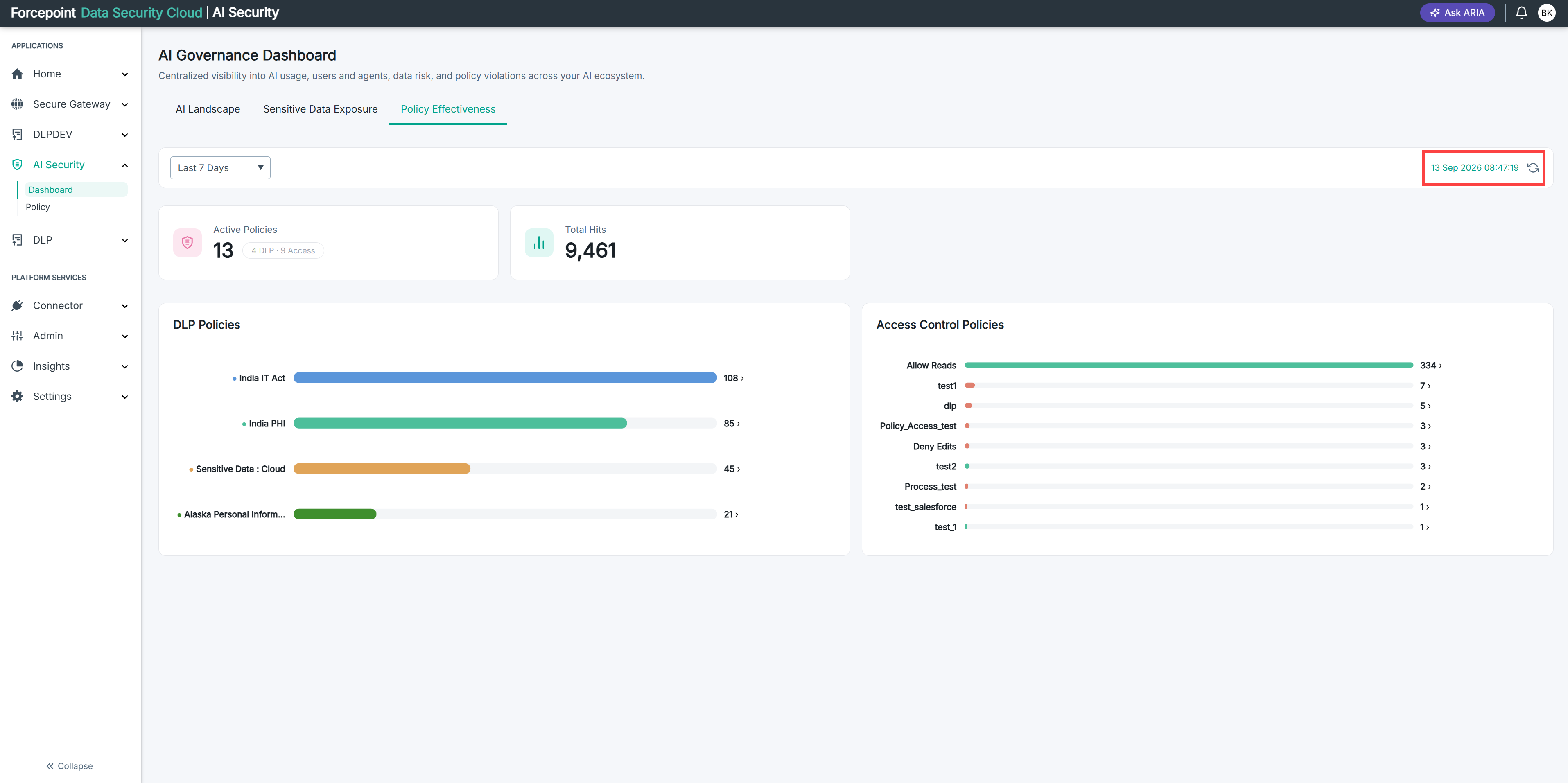
This tells you when the data was last refreshed. It is not the period you selected.
-
Click the refresh icon beside the date and time.
Do this if the tab has been open for a while and you want current figures.
Result
The tab reports on the period you selected. The period stays set while you move between the cards, the two policy charts, and the classification list.