
Opening the New Group Panel
Open the New Group panel to create a group of agents that you can manage together.
Agent groups let you treat a set of agents as one unit, so that you do not have to repeat the same configuration for each agent individually.
Steps
-
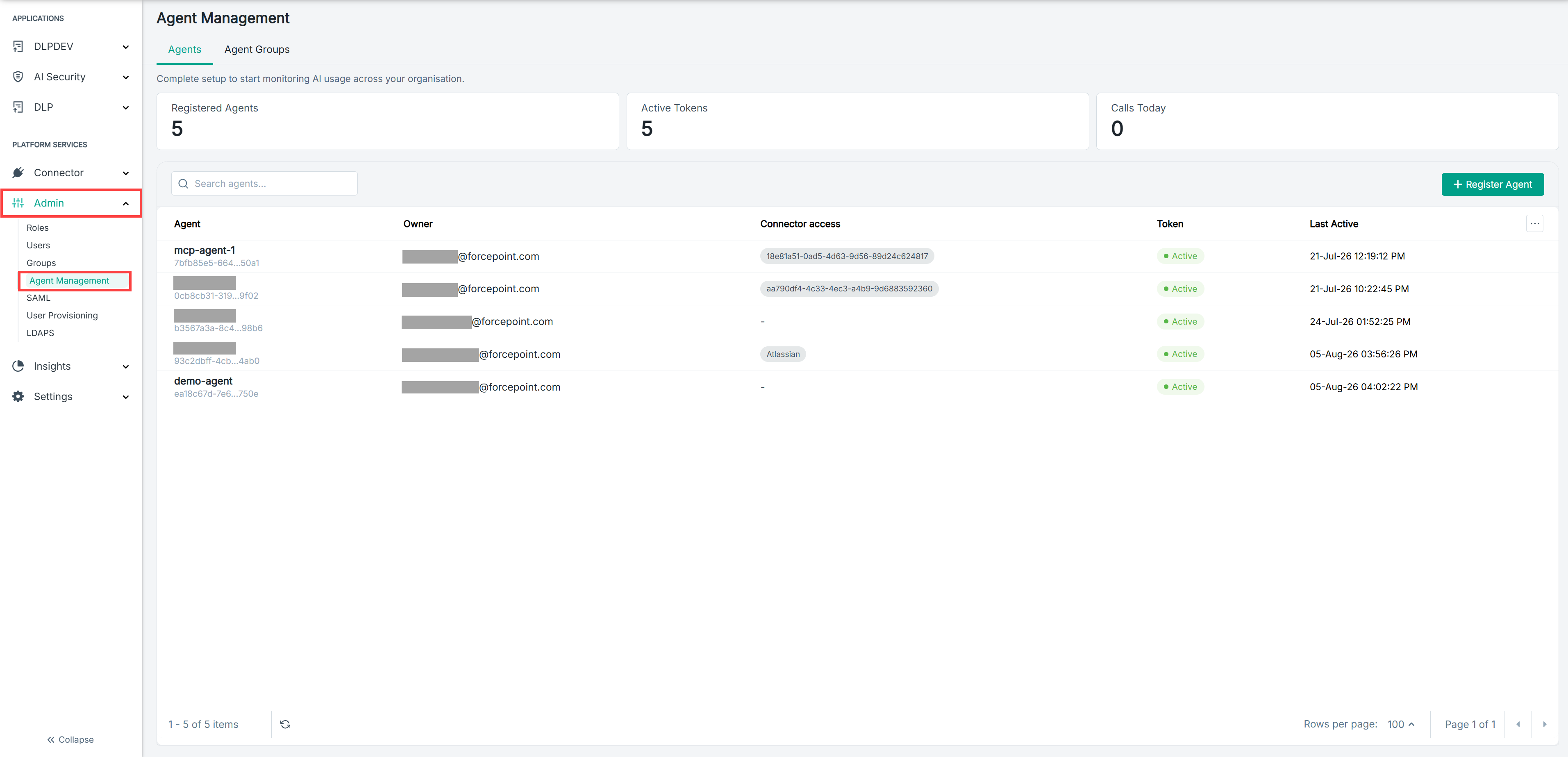
Open the Agent Management page.
-
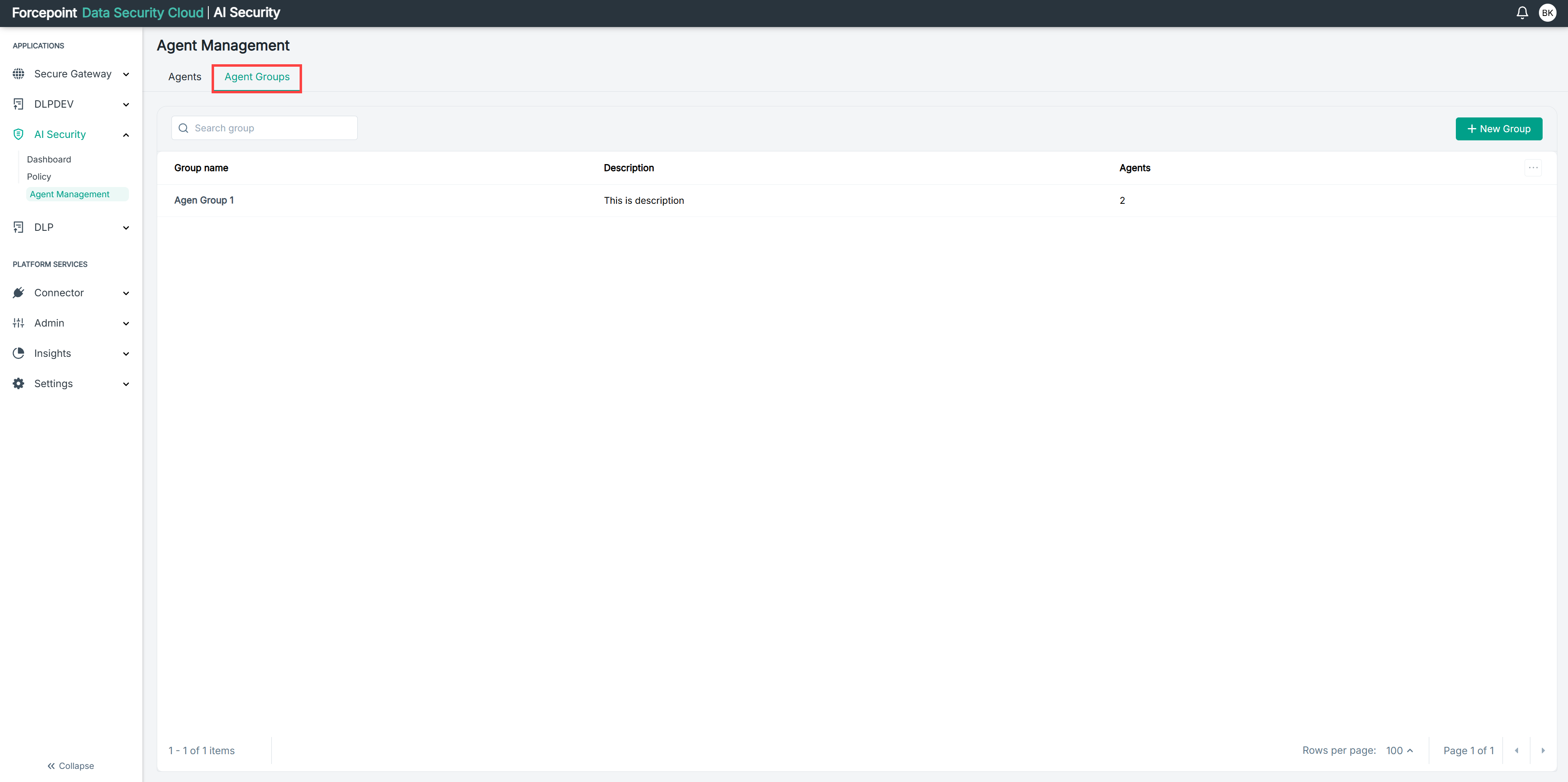
Select the Agent Groups tab.
-
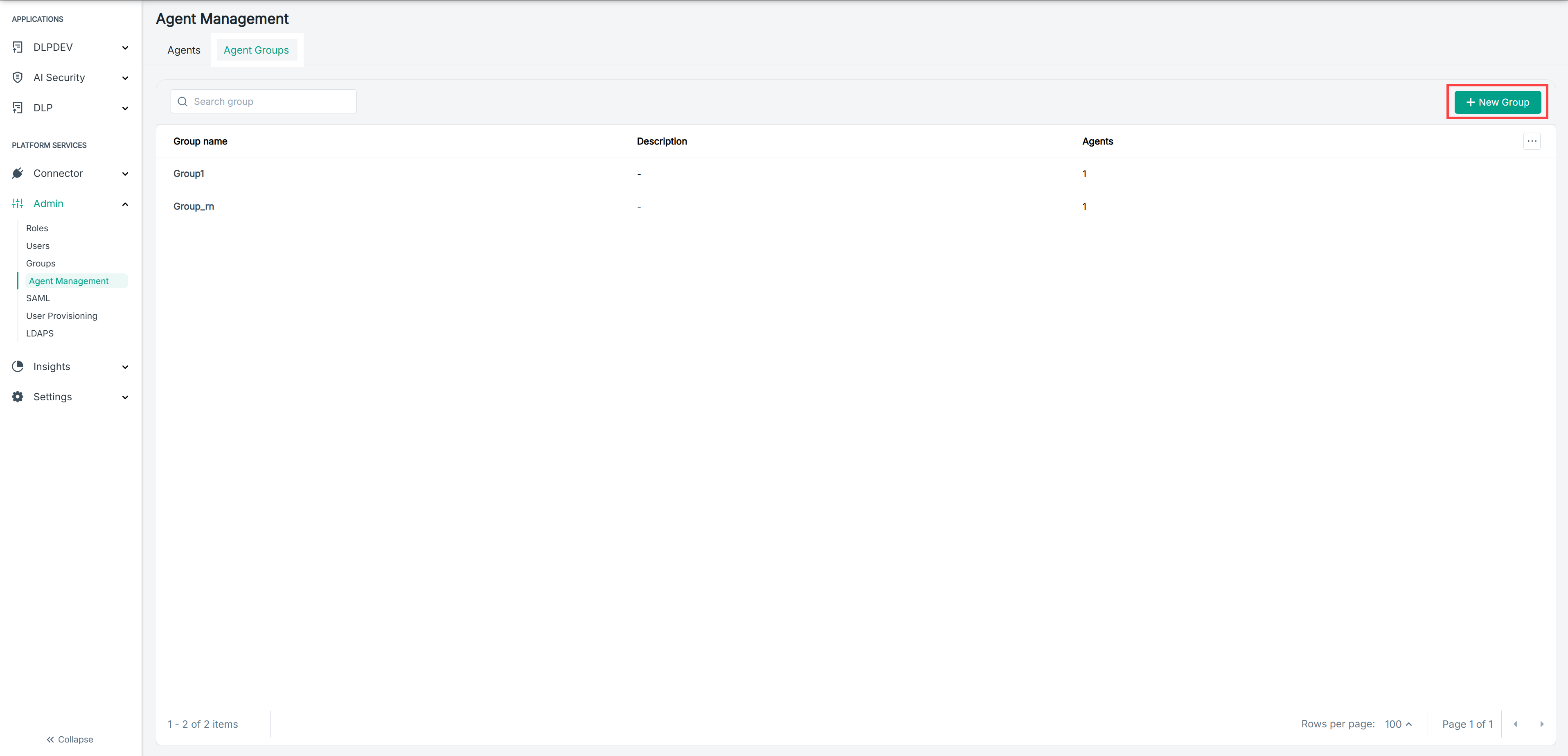
Select New Group.
Result
The New Group panel opens, showing the Details and Agents sections.
.png)
Next steps
To close the panel without creating a group, select Cancel.