
Updating the Credentials of a Connector
Replace the authentication credentials on a connector when they expire, are rotated, or are rejected.
Before you begin
Generate the replacement credential in the AI application before you begin. The credential you need depends on the connector:
-
Claude requires a Compliance Access Key.
-
ChatGPT requires a Compliance API key from your OpenAI account. If your organization ID or ChatGPT workspace ID has also changed, have those ready as well. requires an API key from your OpenAI account. You may also need your organization ID if it has changed.
-
Microsoft Copilot requires a client secret from your Microsoft Entra app registration.
Steps
-
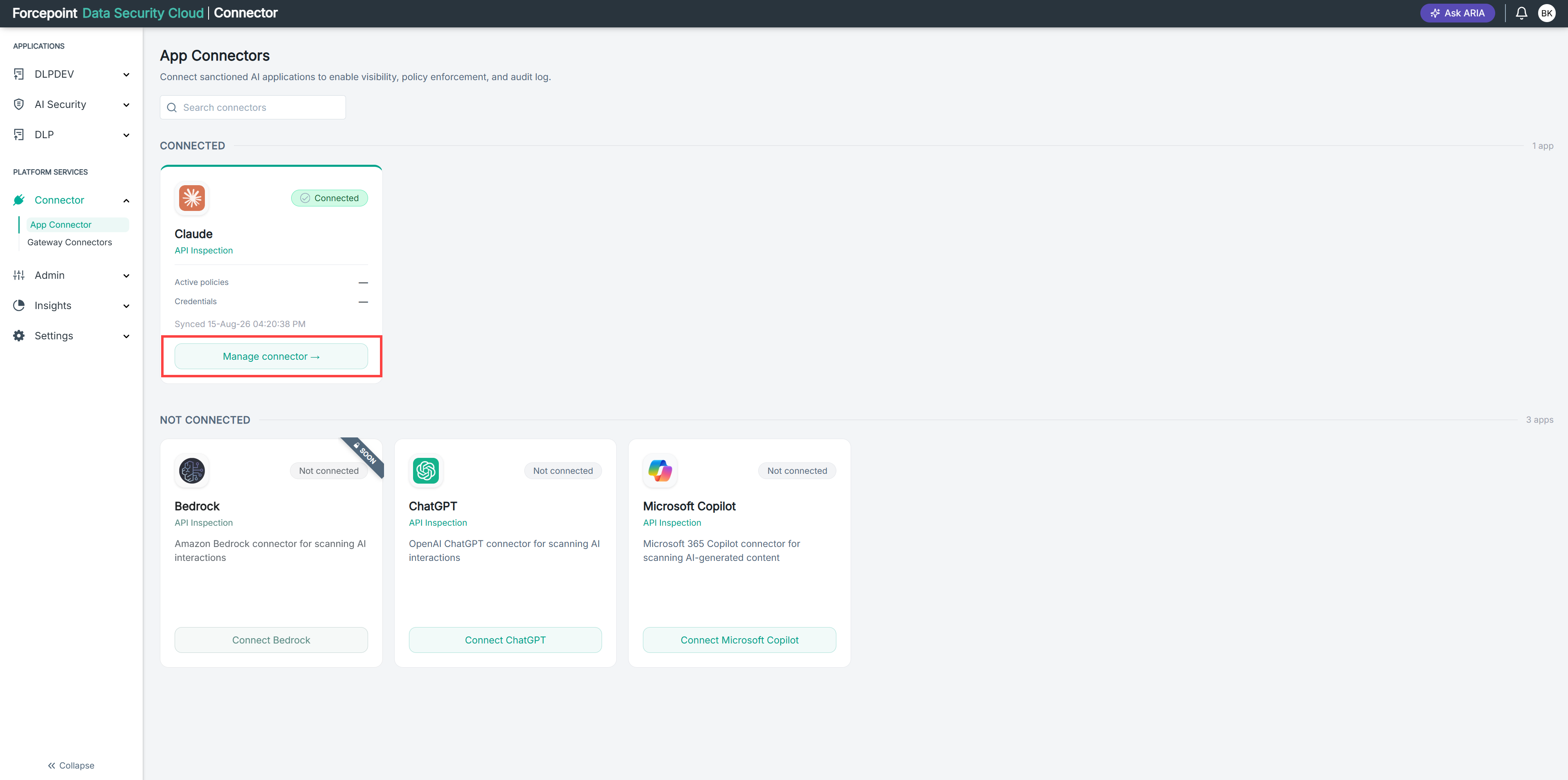
Open the Edit Connector panel for the connector.
-
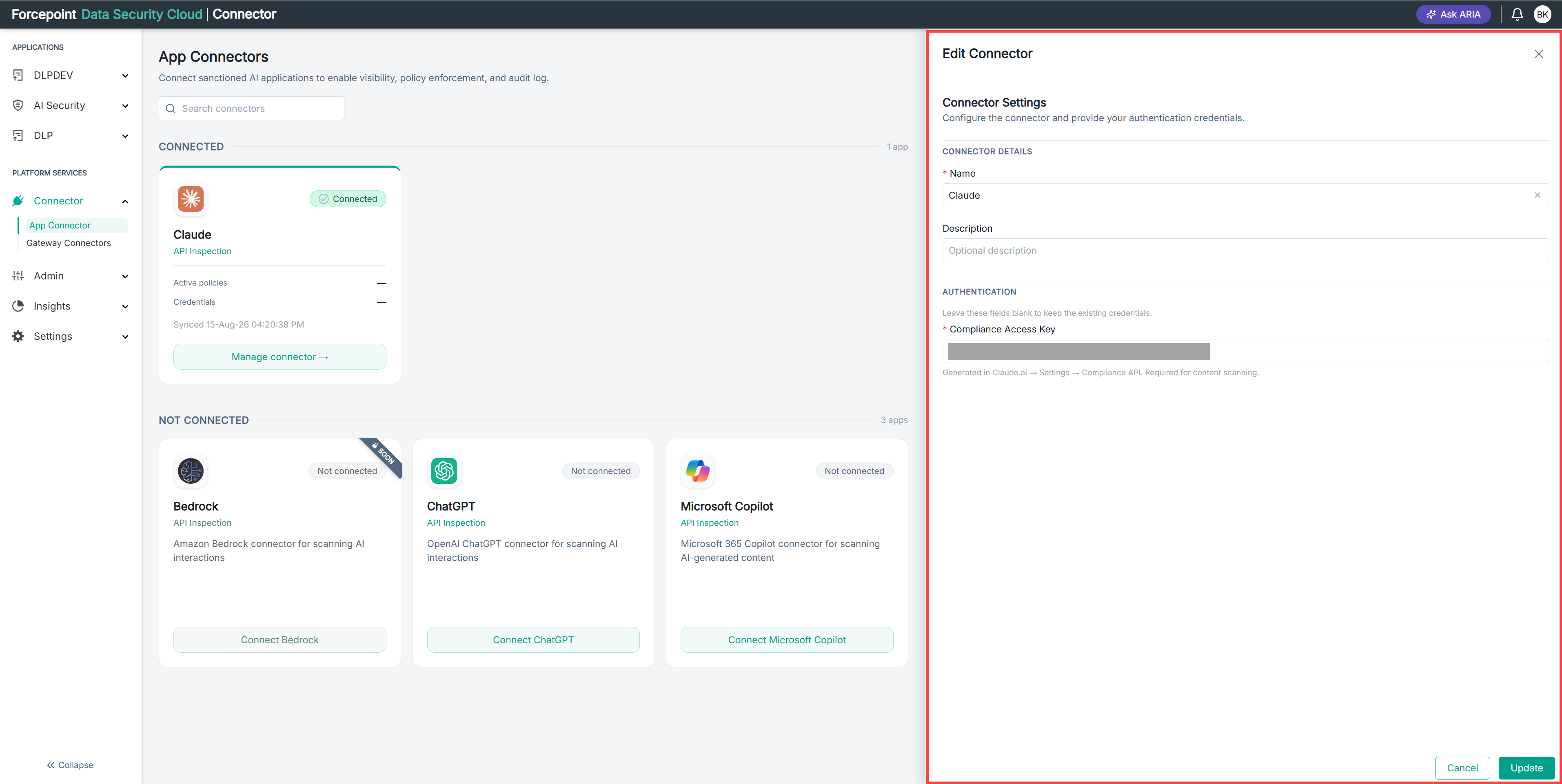
Under AUTHENTICATION, enter the new credential.
-
Select Update.
Result
The connector uses the new credential. If the credential is valid, the connector keeps its Connected status and continues inspecting interactions.
Next steps
If the connector reports an invalid credential, verify the value and enter it again.