
Copying the Client Secret
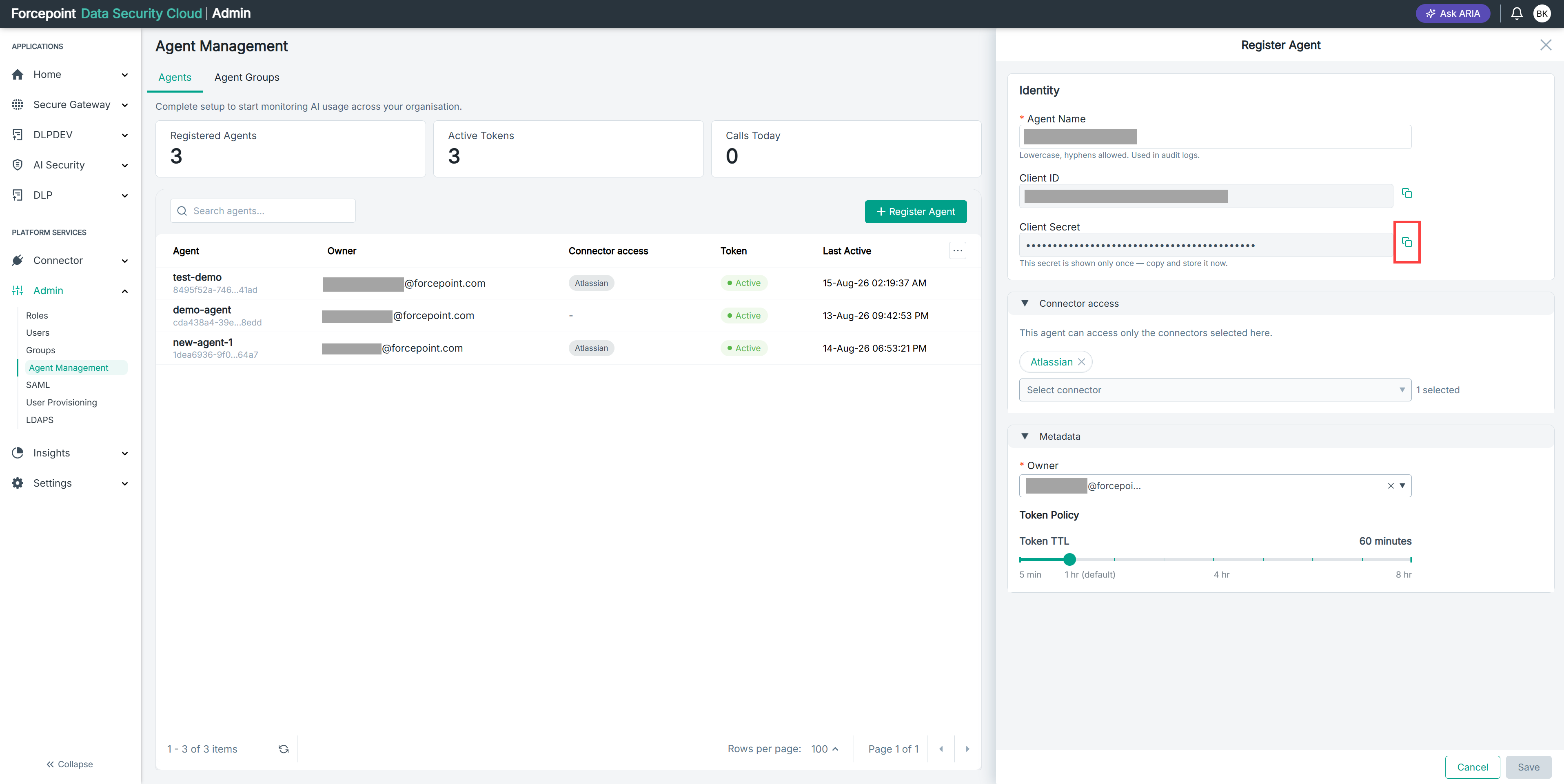
Copy the agent's client secret to the clipboard and store it securely. The secret is displayed only once.
Steps
-
Prepare a secure location to store the secret.
Use your organization's secret manager or password vault. Do not store the secret in a plain text file, a chat message, or an email.
-
Under Identity, select the copy icon next to Client Secret.
-
Paste the secret into your secure storage location and save it.
-
Confirm that the stored value is complete before you close the panel.
Result
The client secret is stored securely and is available when you configure the agent.