
Enabling an Access Policy
Turn on a policy so that AI Security evaluates agent requests against it.
Steps
-
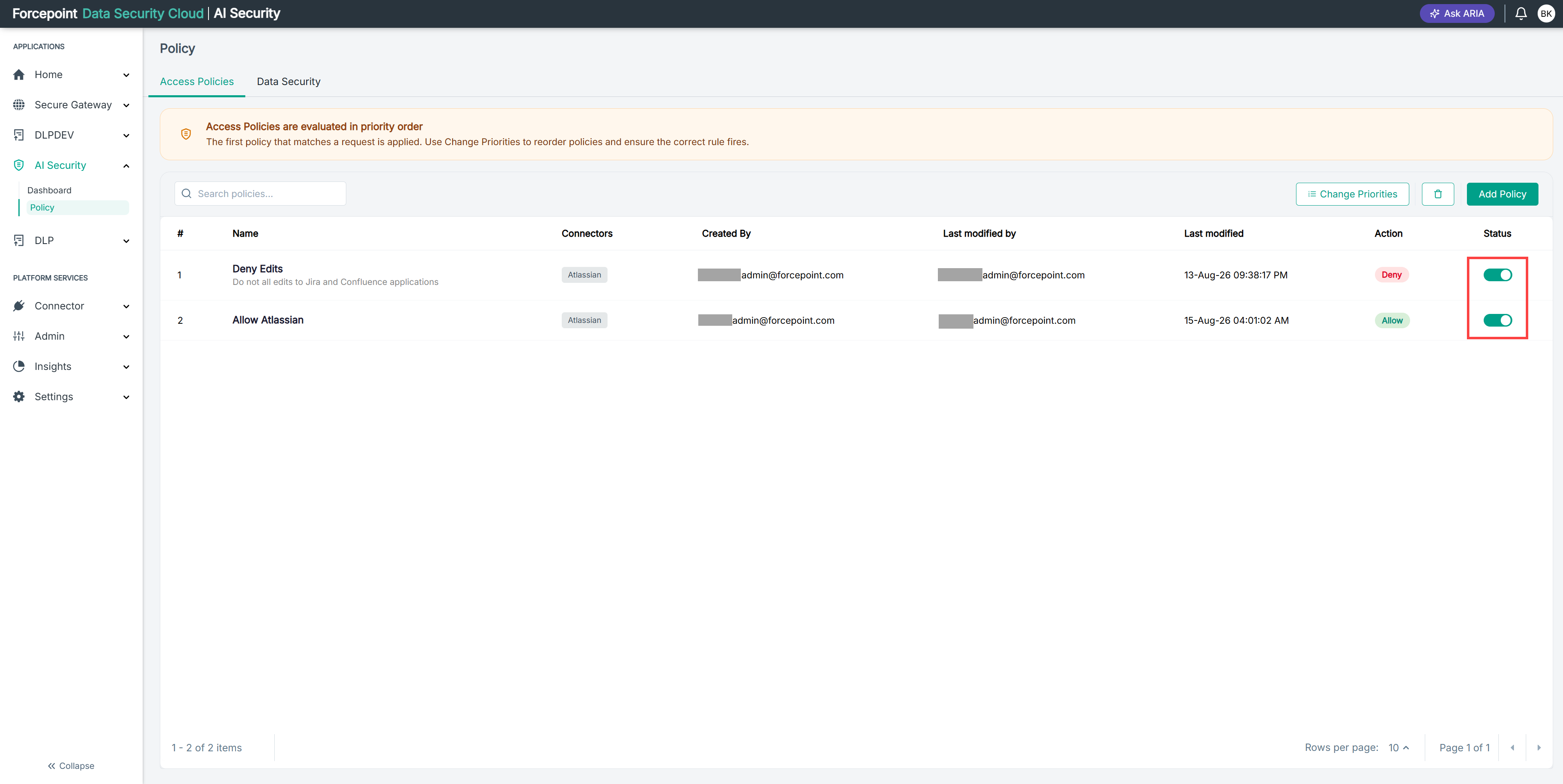
Open the Policy page.
-
Locate the policy in the list.
-
In the Status column, select the toggle to turn the policy on.
Result
The policy is active and is evaluated in its position in the list.
Next steps
Enabling a policy can change the outcome for policies below it, because evaluation stops at the first match.