
Choosing the Authentication Method for a Gateway Connector
Select whether the connector authenticates each user individually or once for the whole organization.
Before you begin
Decide which method suits your organization before you begin. Changing the method later requires you to authorize the connector again.
Steps
-
Open the Manage connector panel for the gateway connector.
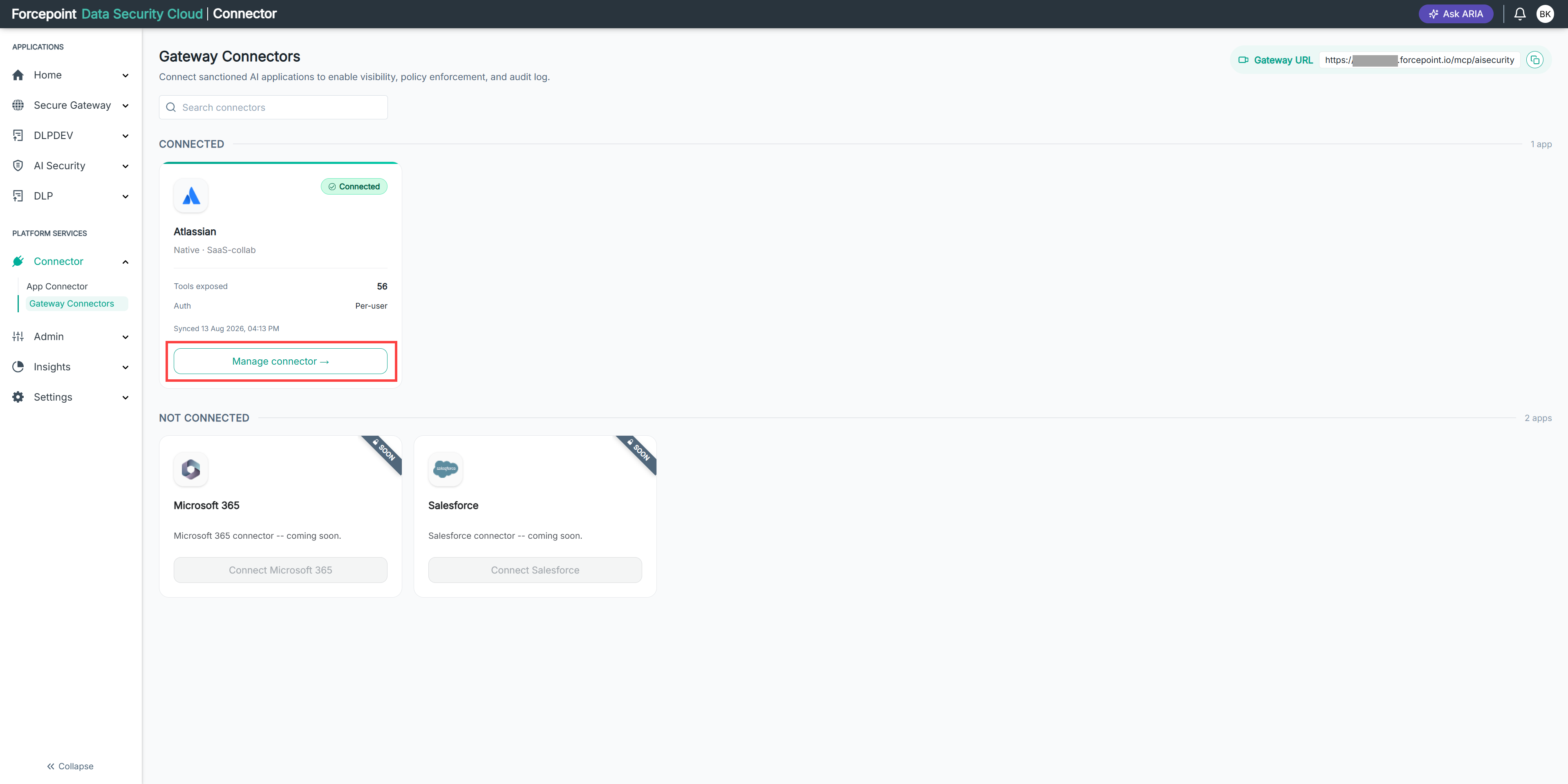
-
Expand Authentication.
-
Under Authentication Method, select Per User or Org-Wide.
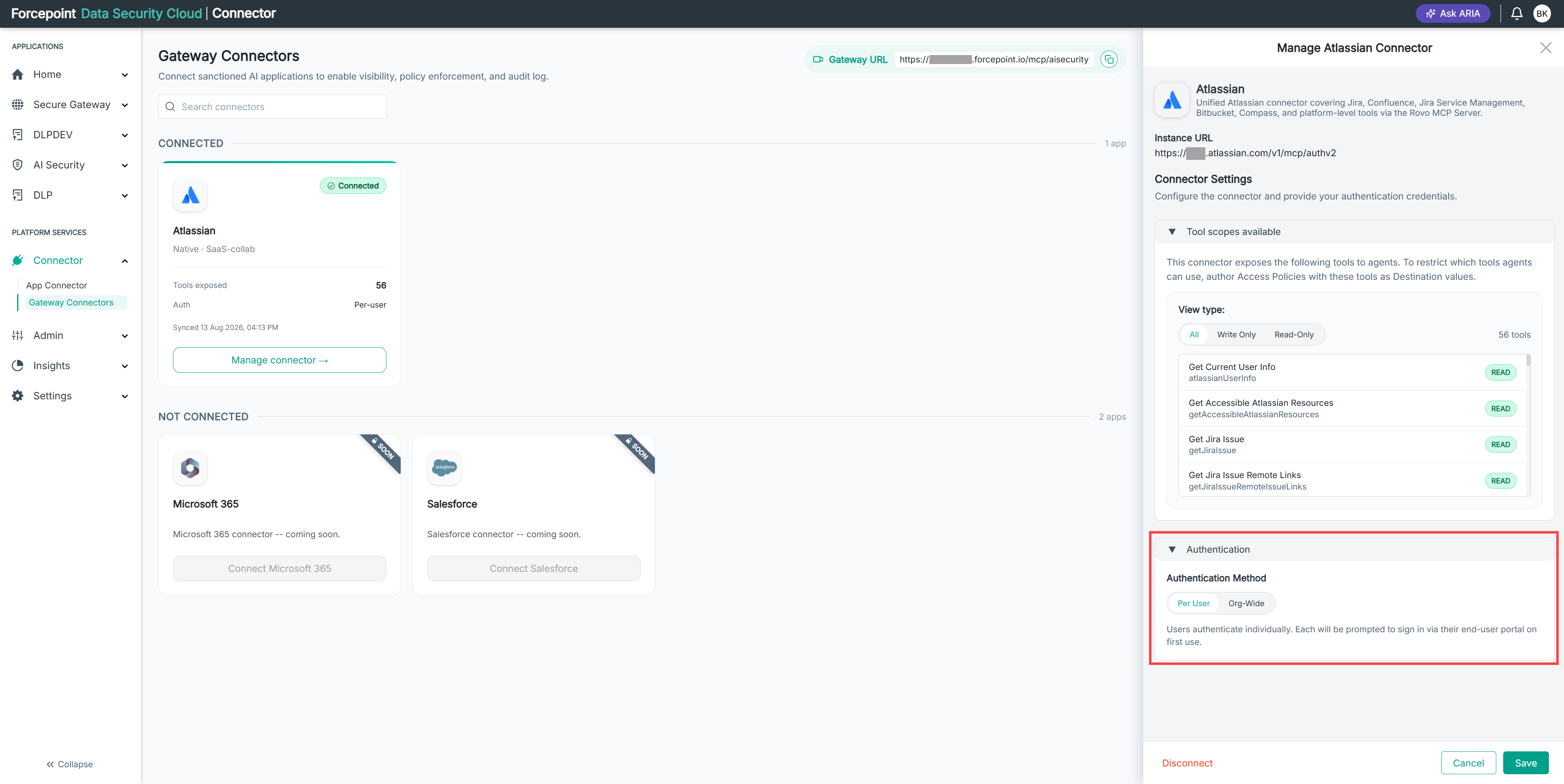
The settings for the method you selected are displayed.
-
Complete the settings for the method you selected.
-
Select Save.
Result
The connector uses the authentication method you selected. The method is shown as Auth on the connector card.