
Opening the Sensitive Data Exposure Tab From a Widget
Move from a single application's figures to the full picture of sensitive data exposure across your organization.
Before you begin
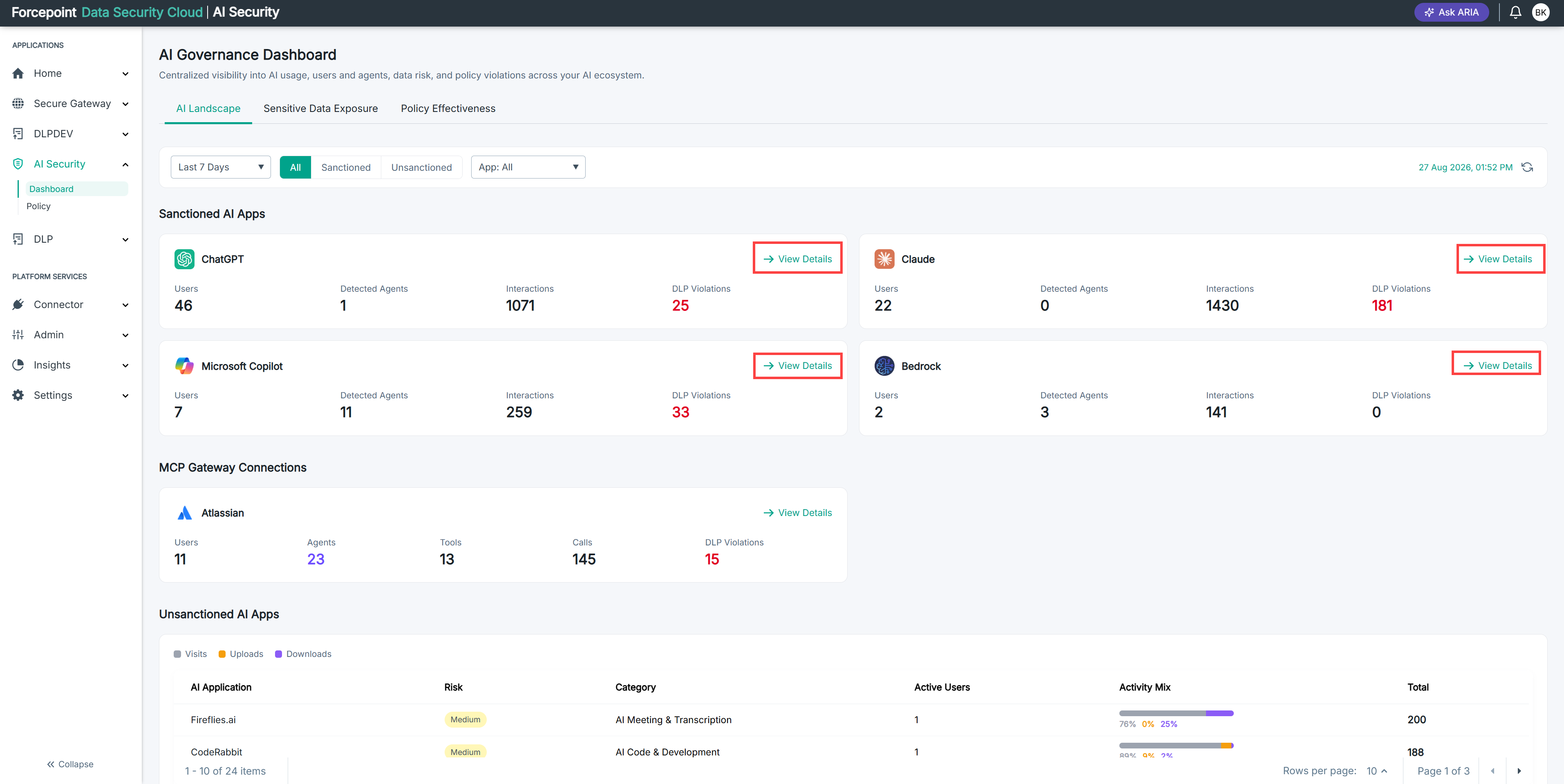
You are looking at a data security violation widget on the AI Governance Dashboard.
Steps
-
Select View Details on the widget.
The Sensitive Data Exposure tab opens.
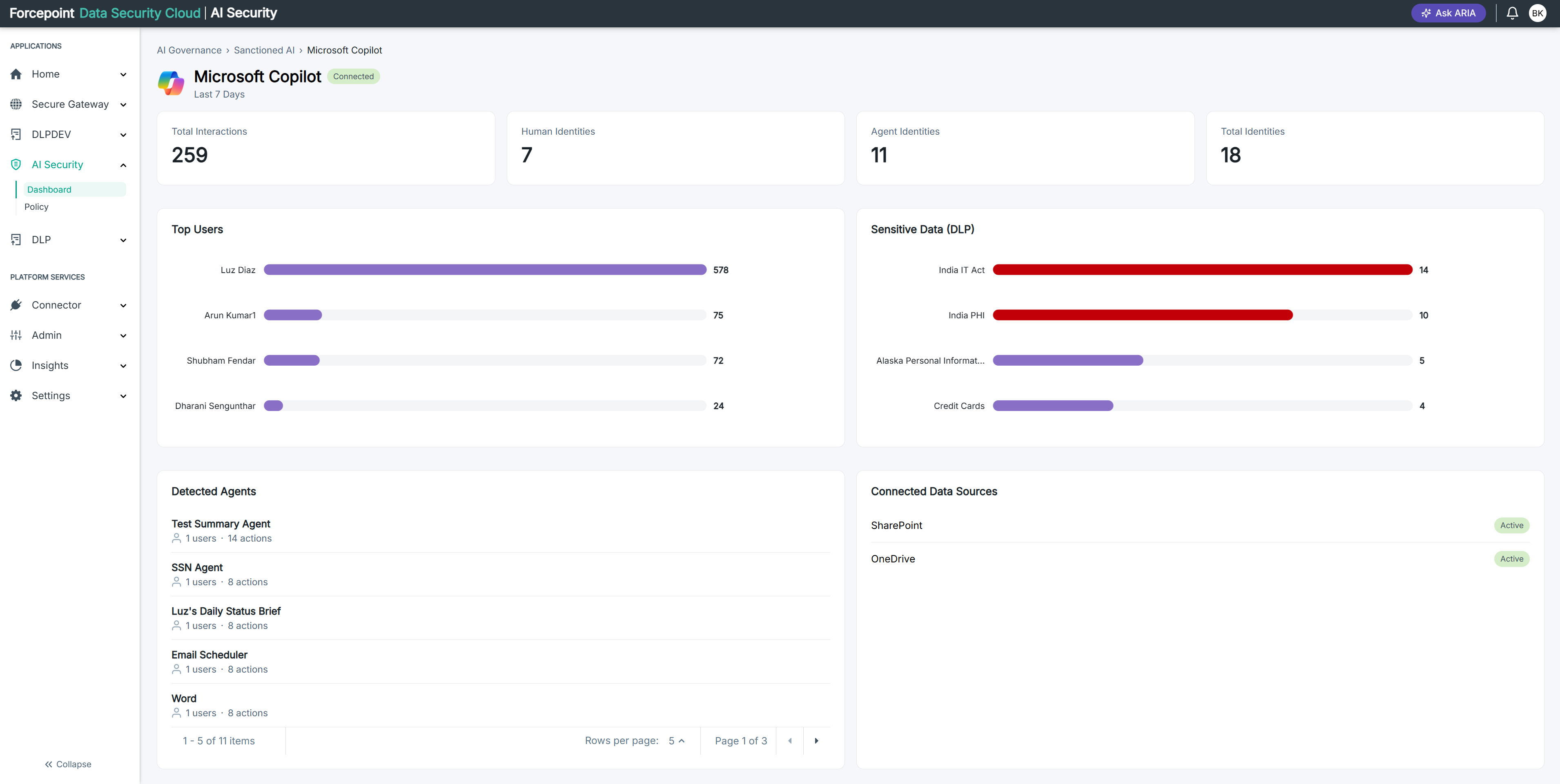
Result
You are on the Sensitive Data Exposure tab, which reports on every connected AI application rather than the one you came from.