
Changing the Reporting Time Period
Set the period the dashboard reports on, so that you can review recent activity or look further back.
The time period applies to every section of the dashboard. Changing it updates the counts, the charts, and the tables together.
Steps
-
Open the AI Governance Dashboard.
-
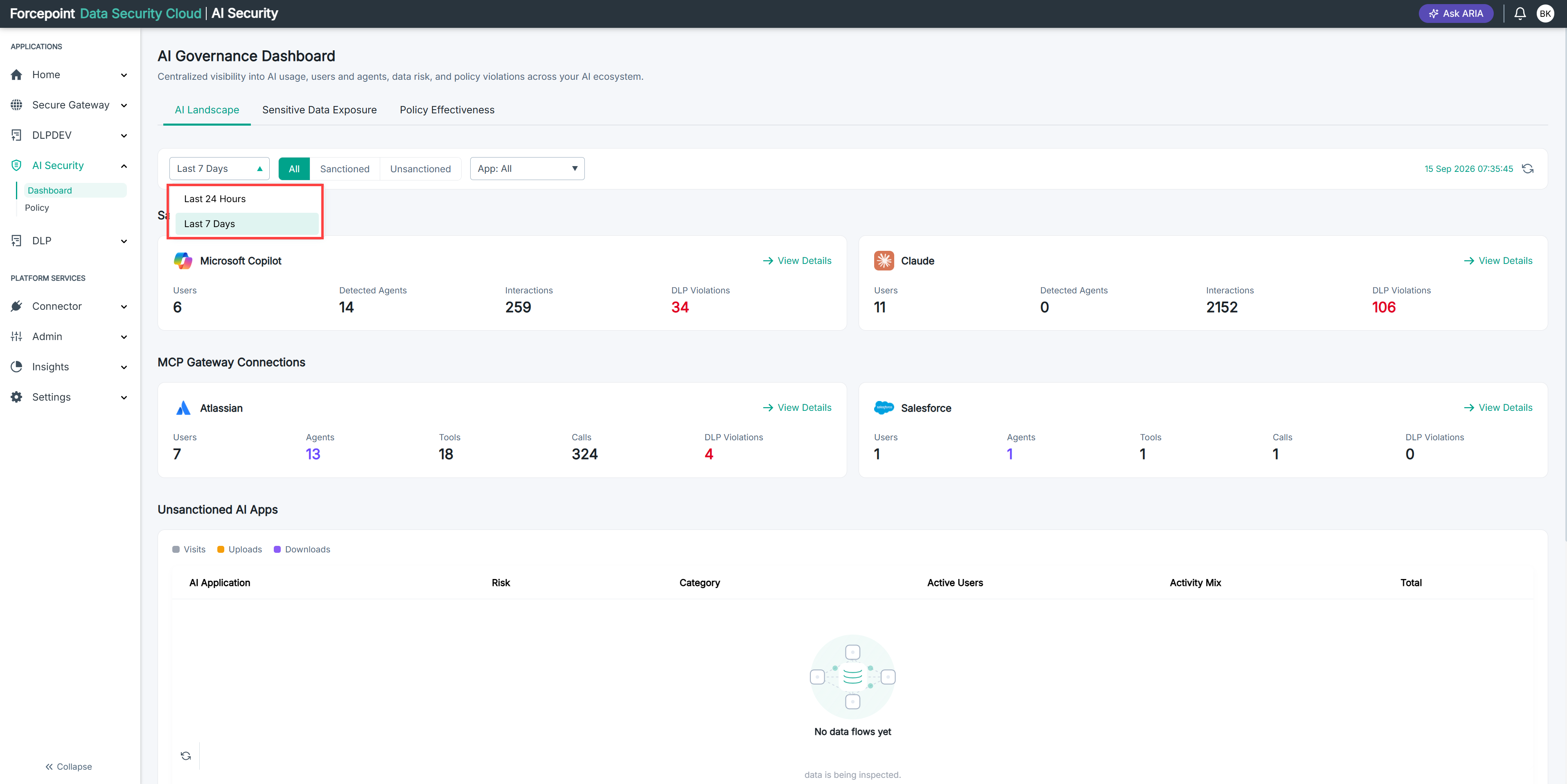
From the time period list in the filter bar, select the period you want to report on.
Result
The dashboard reloads and shows activity for the period you selected.
Next steps
If a section is empty after you change the period, there may be no activity in that period rather than no data at all. Try a longer period to confirm.