
Assigning an Owner to an Agent
Record the user responsible for an agent, so that its activity can be traced back to a person.
Every agent must have an owner. The owner is the person accountable for what the agent does, and the first point of contact when its activity needs to be reviewed.
Steps
-
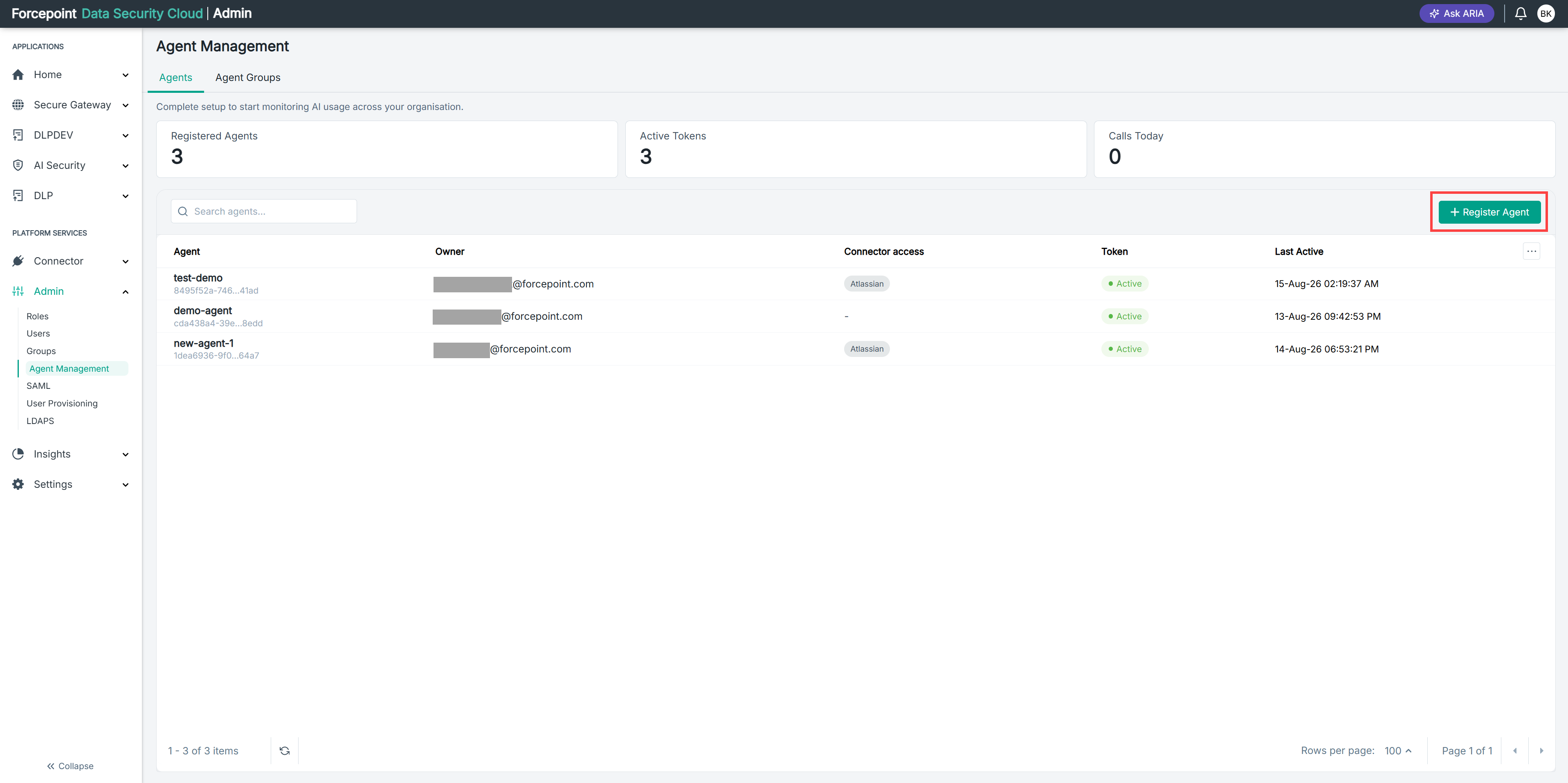
Open the Register Agent panel.
-
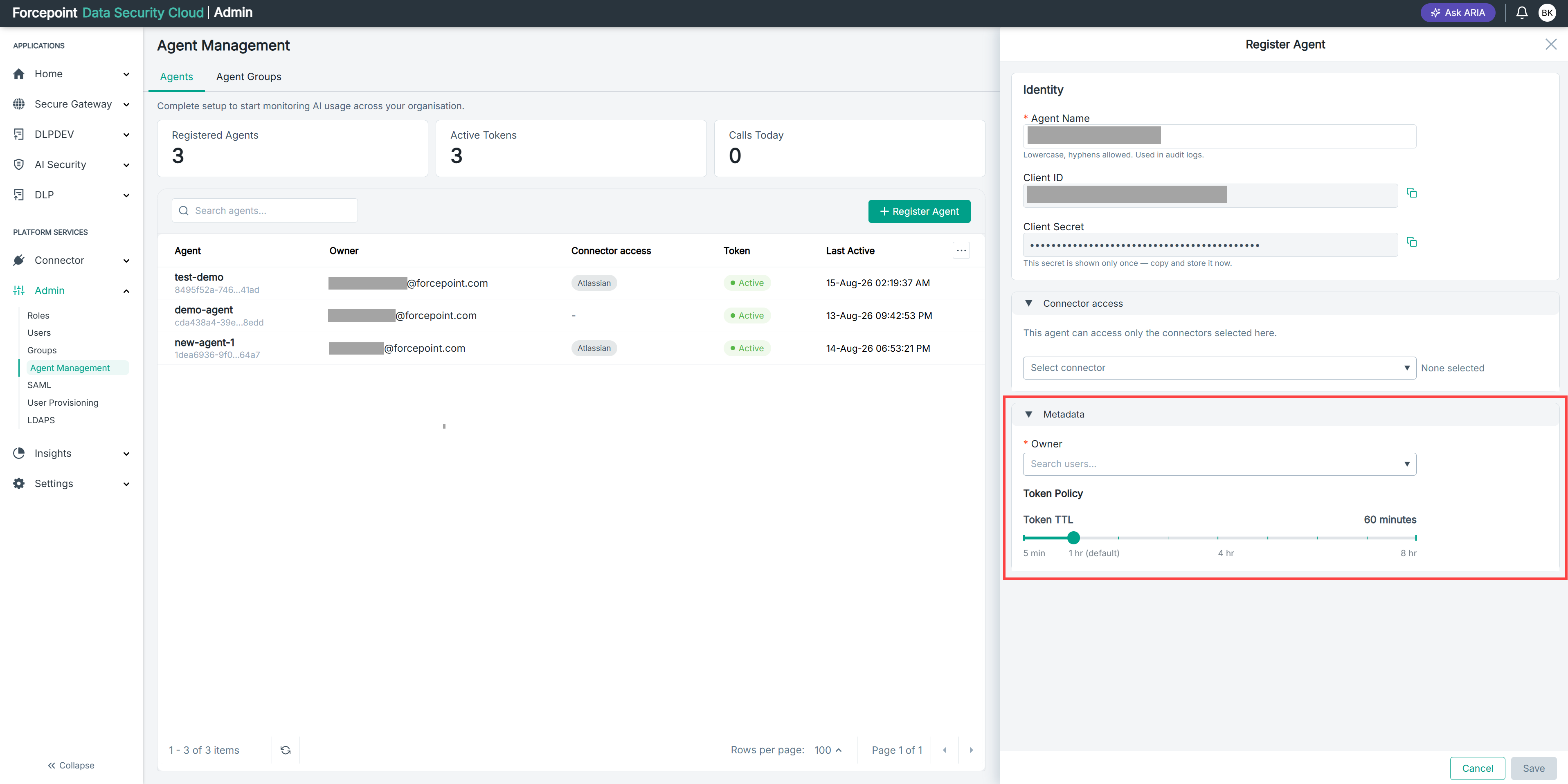
Expand Metadata.
-
In Owner, enter the name or address of the user you want to assign.
-
Select the user from the results.
Result
The user is assigned as the owner of the agent, and appears in the Owner column of the agent list.