
Interpreting the Action Taken on an Event
Find out what AI Security did when a policy matched, and whether the sensitive data reached the AI application.
Before you begin
You are looking at the Recent High Severity Events list.
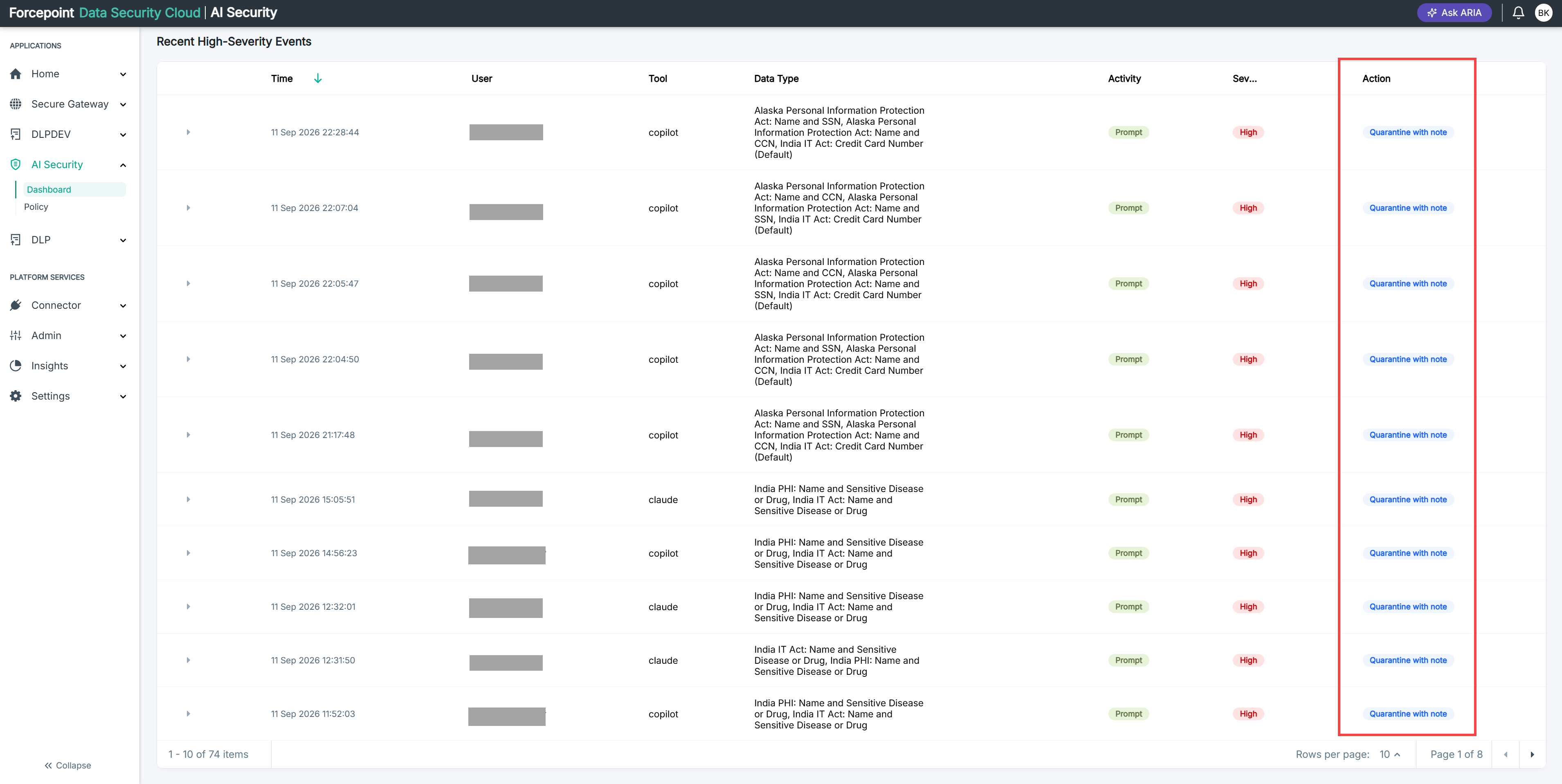
The action comes from the data security policy that matched. It is set on the Forcepoint Data Security portal, not in AI Security, so two events against the same classification can be treated differently if different policies matched them.
Steps
-
Find the event you want to look at.
-
Read the action shown against it.
-
Establish whether the data reached the AI application.
If the action stopped the request, the data did not reach the application. If it only recorded the event, the data did.
-
If the action was not what you expected, open the matching policy on the Forcepoint Data Security portal and check the action configured on it.
Result
You know whether the violation was prevented or merely recorded, and where to change that if it was wrong.