
Refreshing the Dashboard Data
Reload the dashboard so that it shows the most recent activity.
Steps
-
Open the AI Security Dashboard.
-
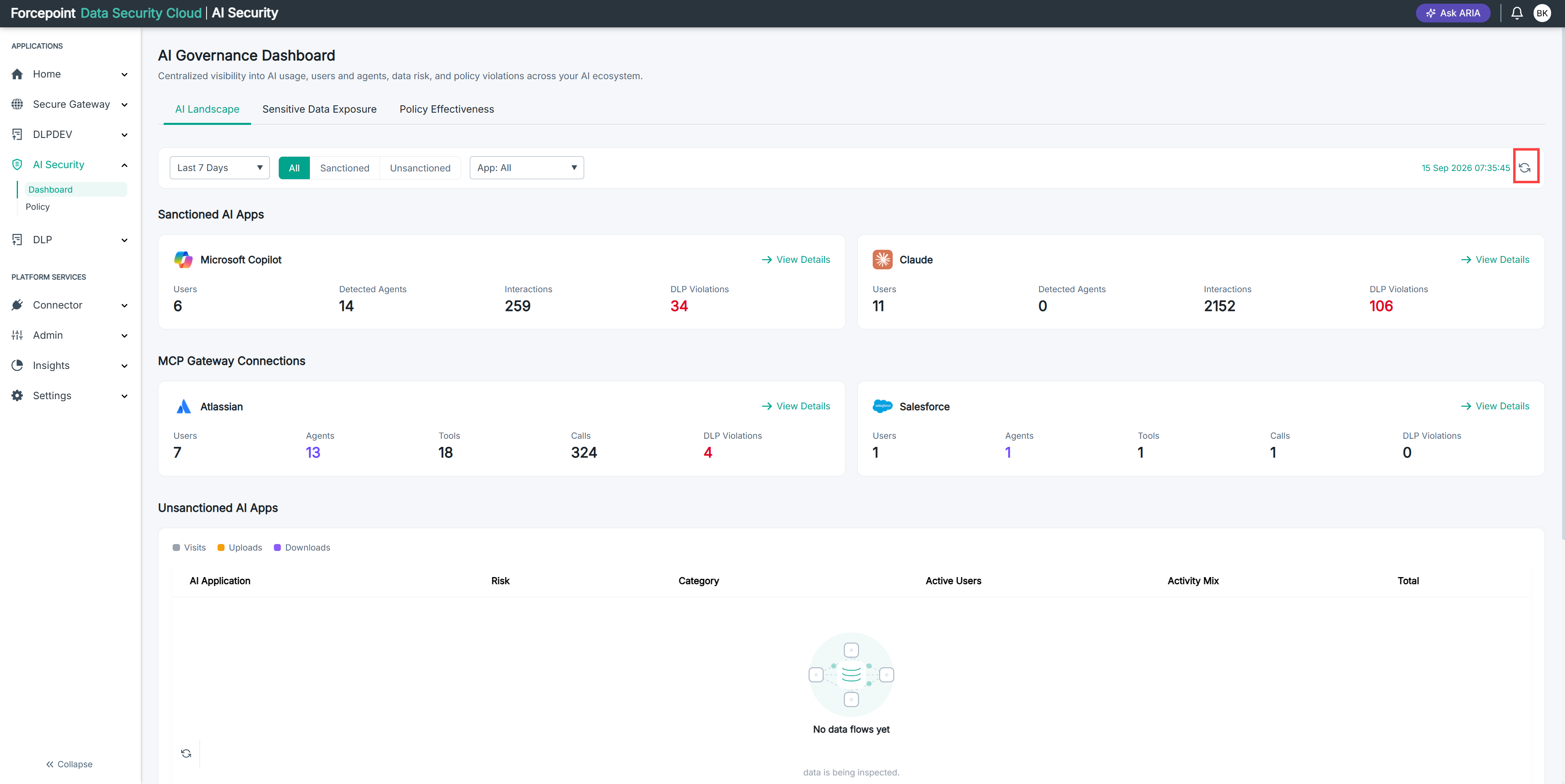
Select the refresh icon at the right of the filter bar.
Result
The dashboard reloads and the timestamp next to the refresh icon updates.
Next steps
Activity can take time to reach the dashboard after it occurs. If a recent interaction does not appear, wait and refresh again.