
Completing the App Connection
Finish connecting an AI application once you have entered its connection details.
Connect stays unavailable until every required field is complete. Required fields are marked with an asterisk.
Steps
- Review the details you have entered in the Connect App panel.
- Confirm that every field marked with an asterisk contains a value.
- Select Connect.
Result
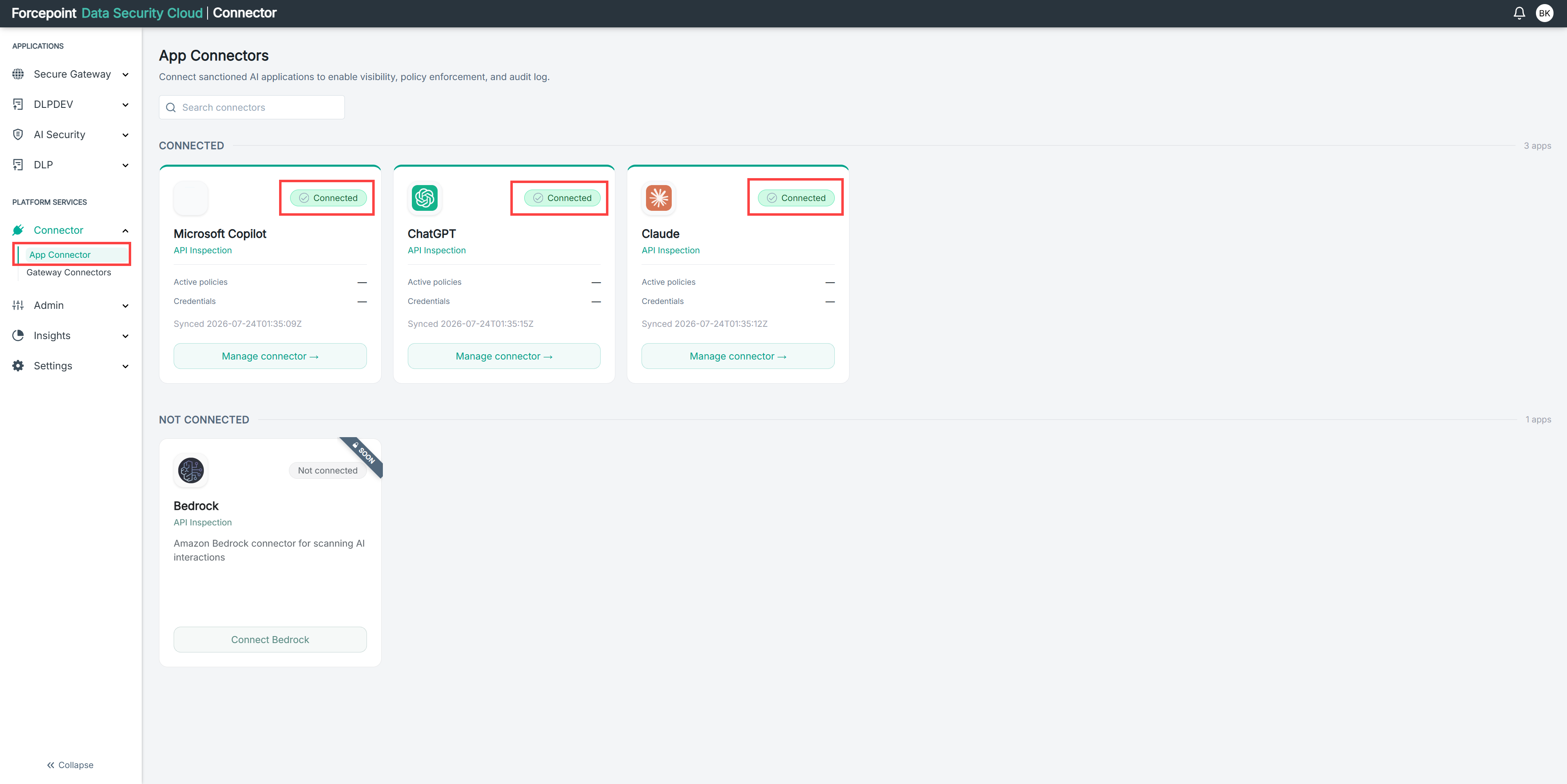
The application moves to CONNECTED on the App Connectors page with a Connected status.
Next steps
Activity can take time to appear after a connector is added. If the dashboard shows nothing immediately, wait and check again.