
Selecting Which Connectors an Agent Can Access
Limit an agent to the gateway connectors it needs, so that it cannot reach business applications outside its purpose.
An agent can only reach the connectors you select here. Selecting fewer connectors reduces what the agent can do if its credentials are ever misused.
Steps
-
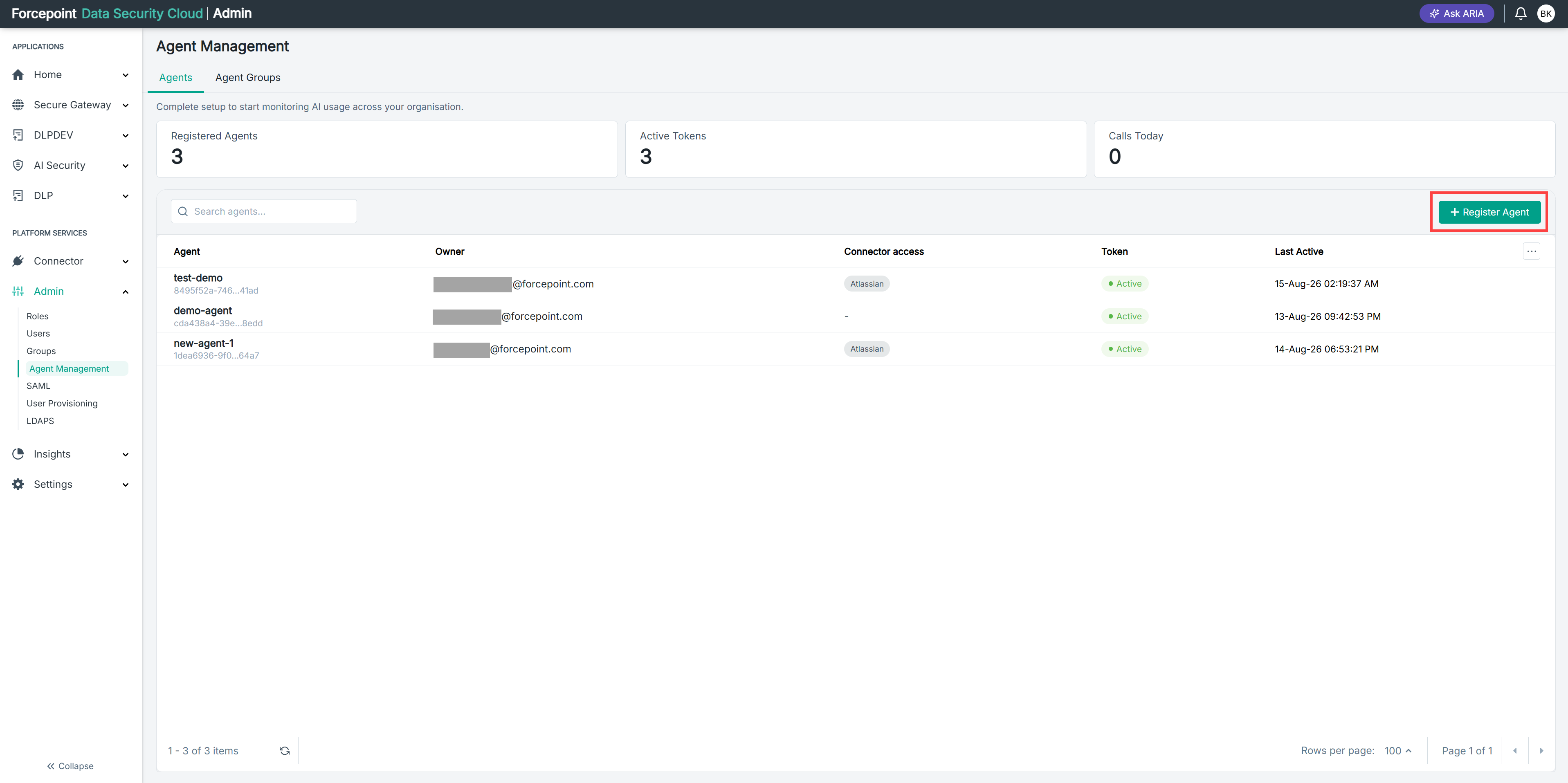
Open the Register Agent panel.
-
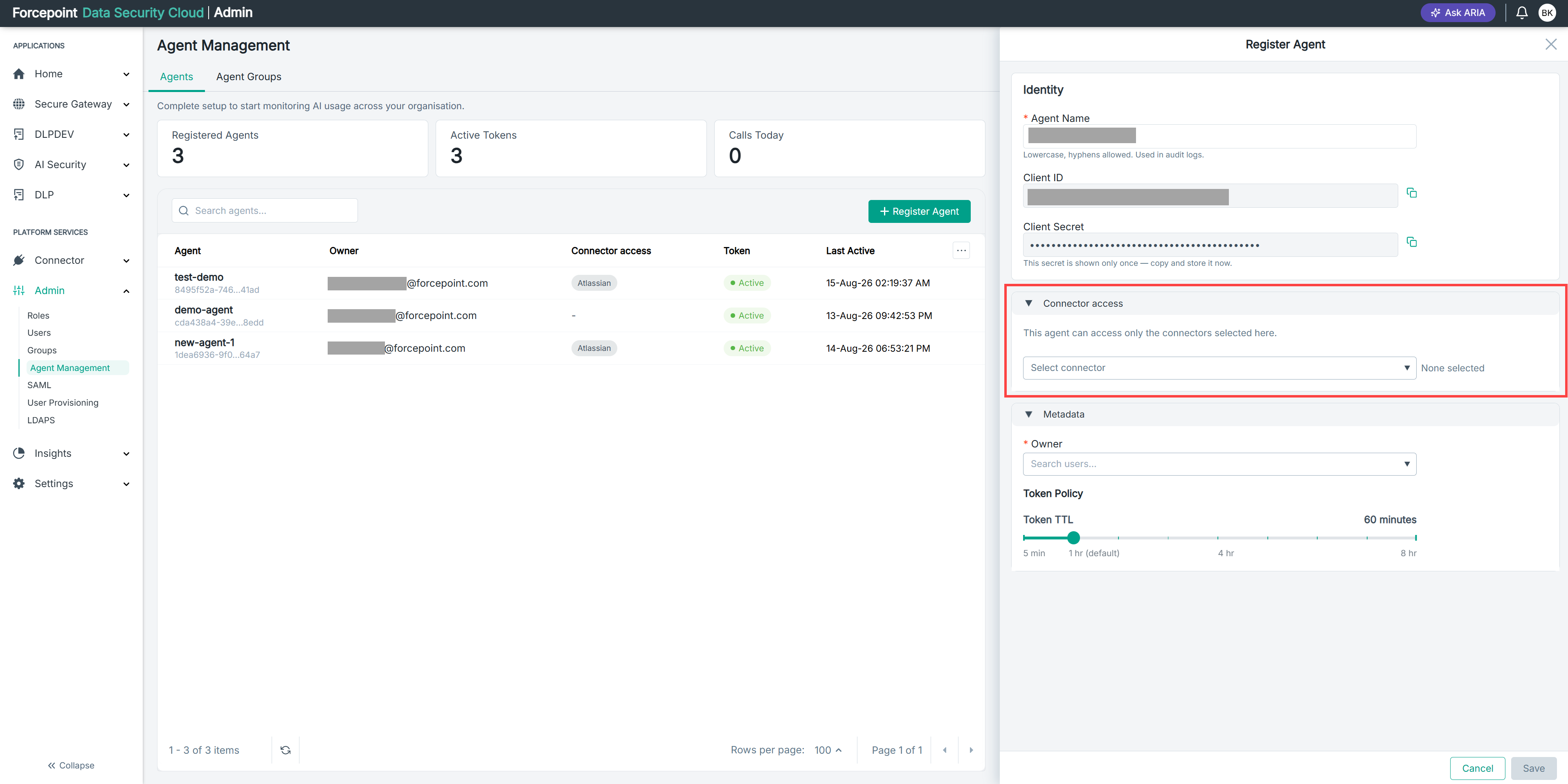
Expand Connector access.
-
From Select connector, select each connector the agent needs to reach.
Only connectors you have already added appear in the list.
-
Confirm that the connectors you selected are listed.
Result
The agent is permitted to call only the connectors you selected. The connectors appear in the Connector access column of the agent list.
Next steps
Connector access controls which applications the agent can reach. To control which individual tools it can use within those applications, write access policies.