
Viewing the List of Access Policies
Review your access policies, the order in which they are evaluated, and what each one does.
Steps
-
Open the Policy page.
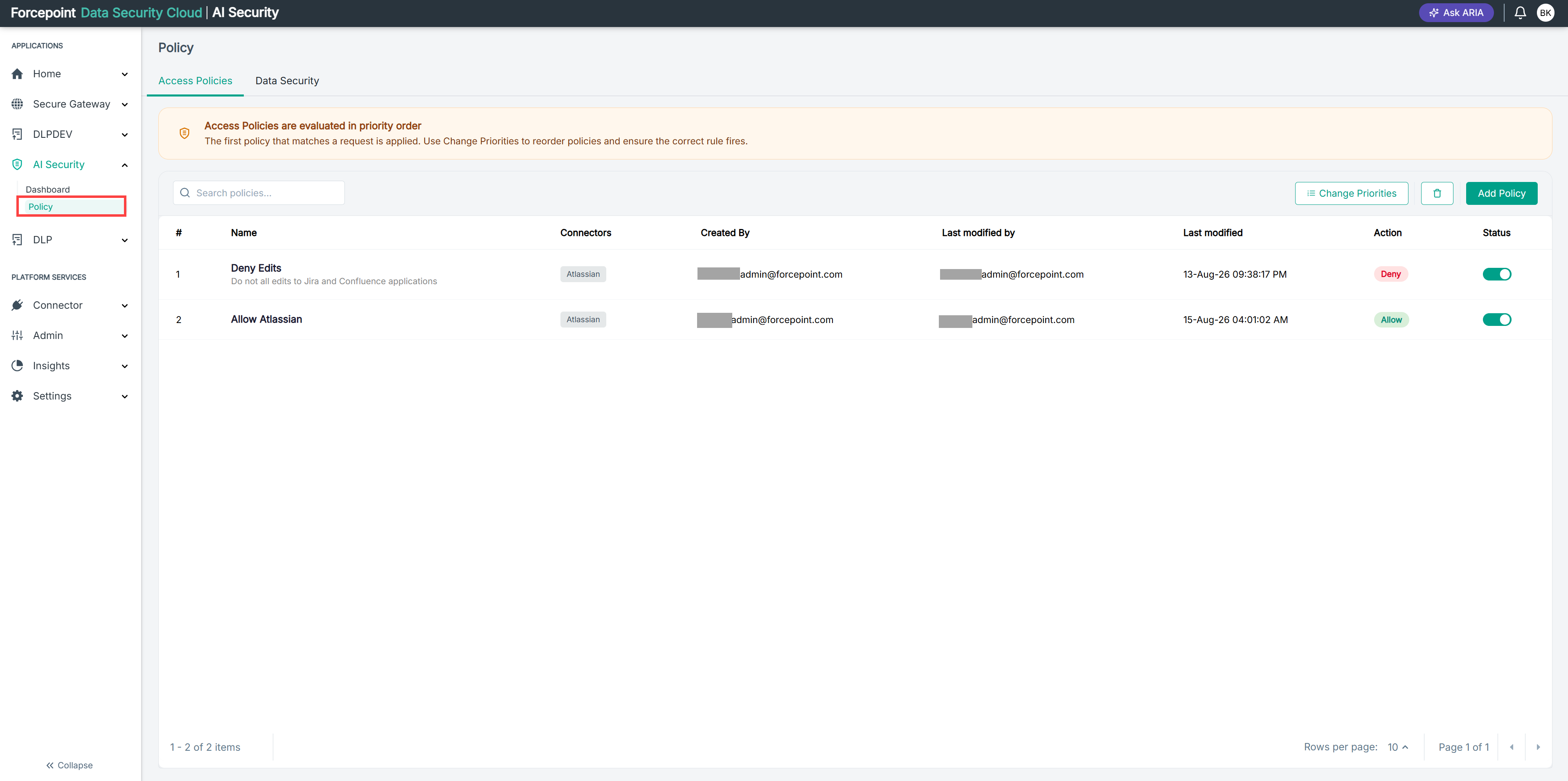
-
Review the details shown for each policy.
The list shows the following for every policy:
- The number in the first column, which is the evaluation order.
- Name — the name of the policy, with its description beneath.
- Connectors — the gateway connectors the policy applies to.
- Created By and Last modified by — who created and last changed the policy.
- Last modified — when the policy was last changed.
- Action — whether the policy allows or denies the request.
- Status — whether the policy is enabled.
-
Optional: To find a specific policy, enter its name in Search policies.
Result
You can see every access policy in your environment and the order in which it is evaluated.