
Saving a New Policy
Create the policy so that AI Security begins evaluating agent requests against it.
Before you begin
Before you save, confirm that you have named the policy, defined its source, defined its destination, and selected an action.
Steps
-
Review the policy name and description.
-
Confirm that the Source section names the identities you intend, using the correct inclusion or exclusion setting.
-
Confirm that the Destination section names the connector and tools you intend.
-
Confirm that the action is set to Allow or Deny as you intend.
-
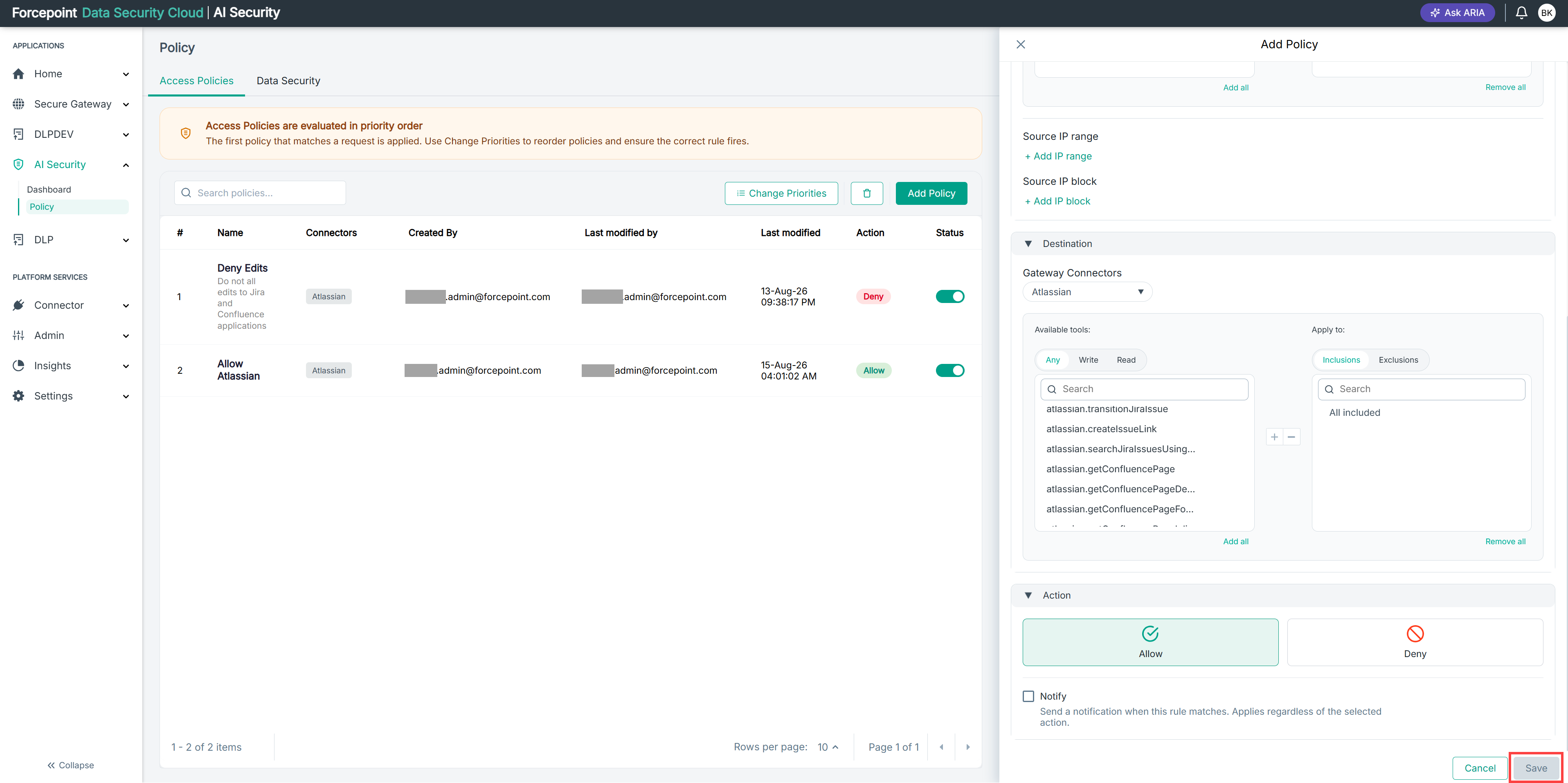
Select Save.
Result
The policy appears in the policy list and AI Security begins evaluating agent requests against it.
Next steps
Check the position of the new policy in the list. A policy above it may match first and prevent it from taking effect.