
Removing an IP Condition From a Policy
Delete an IP range or block so that the policy no longer restricts requests to that network location.
Steps
-
Open the Add Policy panel.
-
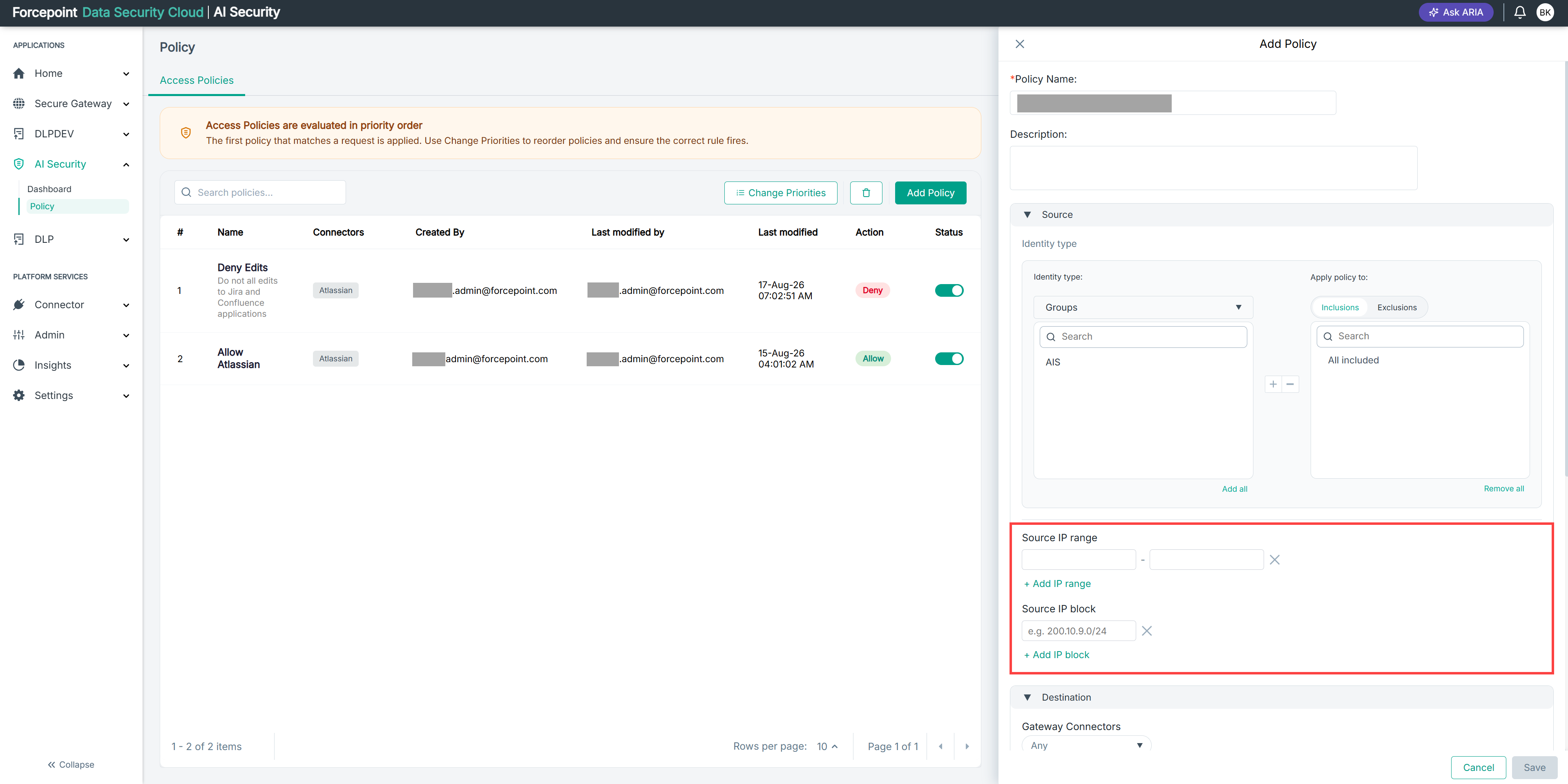
Expand Source.
-
Locate the IP range or IP block you want to remove.
-
Select the remove icon next to the condition.
Result
The condition is removed from the policy.