
Saving a New Agent Group
Create the group so that you can use it when you manage your agents.
Before you begin
Before you save, confirm that you have named the group and added at least one agent to it.
Steps
-
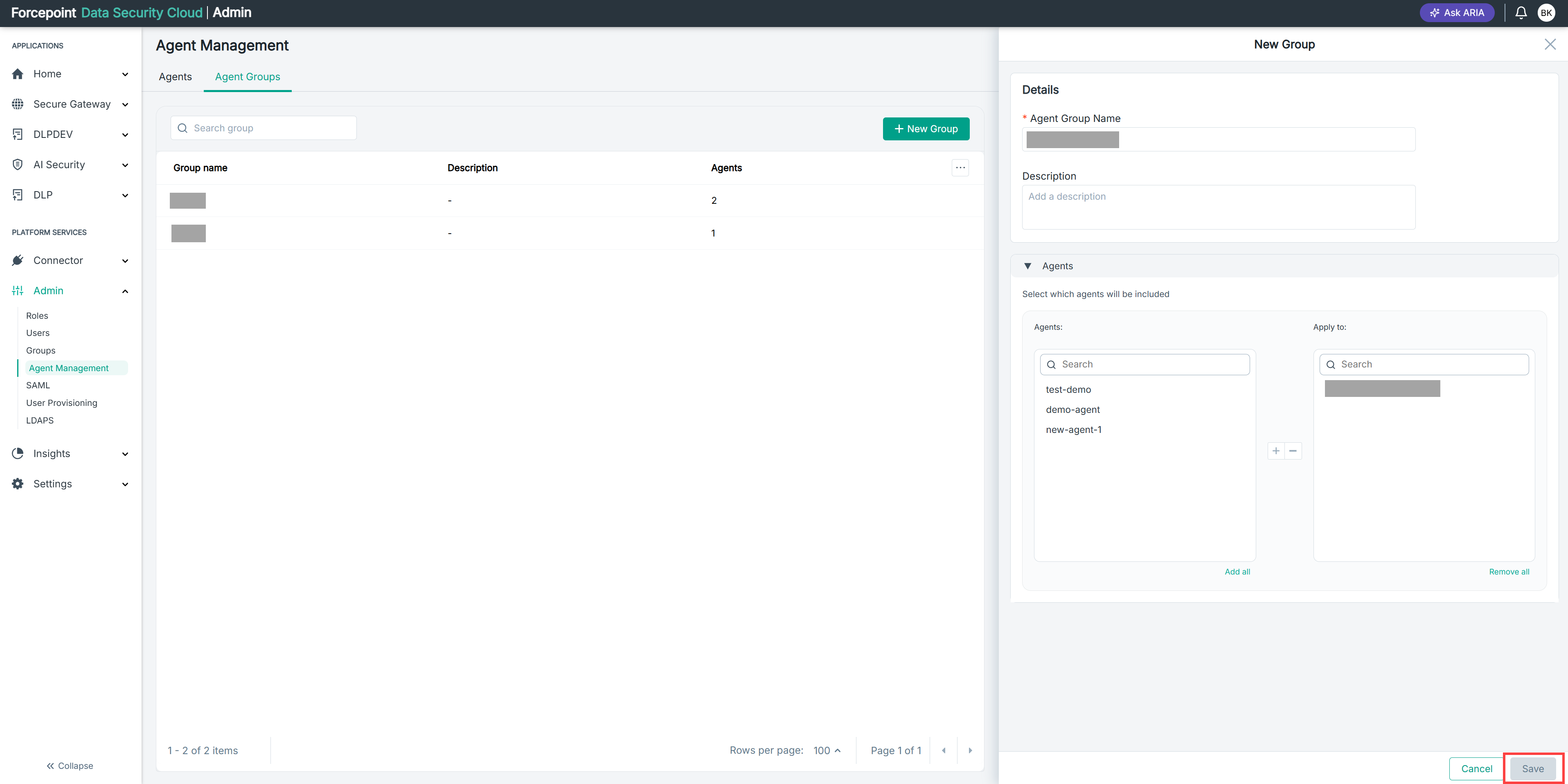
Review the group name and description.
-
Confirm that the agents listed under Apply to are the ones you want in the group.
-
Select Save.
Result
The group appears in the agent group list, with the number of agents it contains shown in the Agents column.
Next steps
To change the group later, open it from the agent group list.