
Understanding the Manage Connector Panel for Claude
The Claude Connector Details panel shows how AI Security reaches the Anthropic API, whether the connection is healthy, and where files go when a data security action runs.
Open it when you need to check that Claude inspection is still working, update credentials that have been rotated, or review what the connector has inspected.
To open it, go to Connector › App Connector and click Manage connector on the Claude card.
What the panel contains
| Area | What it shows |
|---|---|
| Status badge | Whether the connection is working, shown beside the application name |
| CONNECTION DETAILS | How AI Security reaches Claude, and when it last did so. Edit opens the credentials for updating |
| INSPECTION SUMMARY | How much has been inspected and what the last enforcement action was |
| DLP Action Settings | Where files are placed when a data security policy acts on them |
| Remove Connector | Deletes the connection and its settings |
| Cancel | Closes the panel |
Connection details
| Field | What it tells you |
|---|---|
| API Endpoint | The Anthropic address AI Security connects to |
| Health Status | The result of the most recent health check. Healthy means the last check succeeded |
| Last Sync | When the connector last exchanged data successfully |
These three read together. A Connected badge tells you the credentials were accepted; Health Status and Last Sync tell you whether anything has happened since. A healthy connector with a sync time hours old on an application in daily use is worth investigating.
Health Status shows Unknown until the first health check completes, and Last Sync shows a dash until the first sync completes. Neither means a fault on a newly connected application.
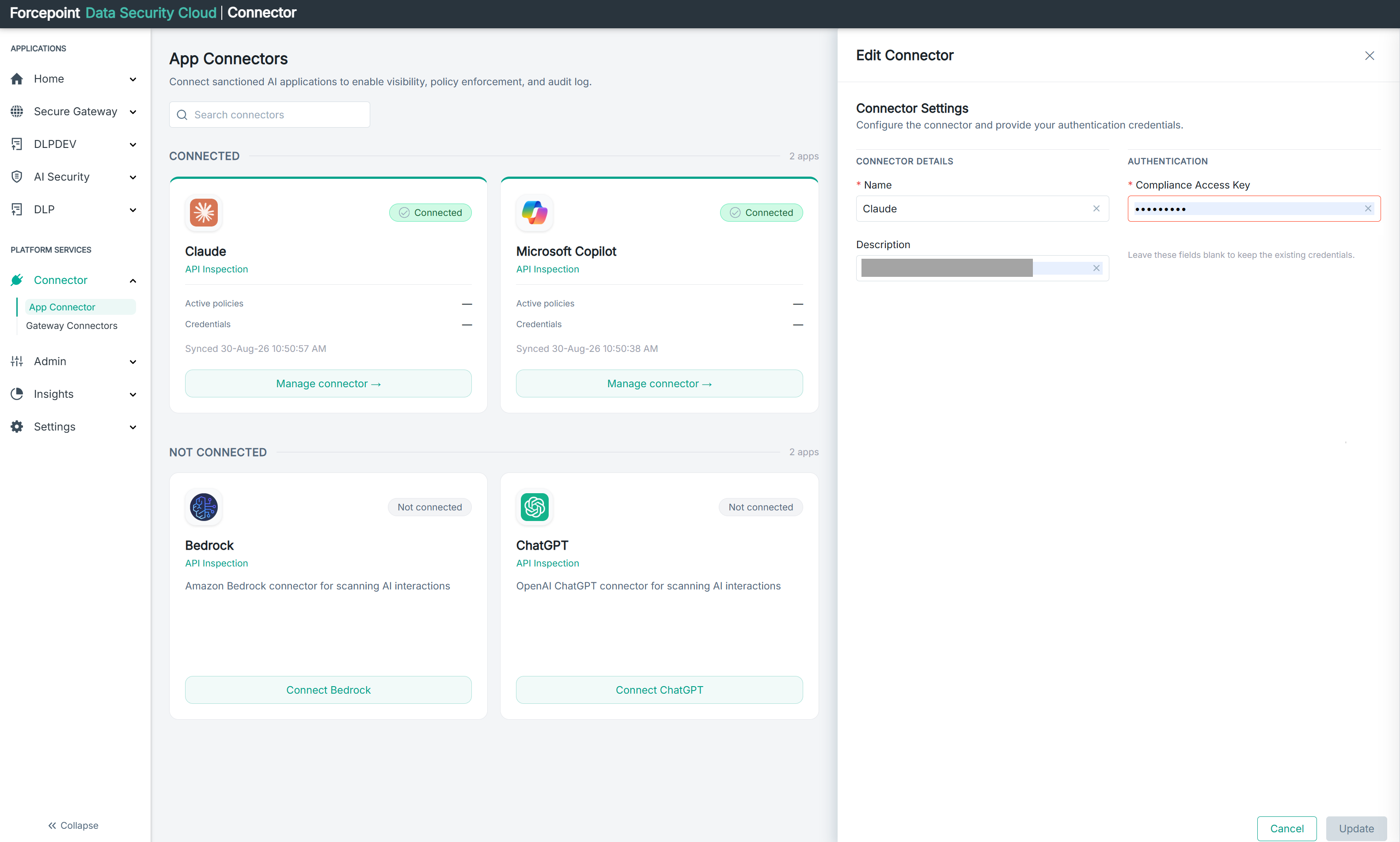
Use Edit when the status is not Connected, or when the API key has been rotated or revoked at Anthropic.
Inspection summary
| Card | What it counts |
|---|---|
| TOTAL EVENTS | Prompts, responses, and file activity inspected through this connector |
| VIOLATIONS | Events that matched a policy |
| LAST ACTION | The most recent enforcement action, and when it happened |
DLP action settings
These two paths tell AI Security where to put files when a data security policy triggers a remediation action.
| Field | What happens |
|---|---|
| Quarantine Directory Path | The file is removed from where it was and moved here for review |
| Copy Directory Path | A copy is saved here for review, and the original stays where it is |
Quarantine interrupts the person who was working with the file; copy does not. Choose according to whether the priority is stopping the exposure or observing it.
What you can do from here
- Check whether Claude inspection is still working
- Update the API credentials
- Review how much has been inspected and what was acted on
- See where remediated files are placed
- Remove the connection