
Copying the Client ID
Copy the agent's client ID to the clipboard so that you can paste it into your agent configuration.
Steps
-
Open the Register Agent panel.
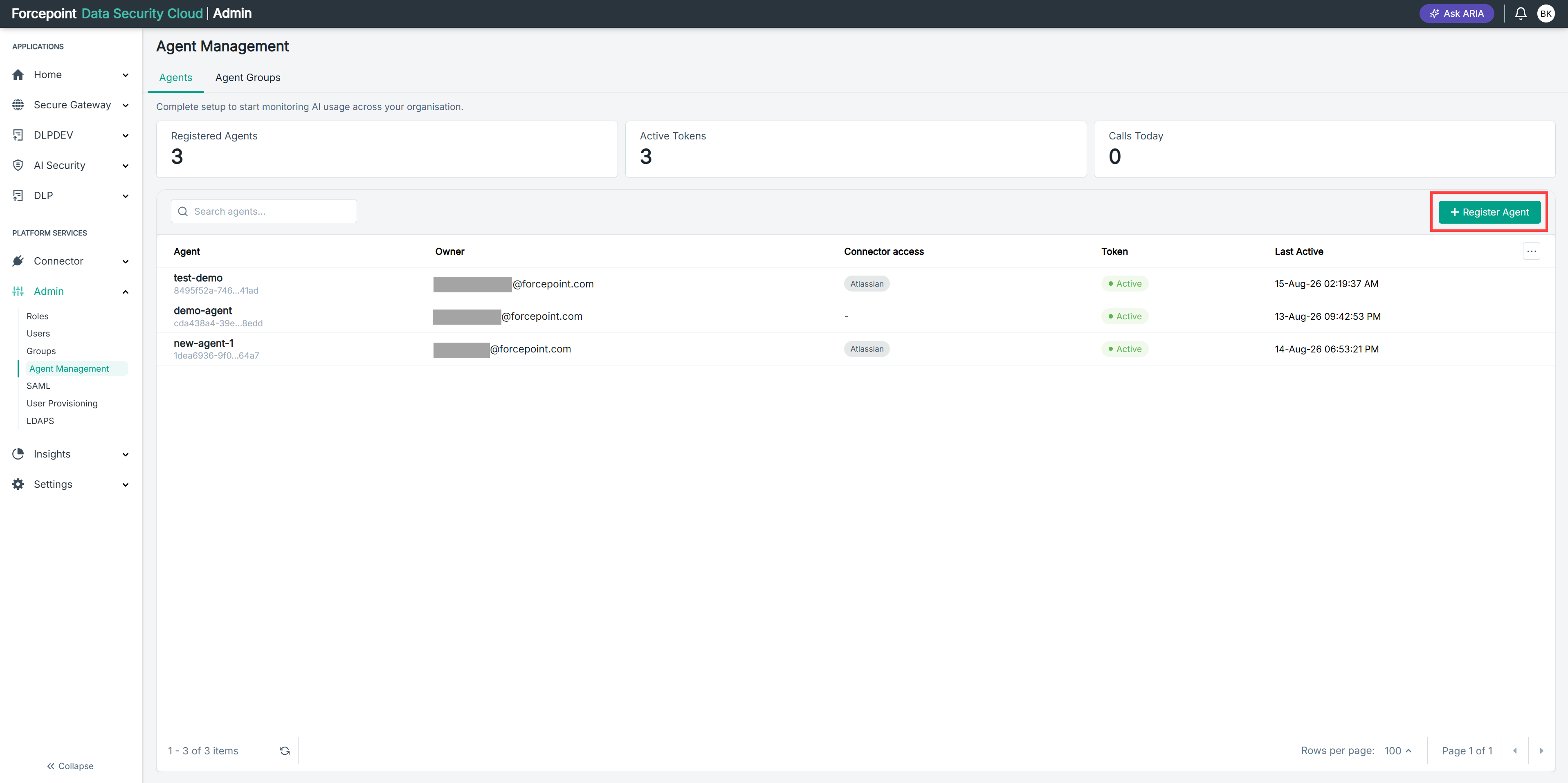
-
Under Identity, select the copy icon next to Client ID.
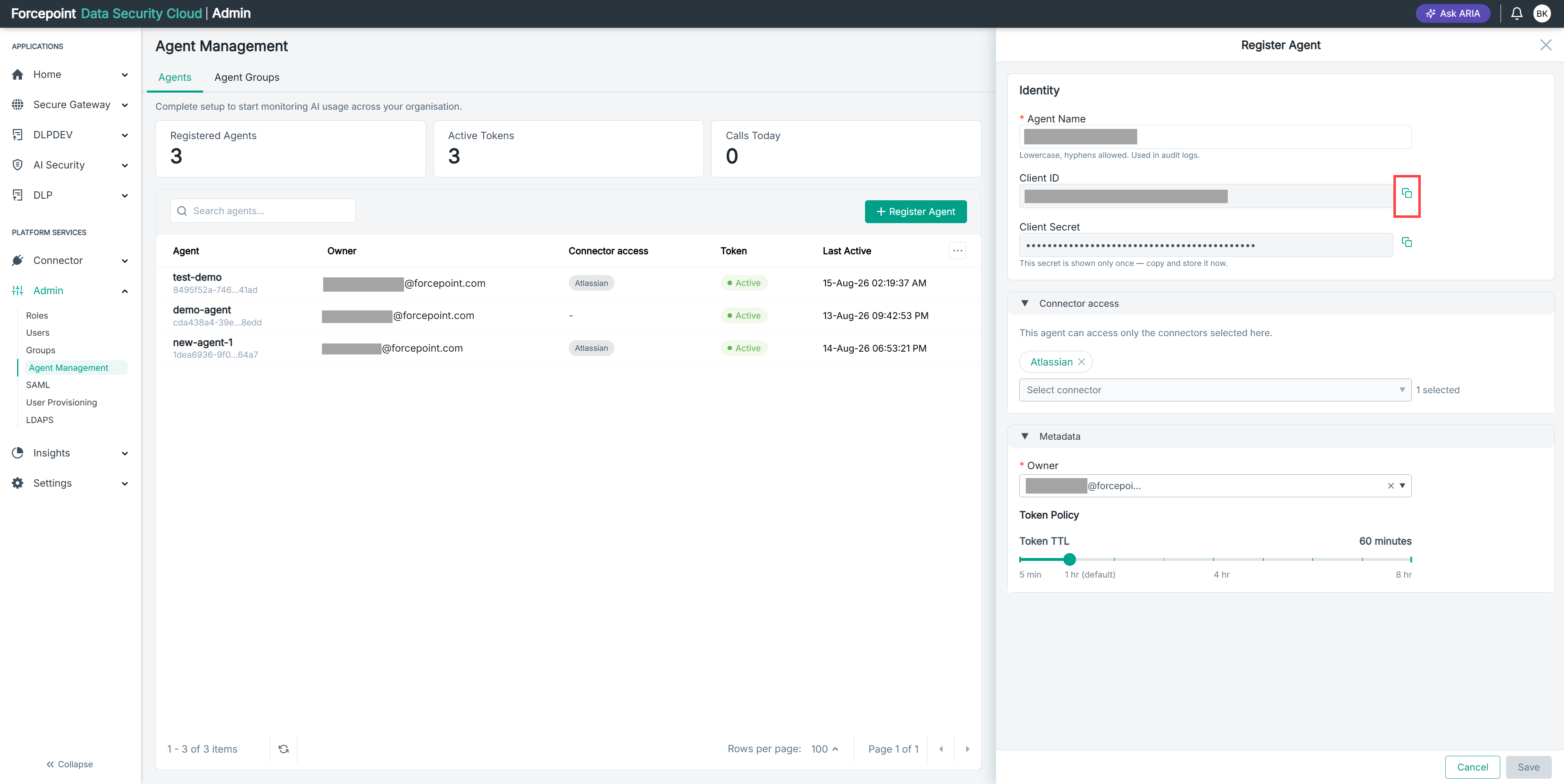
Result
The client ID is copied to the clipboard.
Next steps
Paste the client ID into your agent configuration. You also need the client secret and your gateway URL.