
Opening the Detailed View for an MCP Gateway Connection
Open a gateway connection's details to see which agents and tools are behind its summary figures.
Steps
-
Open the AI Security Dashboard.
-
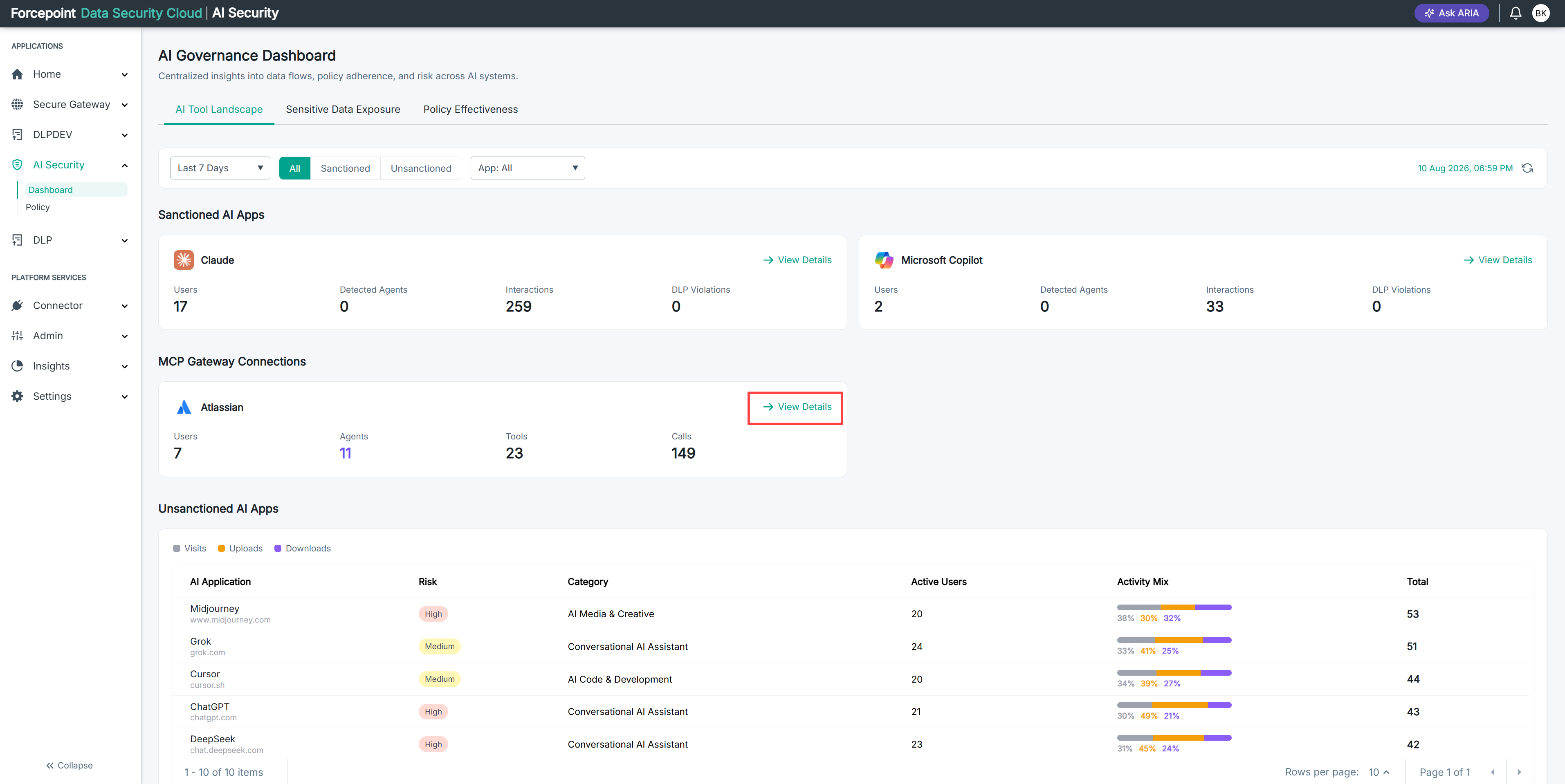
Under MCP Gateway Connections, locate the connection you want to review.
-
Select View Details on the connection card.
Result
The details for the gateway connection are displayed.
Next steps
To change what agents are permitted to do on this connector, write an access policy.