
Adding an Identity to the Policy Scope
Select the identities the policy applies to.
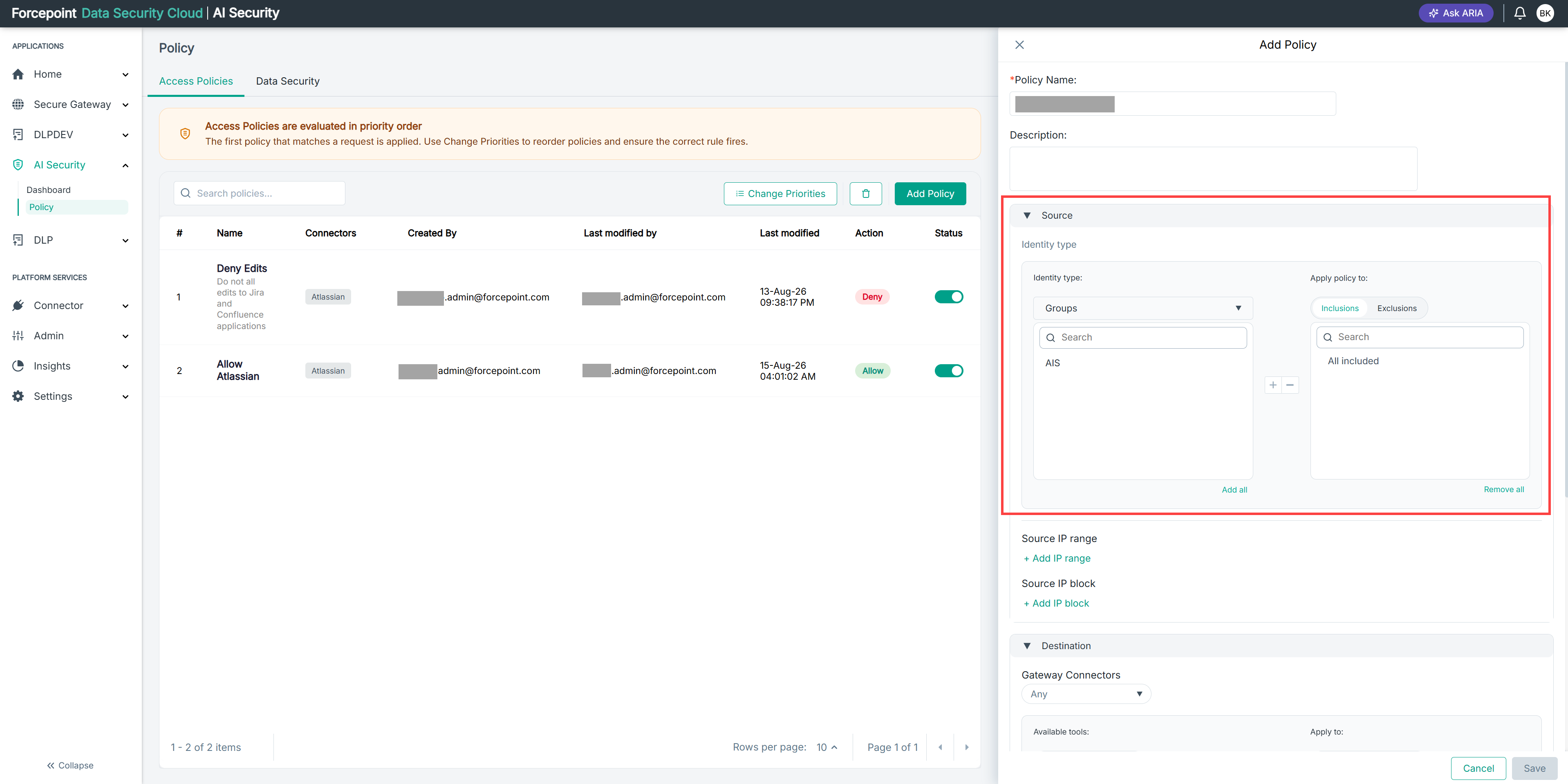
The list on the left shows the identities available for the type you selected. The Apply policy to list on the right shows the identities already in the policy scope.
Steps
-
Open the Add Policy panel.
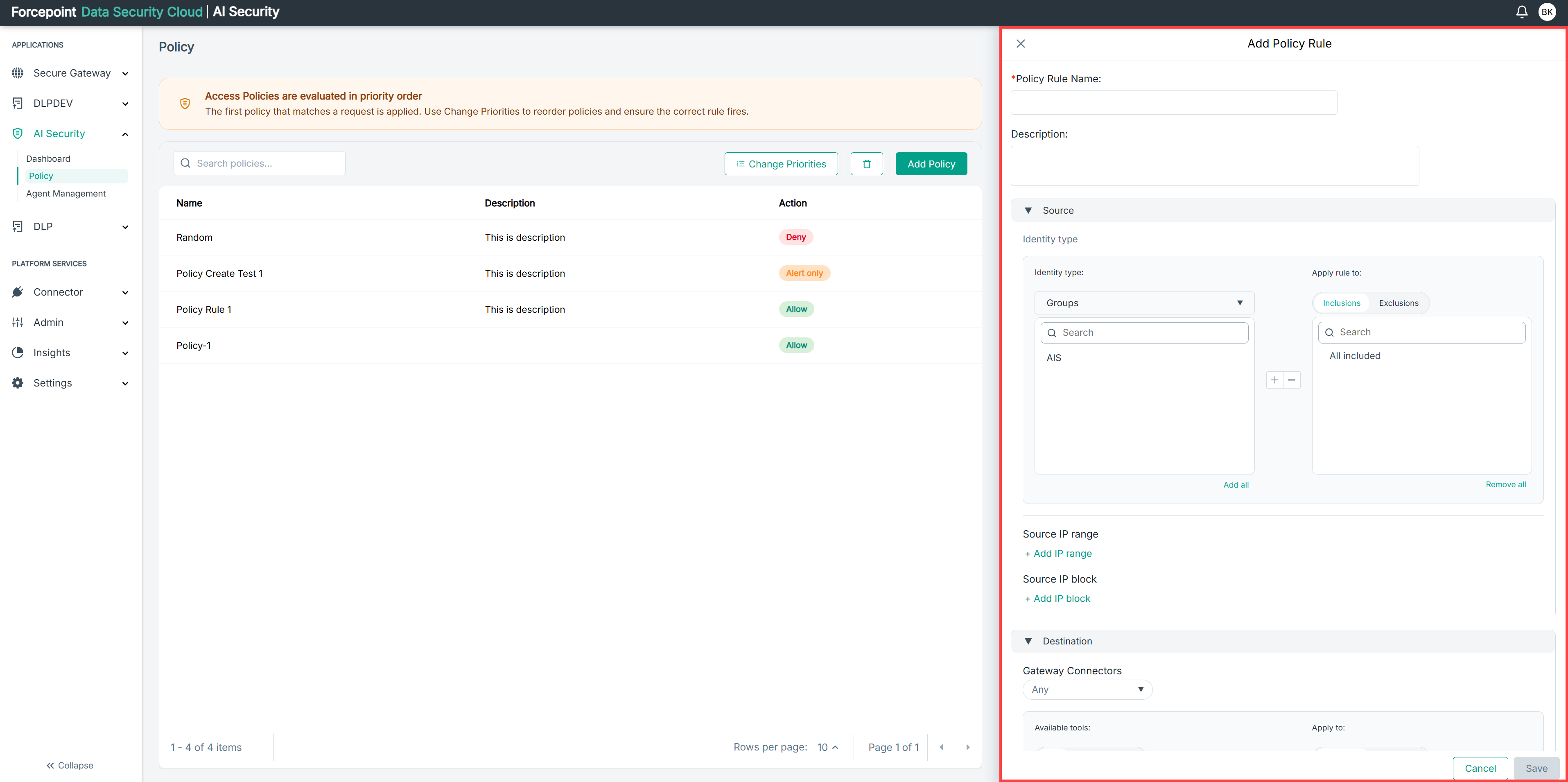
-
Expand Source.
-
From the Identity type list, select the type of identity the policy applies to.
-
Under Apply policy to, select Inclusions or Exclusions.
-
Select the identity you want to add.
-
Select the add icon.
The identity moves to the Apply policy to list.
-
Repeat for each identity you want to include.
To add every available identity at once, select Add all.
Result
The identities you selected are listed under Apply policy to and form the source of the policy.