
Disconnecting a Gateway Connector
Disconnect a gateway connector to stop your AI agents from reaching the business application through the MCP gateway.
Before you disconnect, check which agents have been granted access to the connector, and which access policies name its tools as destination values.
Steps
-
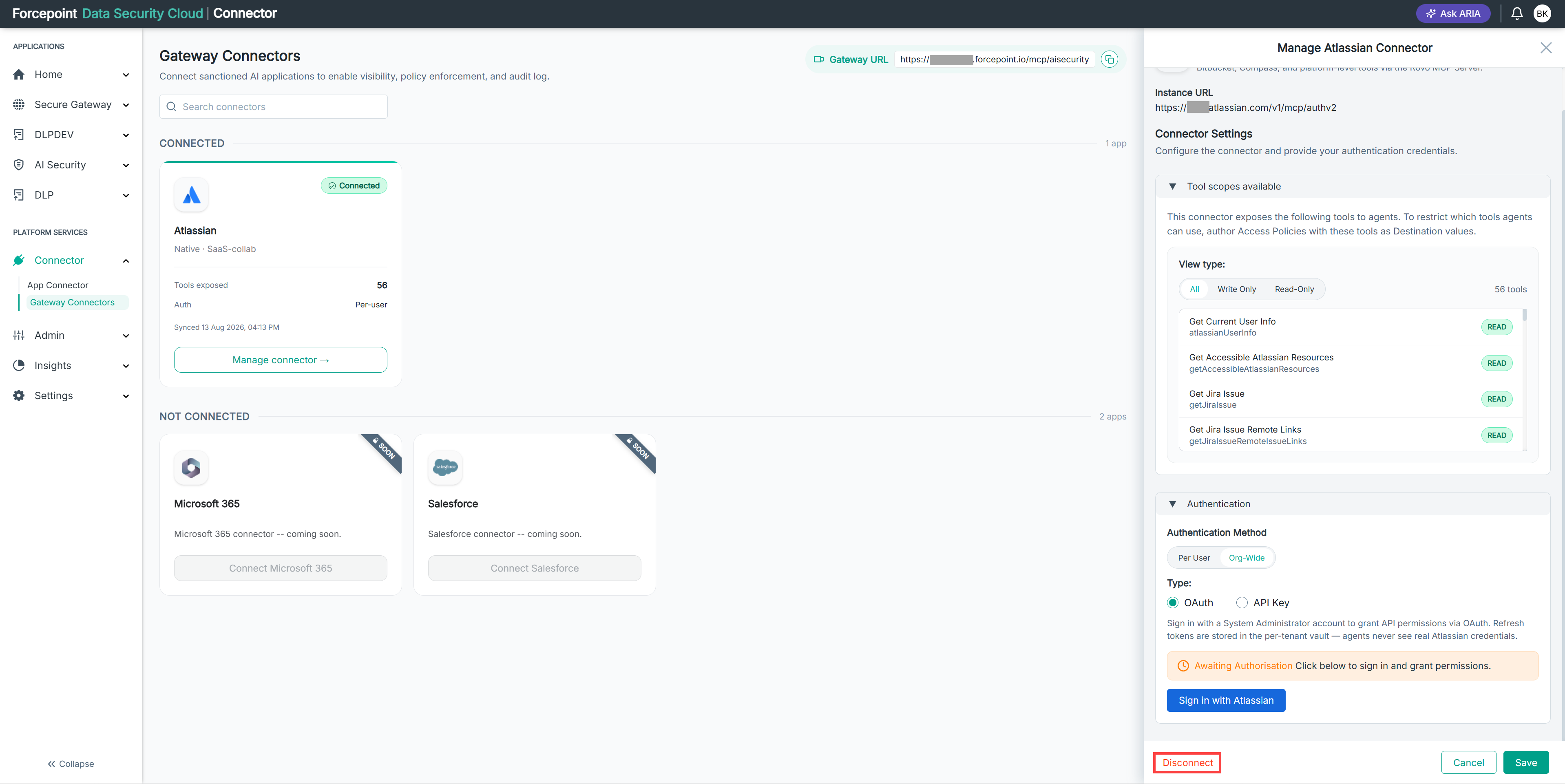
Open the Manage connector panel for the gateway connector.
-
Select Disconnect.
-
Confirm that you want to disconnect the connector.
Result
The connector moves to NOT CONNECTED on the Gateway Connectors page. Its tools are no longer available to your agents.
Next steps
To restore access, add the connector again and authorize it.