
Reviewing Violations by Classification
Find out which kinds of sensitive data your users are sending to AI applications.
Before you begin
You are on the Sensitive Data Exposure tab.
A classification groups related rules. It describes the kind of data a policy protects, such as financial records or personal identifiers.
Steps
-
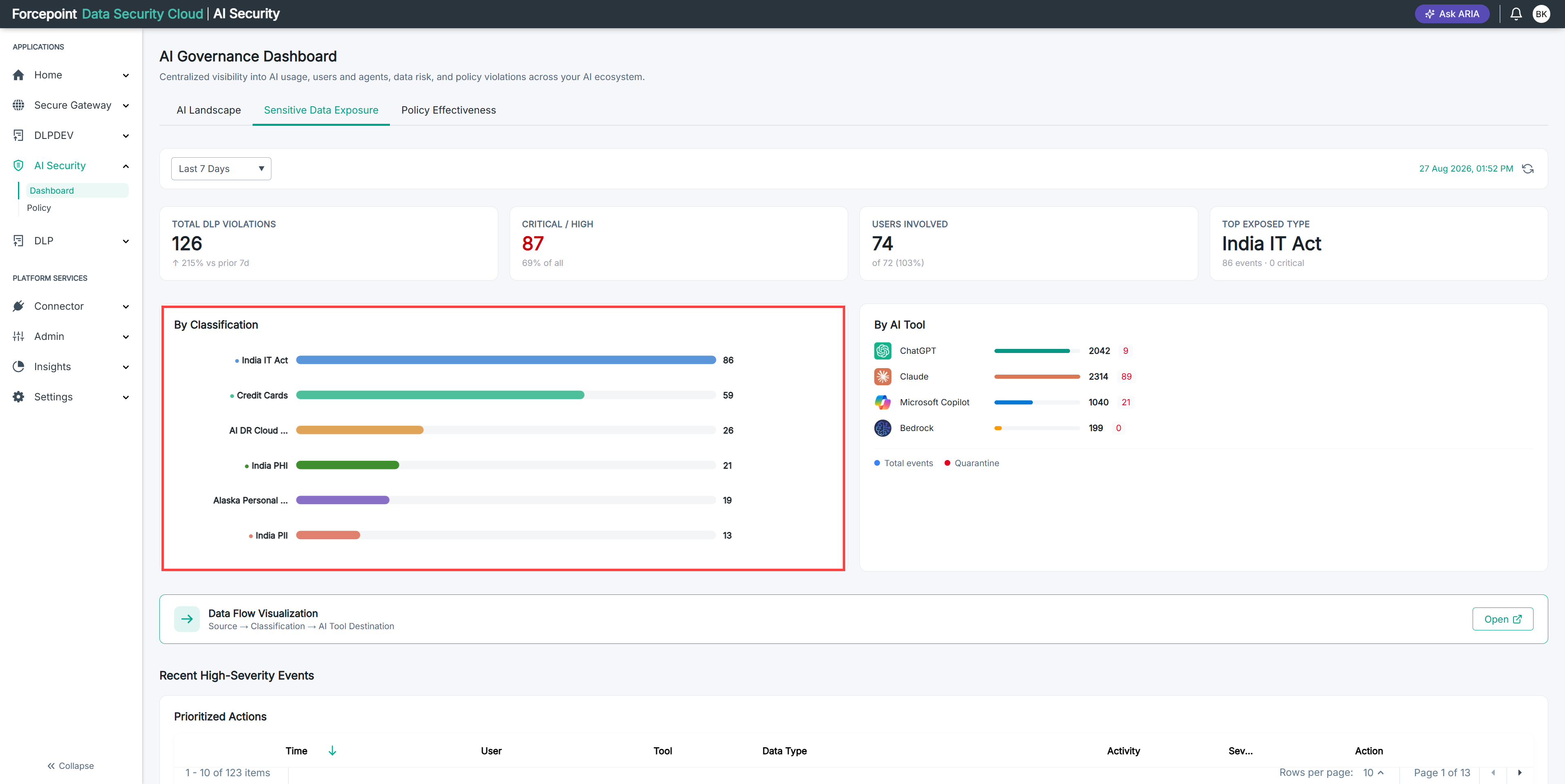
Go to the By Classification section.
-
Identify the classification with the highest count.
-
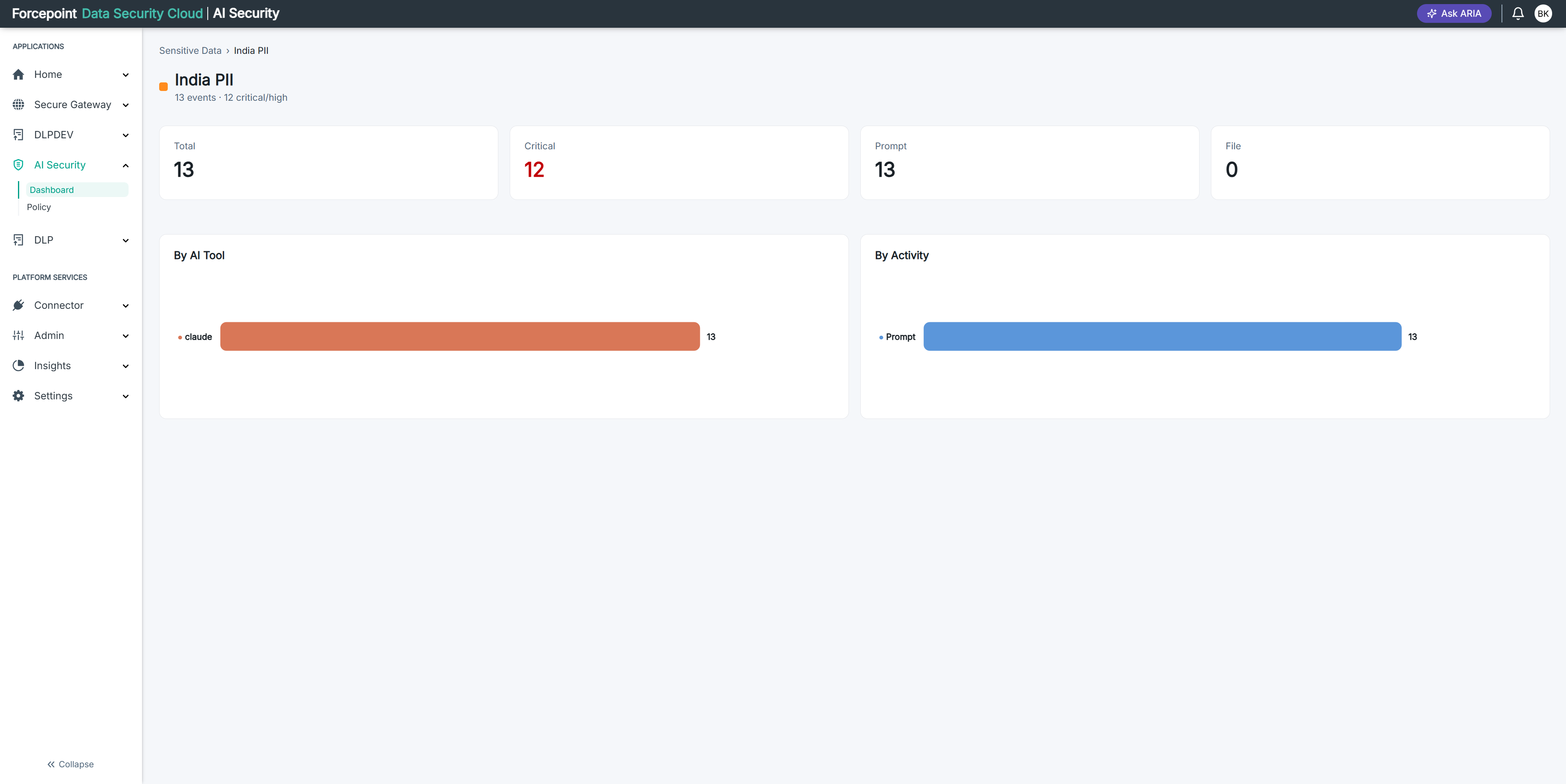
Select that classification.
The rules violated within it are listed.
-
Review the rules to see exactly what was detected.
Result
You know what kind of data is leaving your organization and which specific rules caught it.