
Interpreting the Change Against the Prior Period
Read the comparison figure on a summary card to tell whether sensitive data exposure is getting better or worse.
Before you begin
You are on the Sensitive Data Exposure tab.
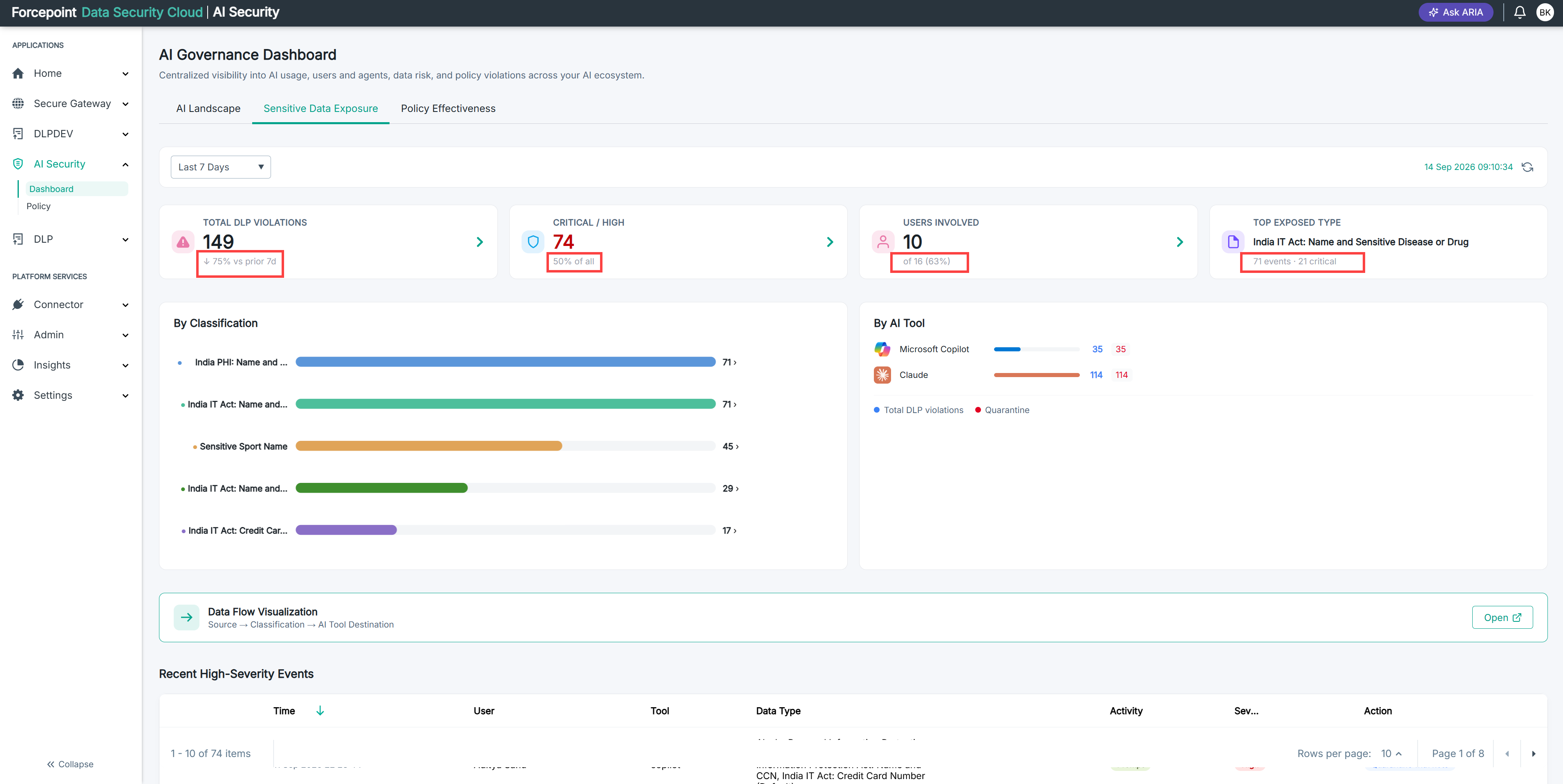
Each summary card compares the current reporting period against the period immediately before it. A card covering the last 7 days compares against the 7 days before that.
Steps
-
Read the comparison figure beneath the card total.
It shows how far the current figure has moved against the previous period.
-
Check the direction of the change.
A rise in violations means more sensitive data is reaching your AI applications than before. A fall means less.
-
Check the reporting period the comparison is based on.
Changing the period changes what the figure is compared against, so the same data can show a rise over one period and a fall over another.
Result
You know whether exposure is trending up or down, not just how much of it there is right now.