
Opening the Connect App Panel
Open the Connect App panel to connect a sanctioned AI application to AI Security.
Before you begin
Have your authentication credentials for the AI application ready before you begin. The credentials you need depend on the application you are connecting.
Steps
-
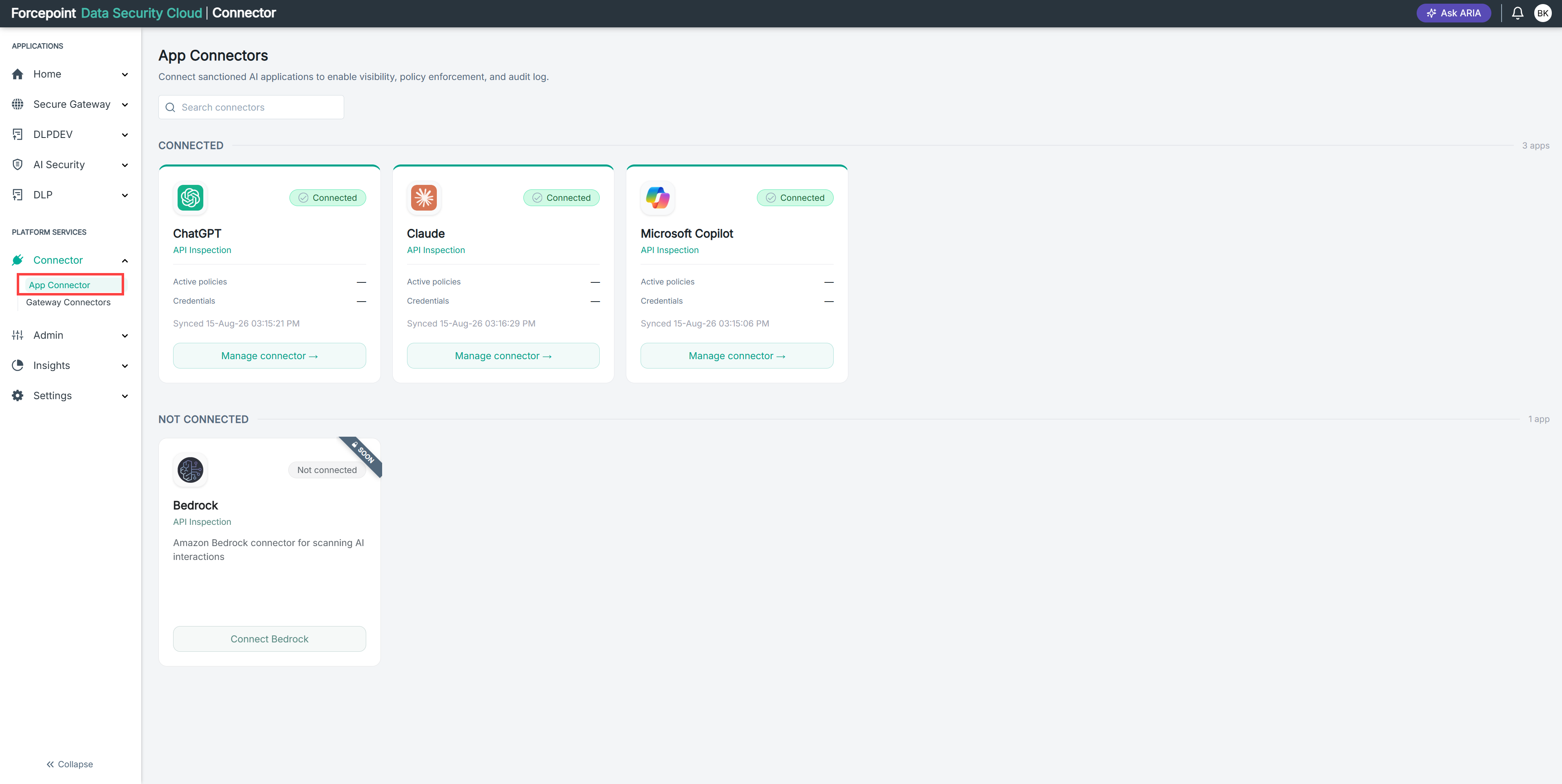
Open the App Connectors page.
-
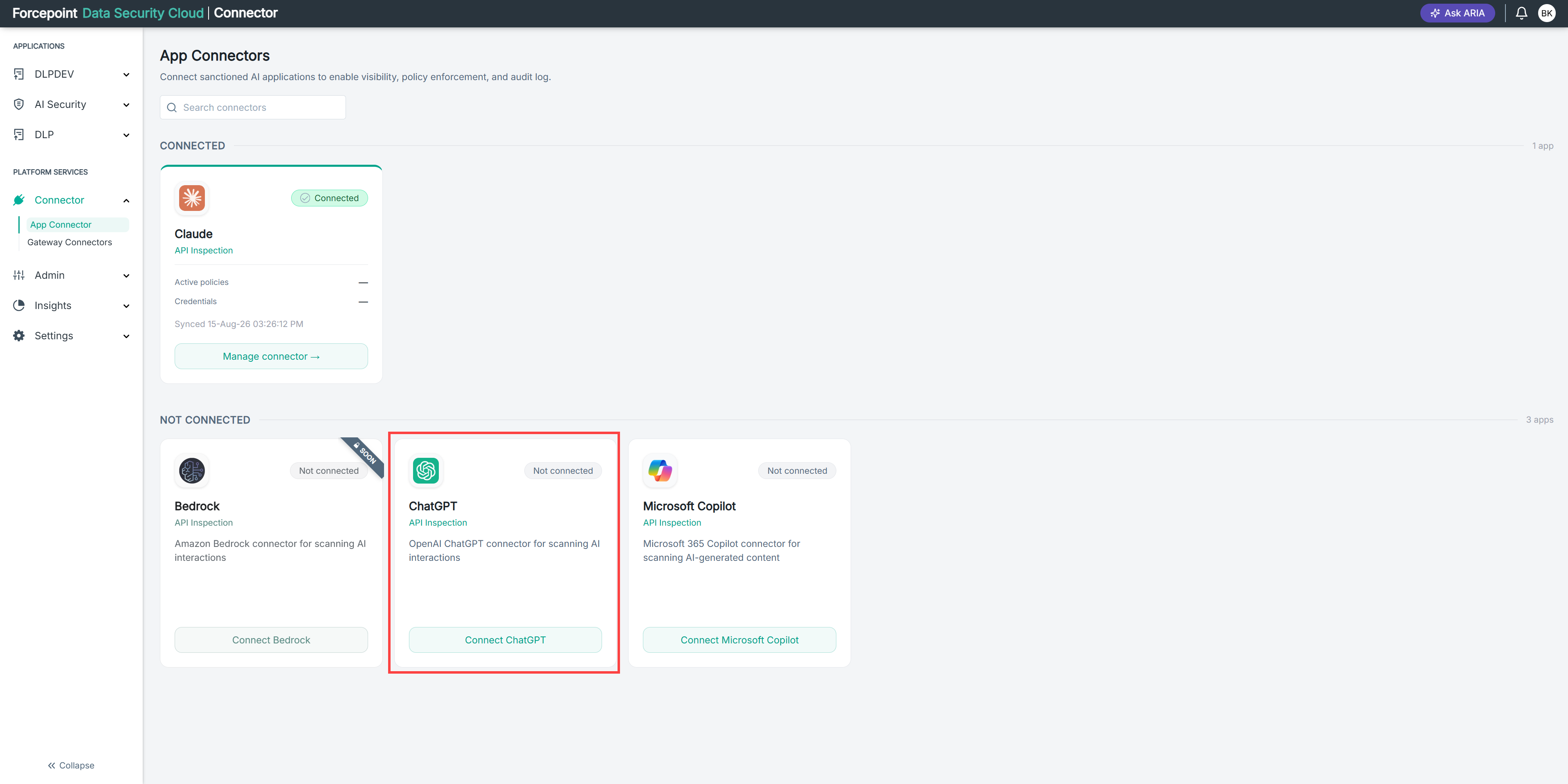
Under NOT CONNECTED, locate the application you want to connect.
To find an application quickly, enter its name in Search connectors.
-
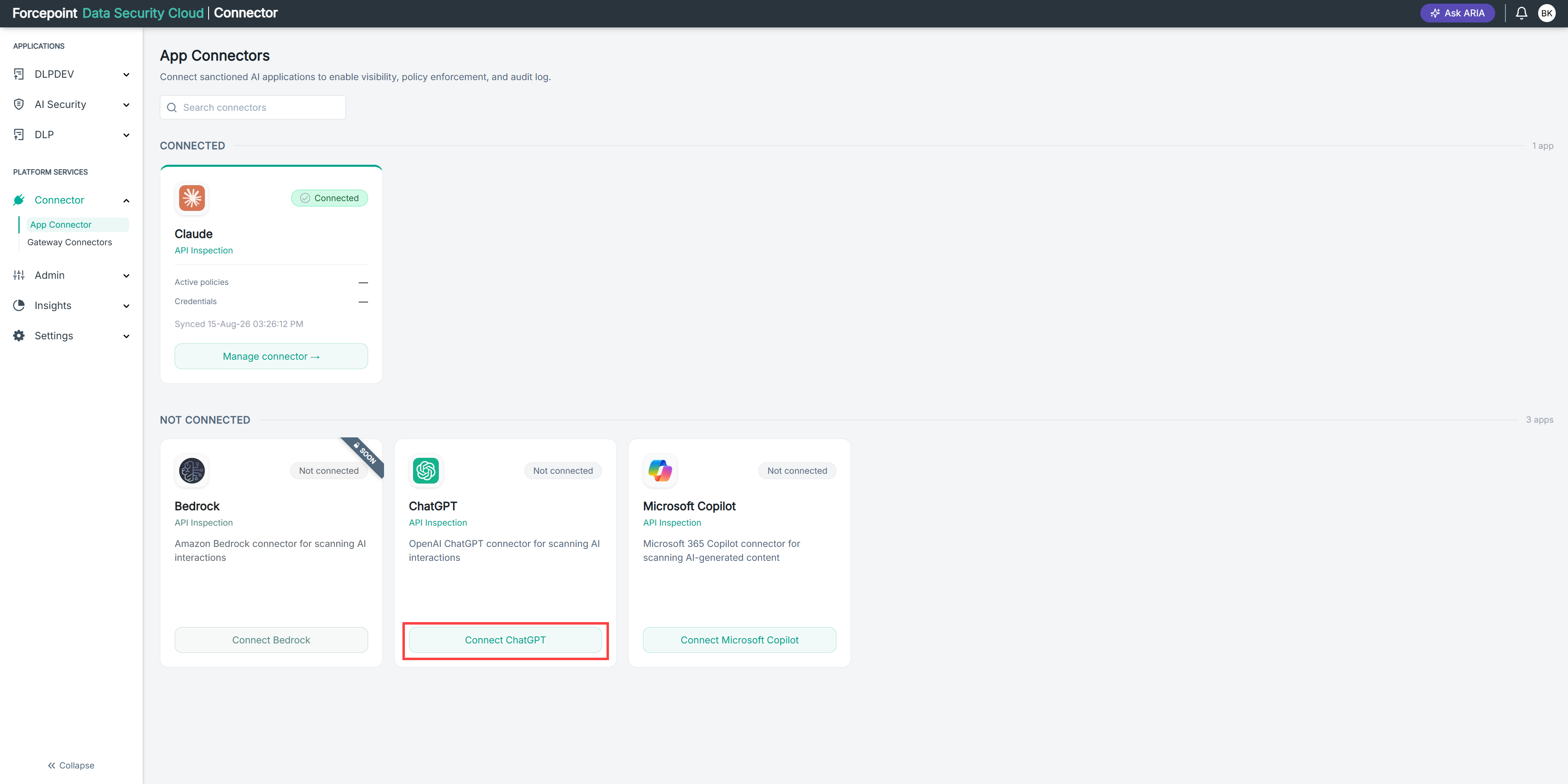
Select Connect on the application card.
The button is labelled with the application name, for example Connect ChatGPT.
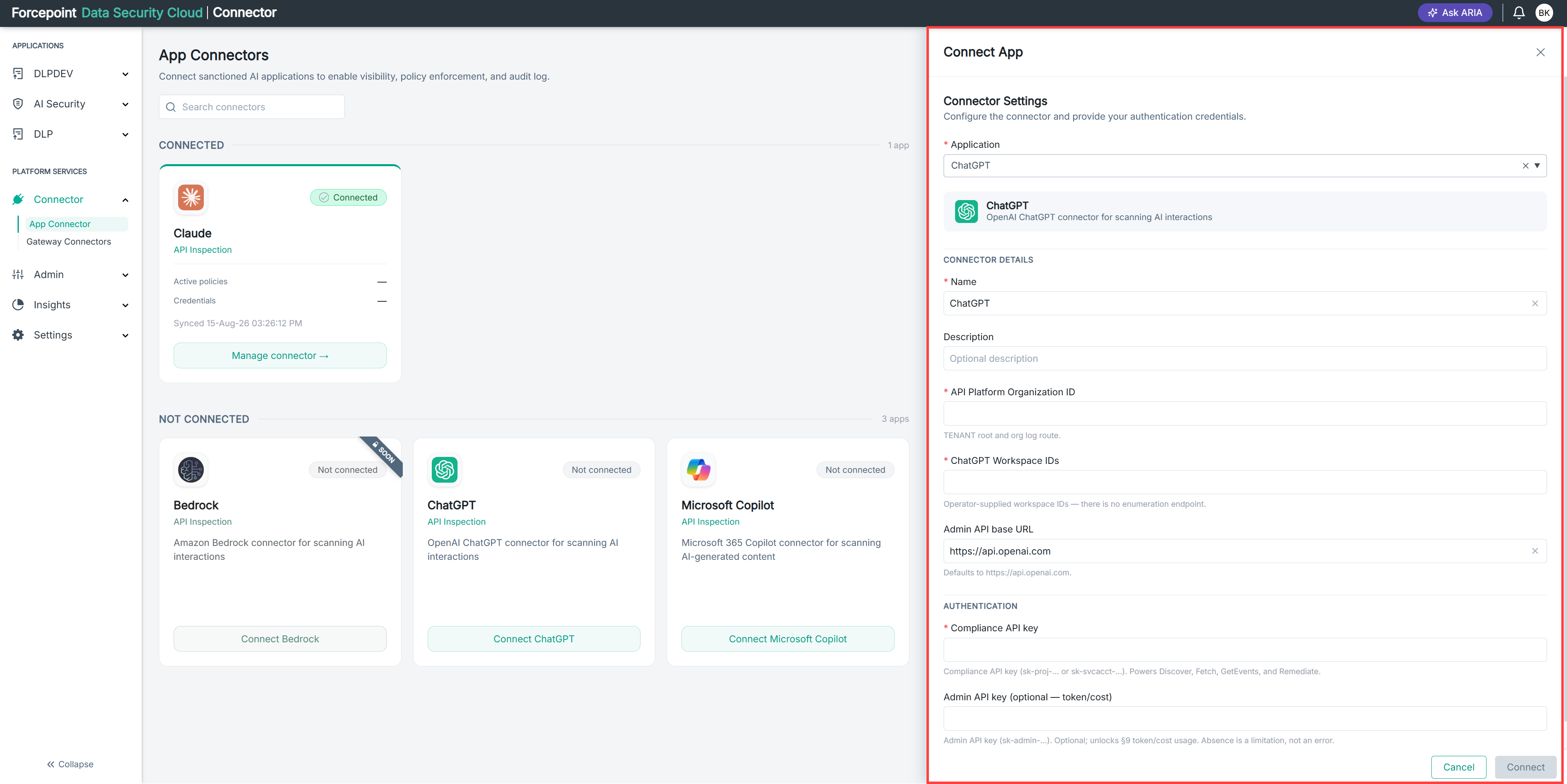
The Connect App panel opens.
Result
The Connect App panel is open and ready for you to enter your connection details.
Next steps
To close the panel without connecting an application, select Cancel, or select the close icon in the top right corner.