
Opening the Manage Connector Panel for a Gateway Connector
Open the Manage connector panel to review the tools a connector exposes and to configure its authentication.
Steps
-
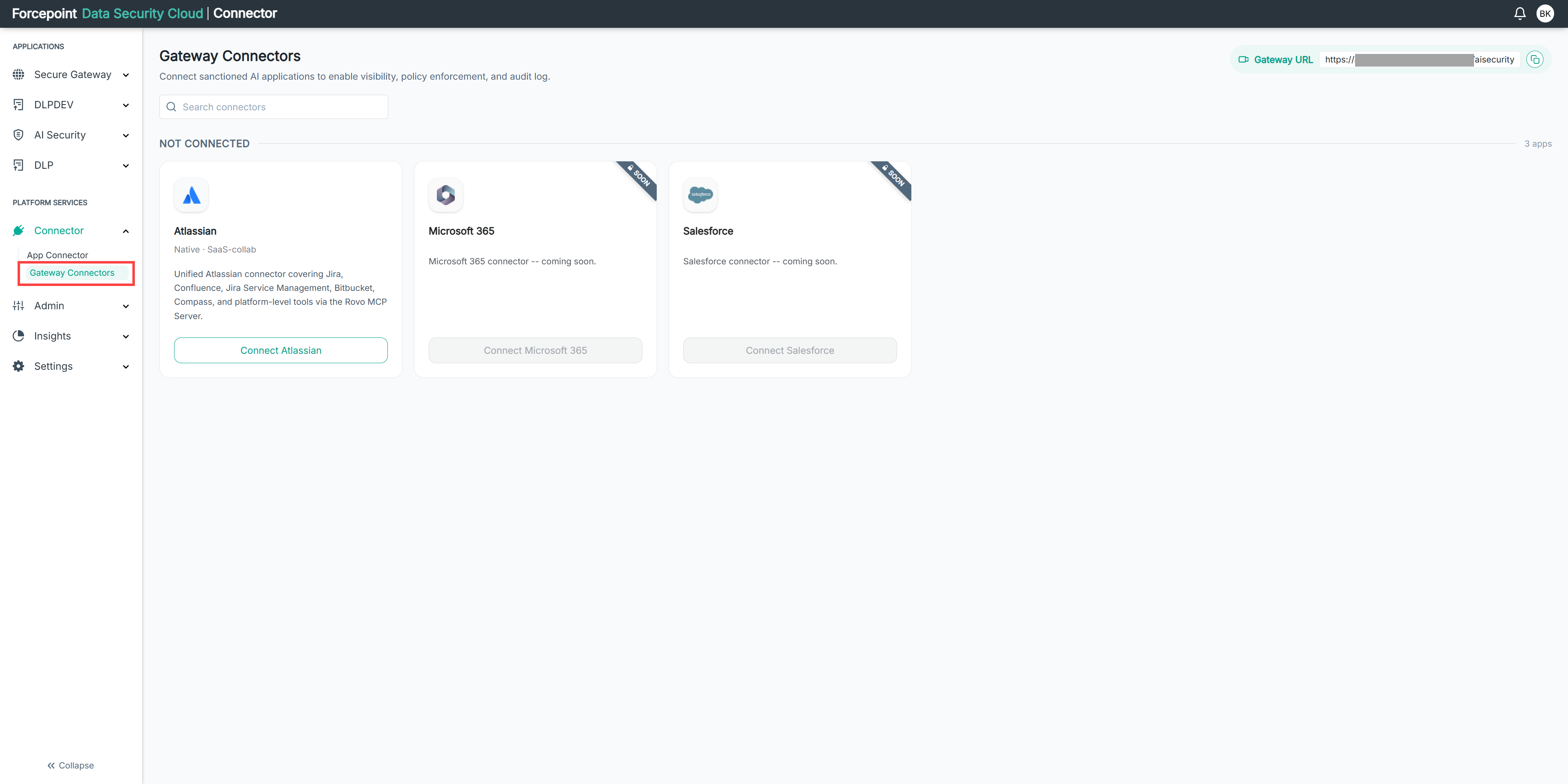
Open the Gateway Connectors page.
-
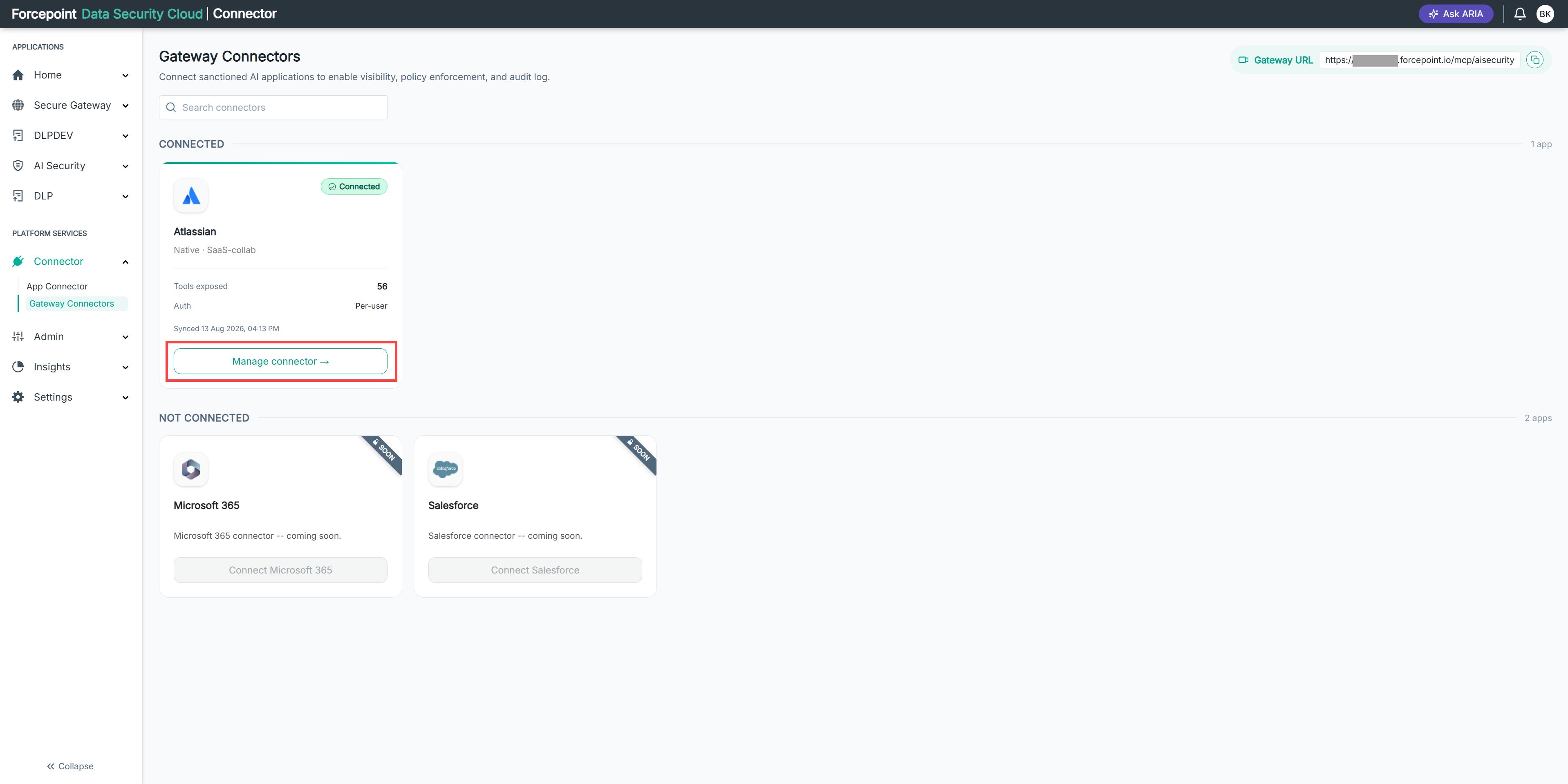
Under CONNECTED, locate the connector you want to manage.
-
Select Manage connector on the connector card.
Result
The Manage connector panel opens. It shows the instance URL, the tools the connector exposes, and the authentication settings.
Next steps
To close the panel without saving, select Cancel.