
Filtering the Dashboard by a Specific AI Application
Narrow the dashboard to one AI application, so that you can review its activity on its own.
Steps
-
Open the AI Security Dashboard.
-
From the App list in the filter bar, select the application you want to review.
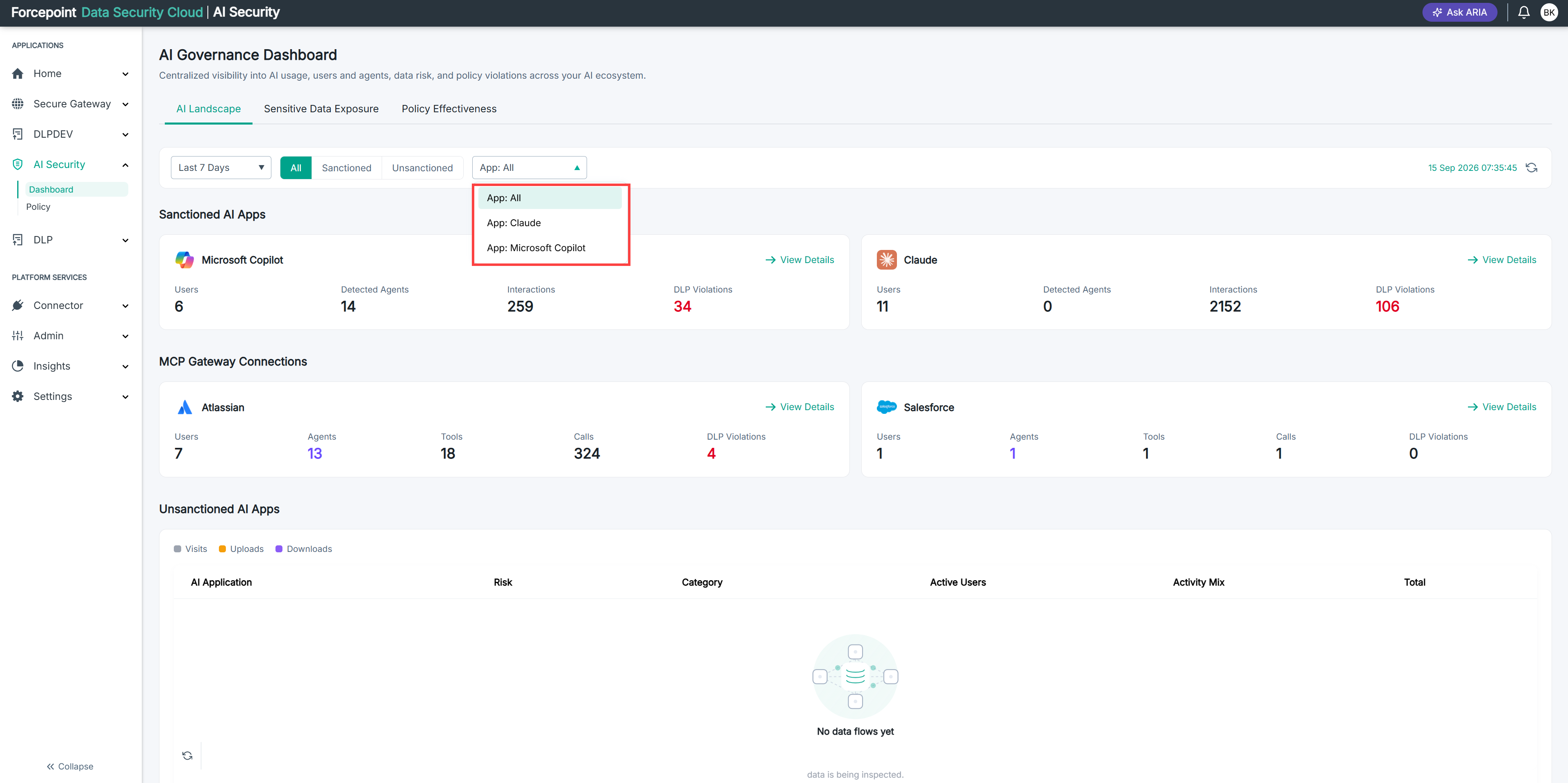
The dashboard shows activity for that application only.
-
Optional: To limit the dashboard to sanctioned or unsanctioned applications, select Sanctioned or Unsanctioned.
-
To return to the full view, select All and set the App list back to All.
Result
The dashboard reports on the applications you selected.