
Opening the Detailed View for a Sanctioned AI Application
Open an application's details to look beyond the summary figures on its card.
Steps
-
Open the AI Security Dashboard.
-
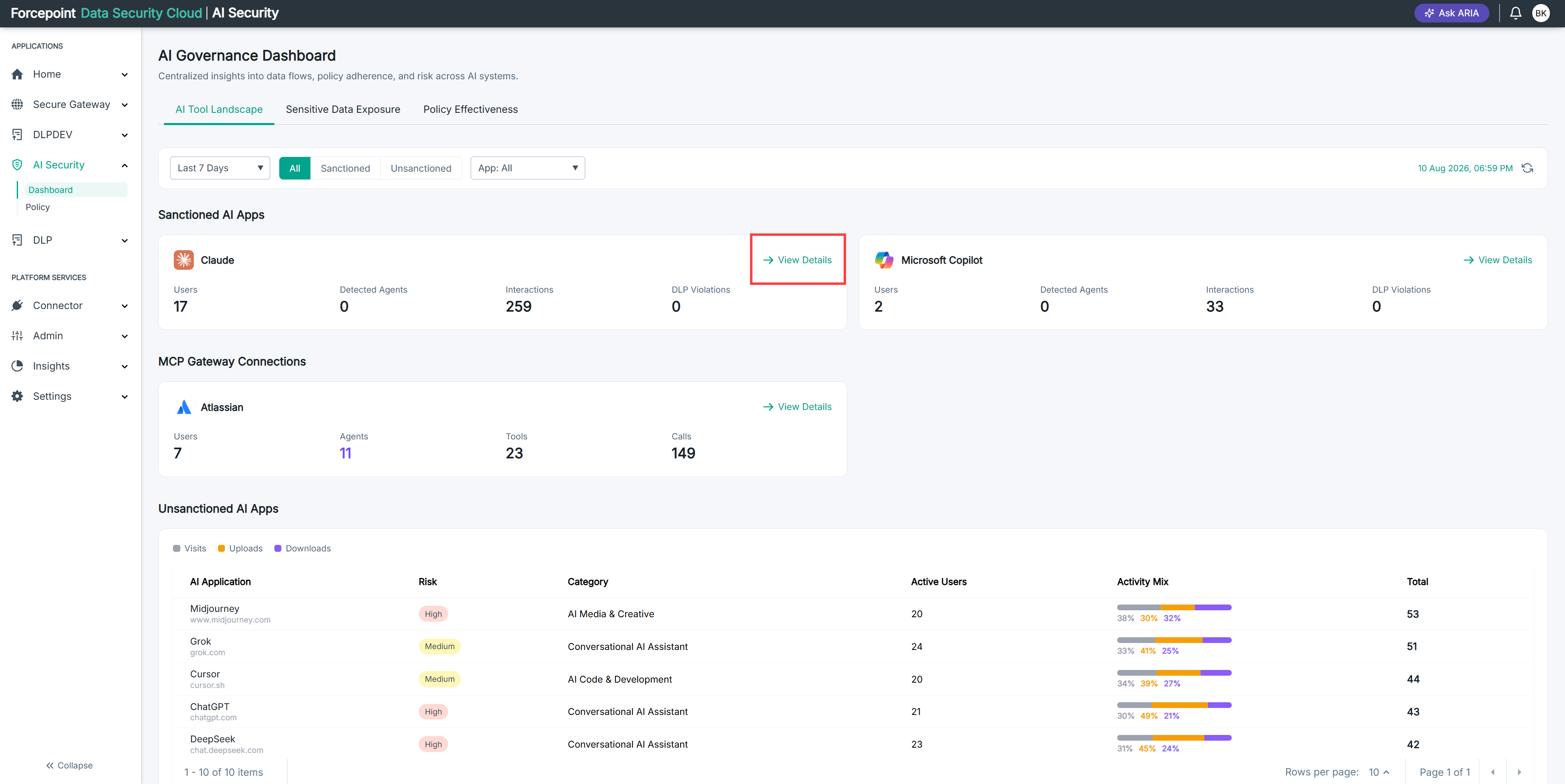
Under Sanctioned AI Apps, locate the application you want to review.
-
Select View Details on the application card.
Result
The details for the application are displayed.
Next steps
To compare one application against another, return to the dashboard and open the details for the second application.