
Naming an Agent
Give the agent a name that identifies it in your audit logs and in the agent list.
The agent name appears in your audit logs. Choose a name that tells you which system the agent belongs to and what it does, so that you can trace its activity later.
Steps
-
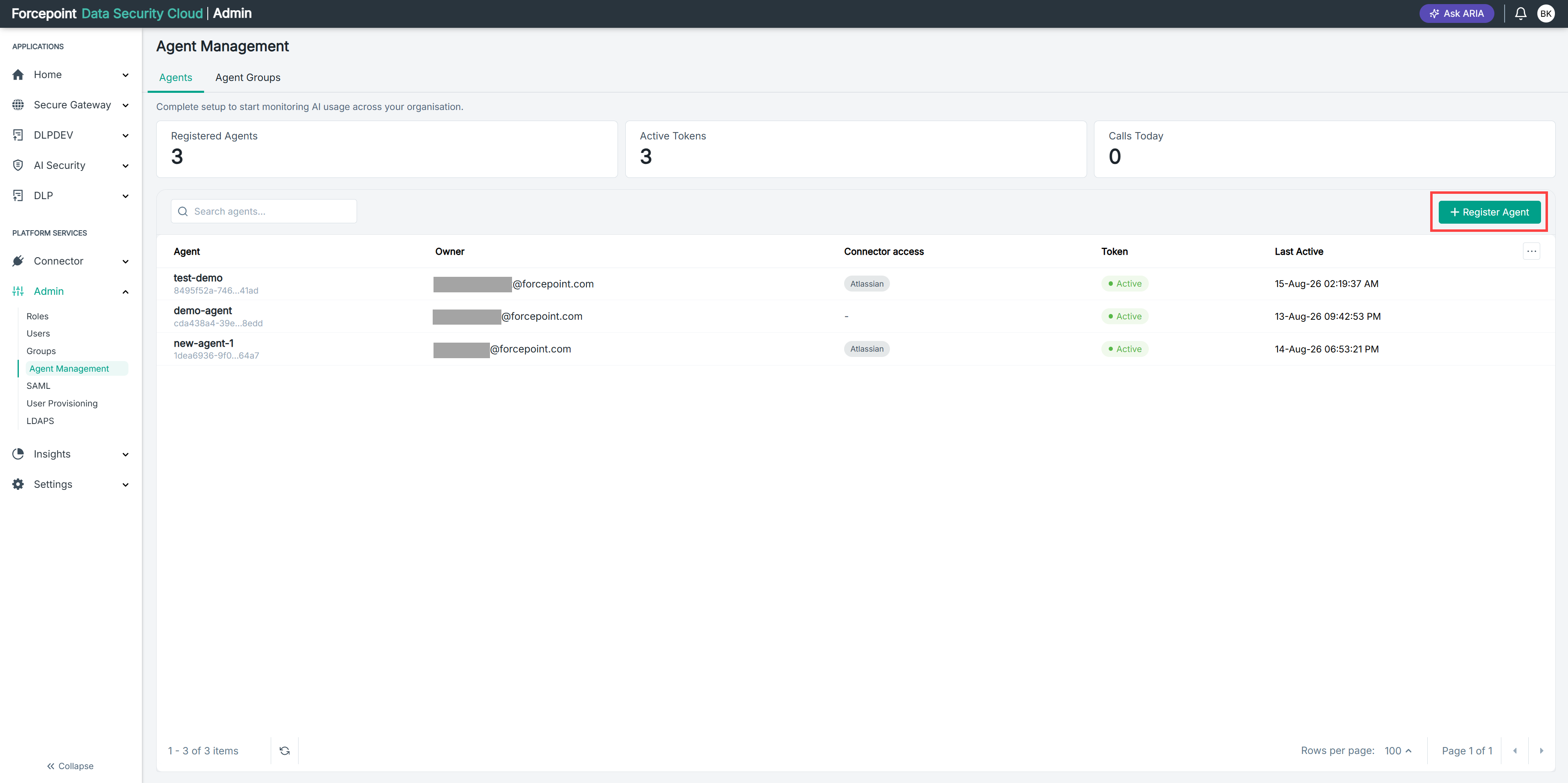
Open the Register Agent panel.
-
In Agent Name, enter a name for the agent.
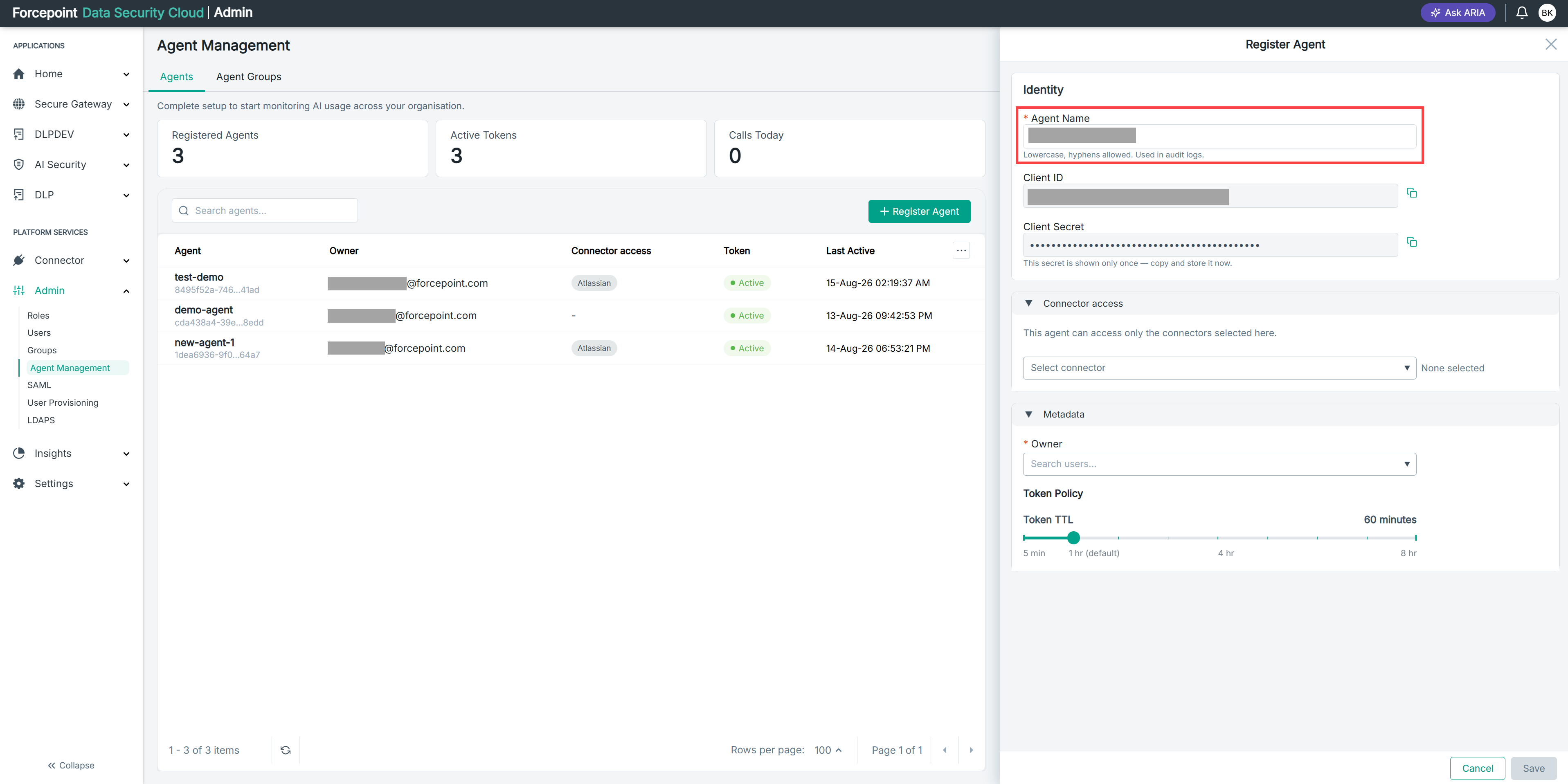
Use lowercase letters. Hyphens are allowed. For example,
sales-copilot-prod.
Result
The agent has a name that identifies it in the agent list and in your audit logs.
Next steps
Select the connectors the agent can access, assign an owner, and set the token time to live before you save the agent.