
Opening the Edit Connector Panel
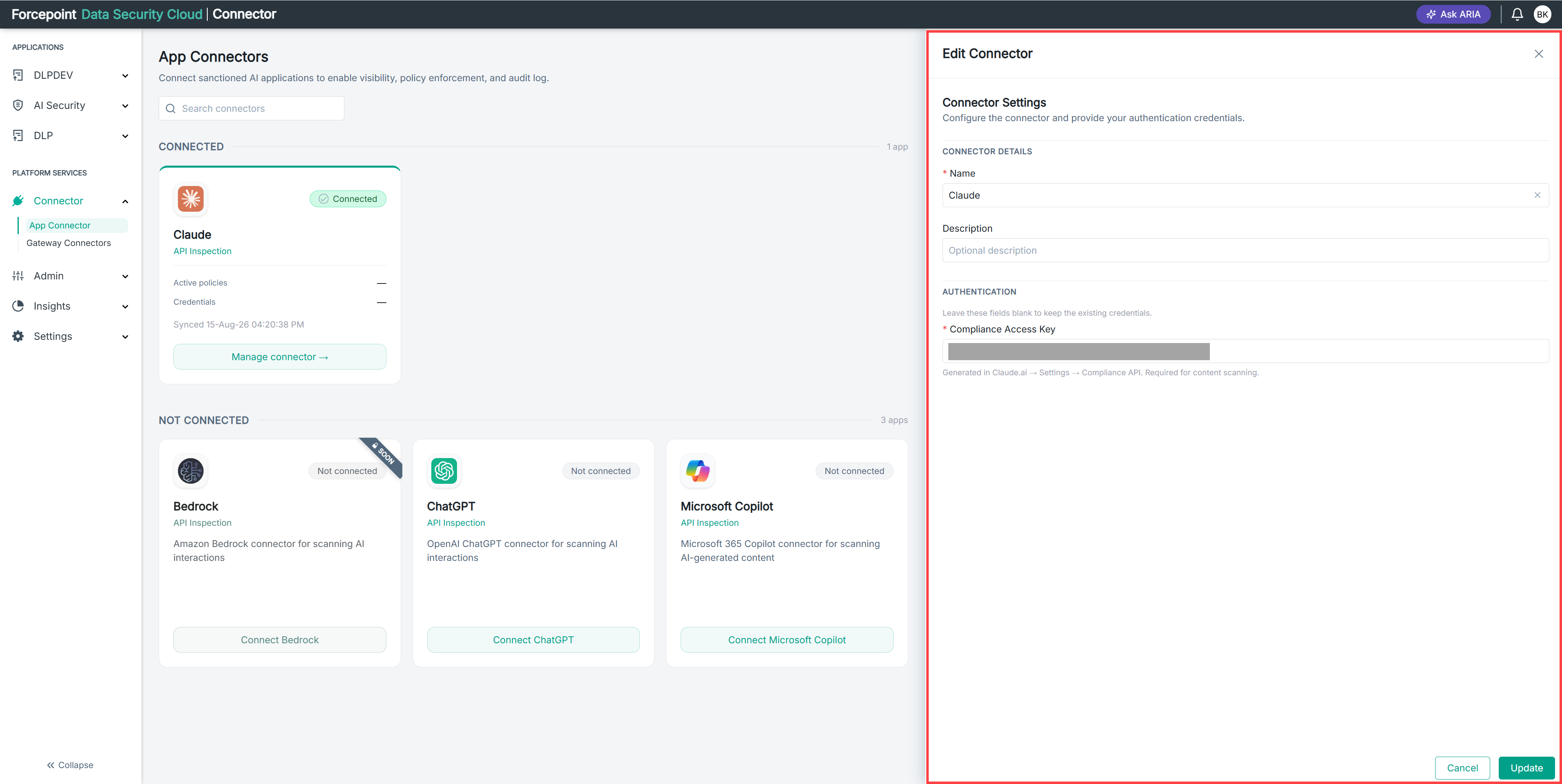
Open the Edit Connector panel to change the name, description, or credentials of a connected application.
Steps
-
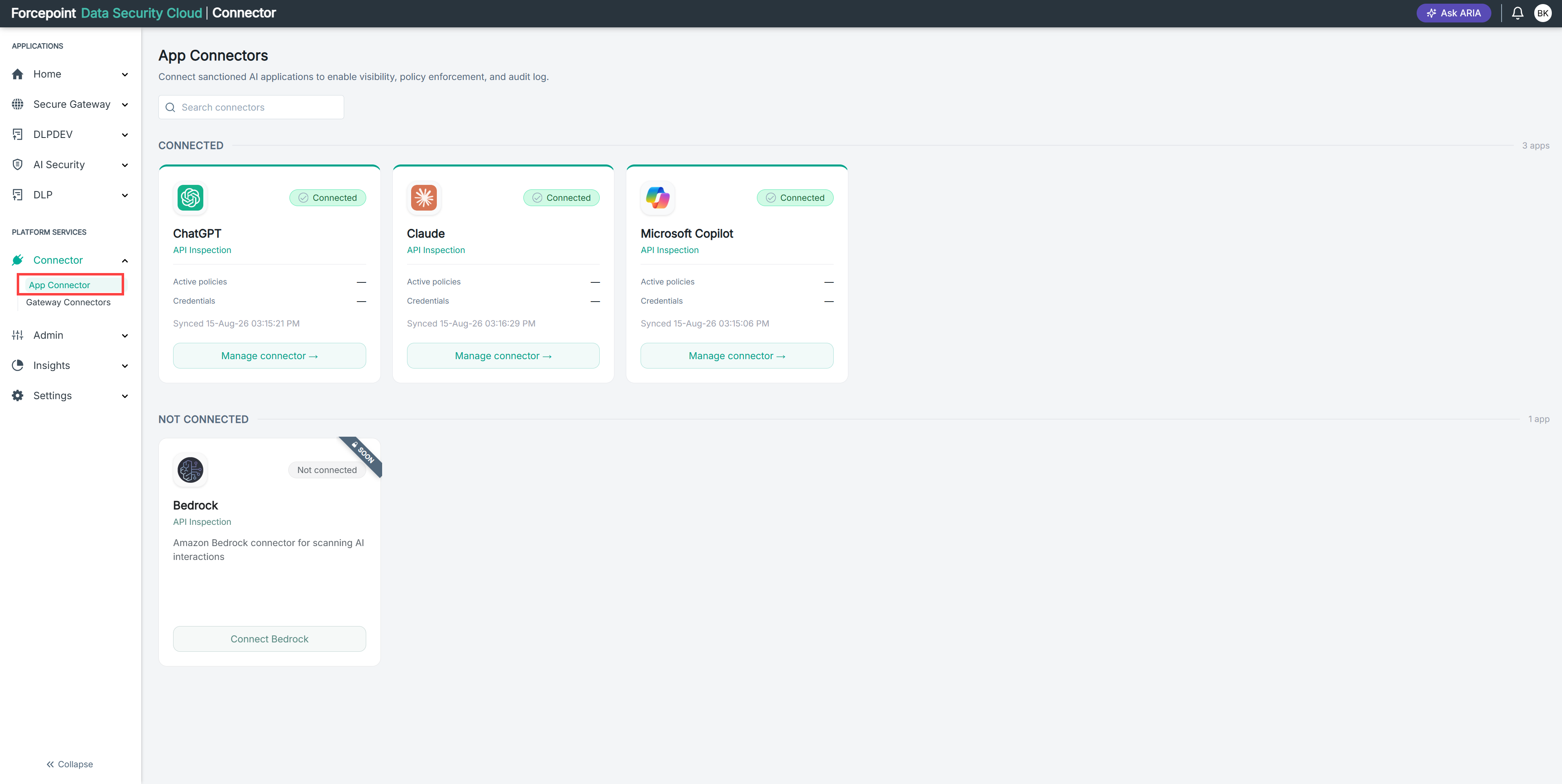
Open the App Connectors page.
-
Under CONNECTED, locate the connector you want to change.
-
Select Manage connector on the connector card.
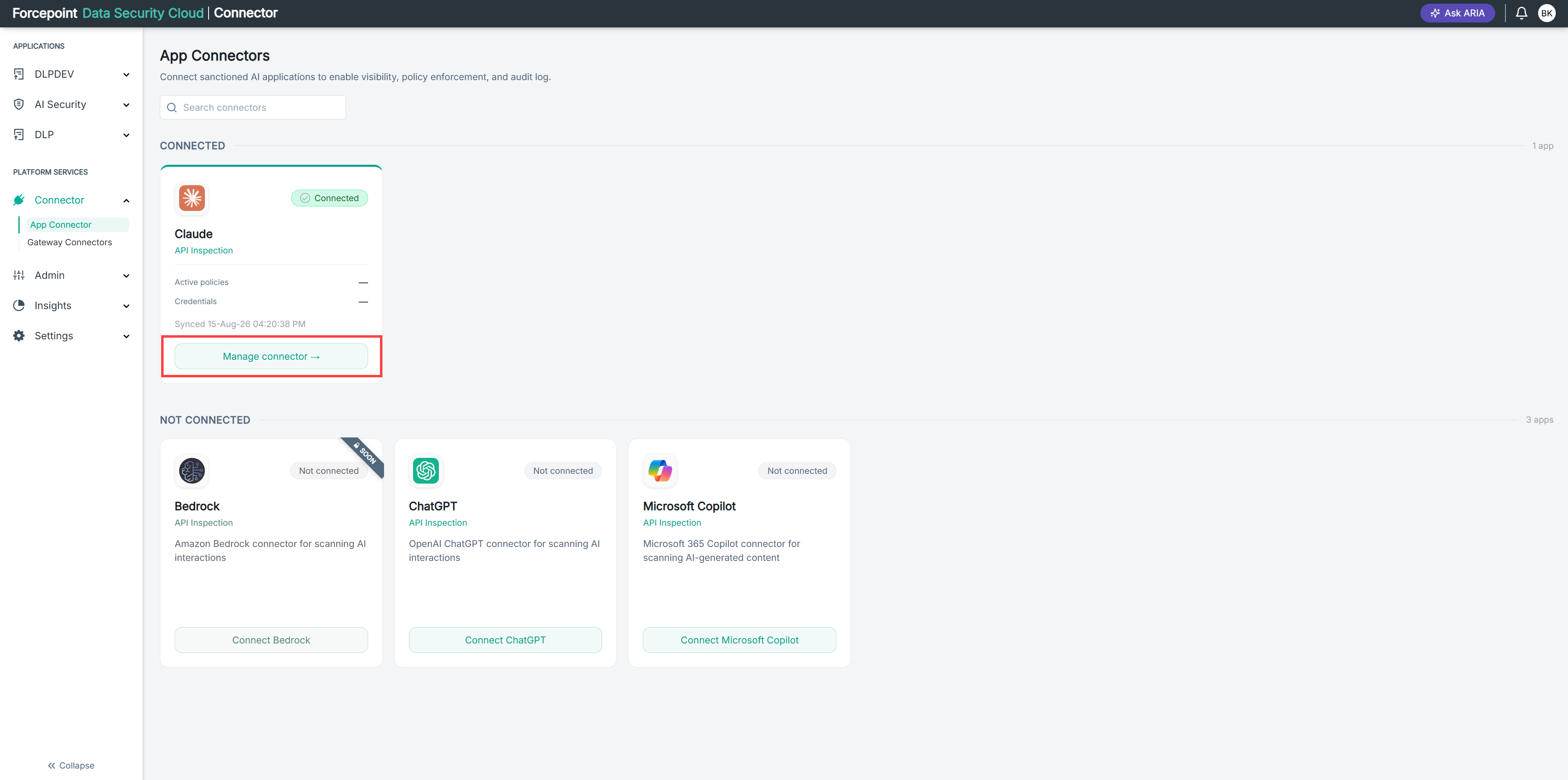
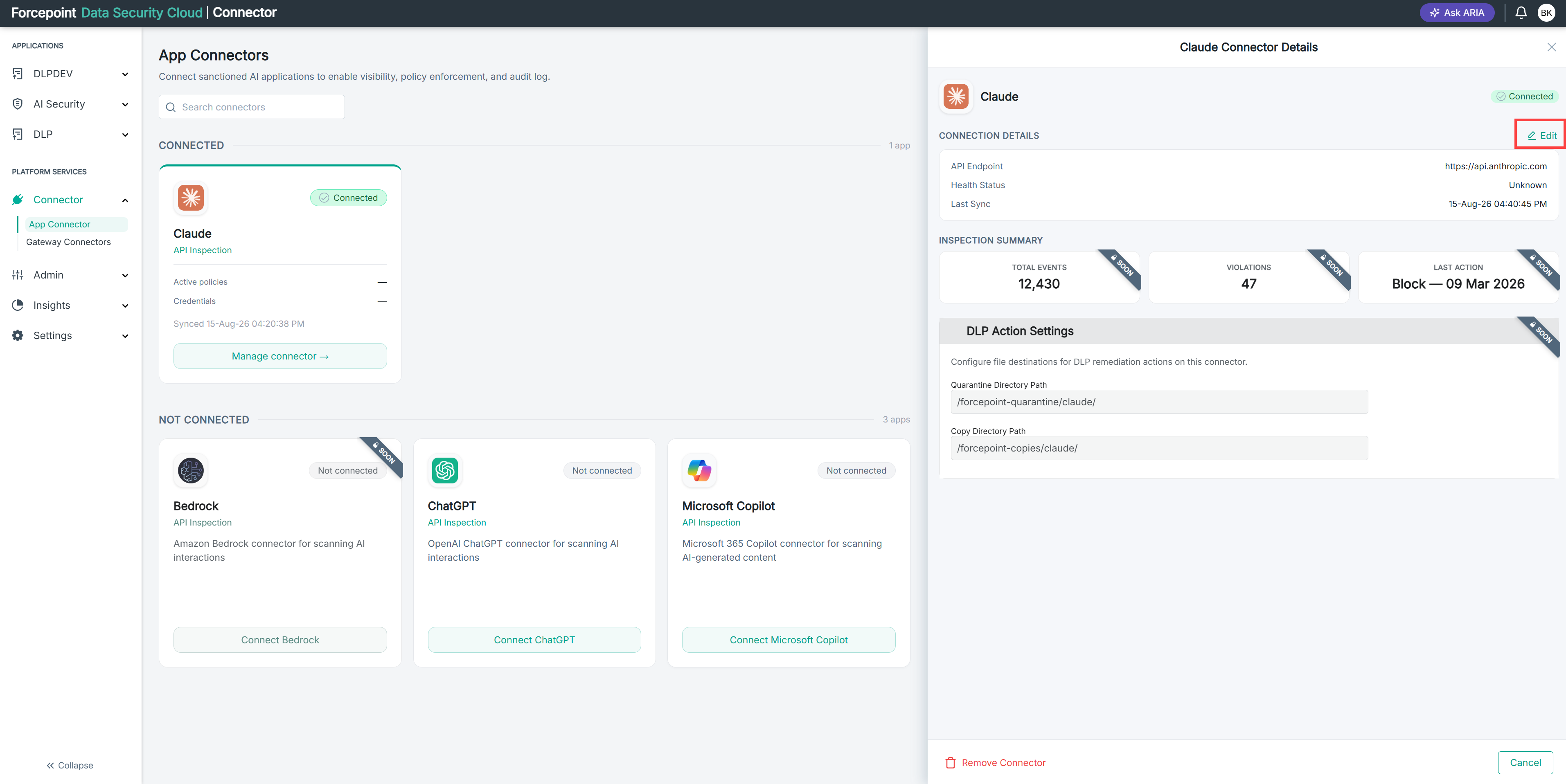
The connector details open.
-
Next to CONNECTION DETAILS, select Edit.
Result
The Edit Connector panel opens, showing the connector details and authentication fields.
Next steps
To close the panel without saving, select Cancel.