
Changing the Priority Order of Policies
Reorder your policies so that the correct one matches each request.
Policies are evaluated from the top of the list downwards, and evaluation stops at the first match. Reordering changes which policy takes effect, even when the policies themselves are unchanged.
Steps
-
Open the Policy page.
-
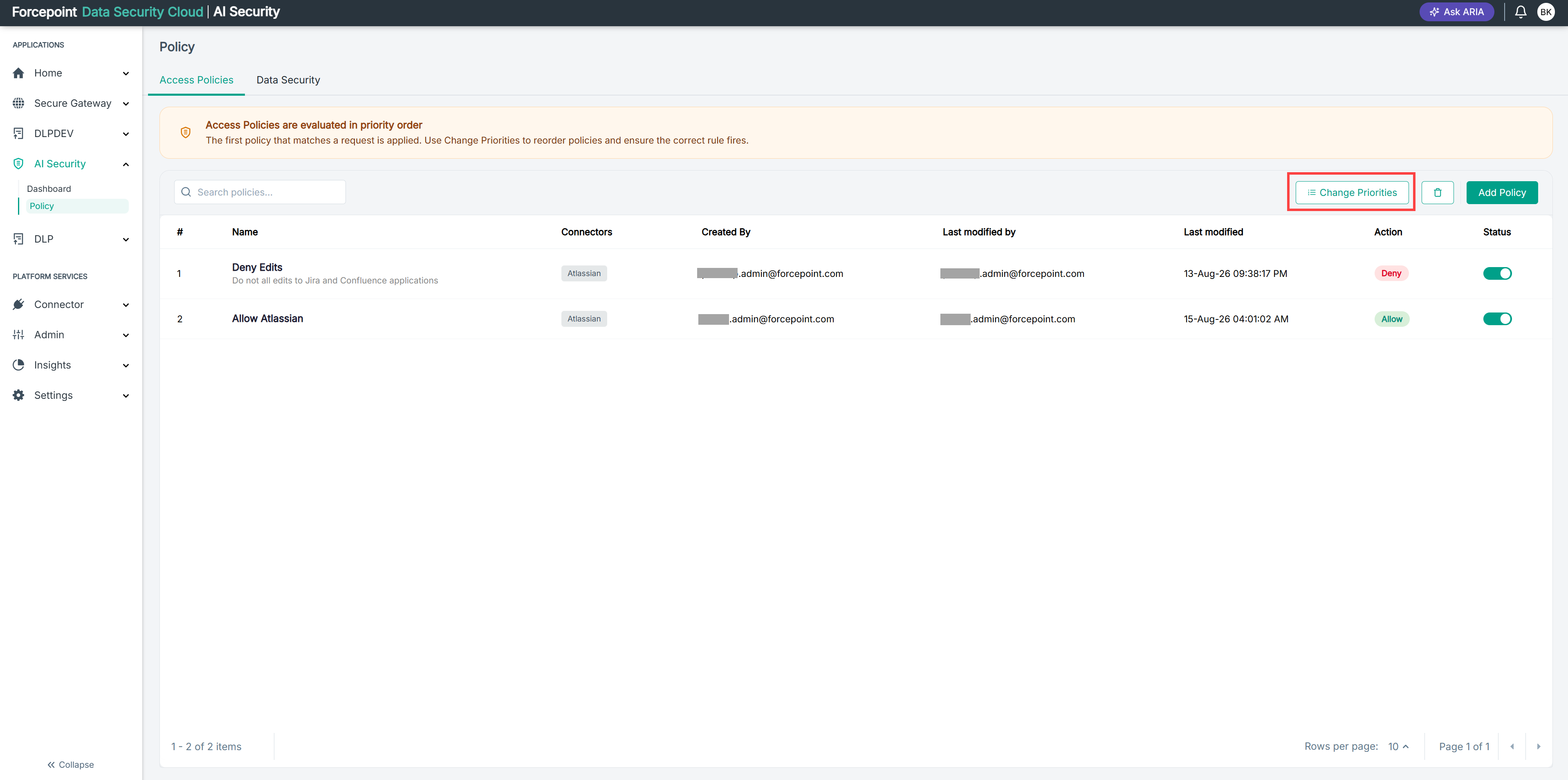
Select Change Priorities.
-
Move each policy to the position you want.
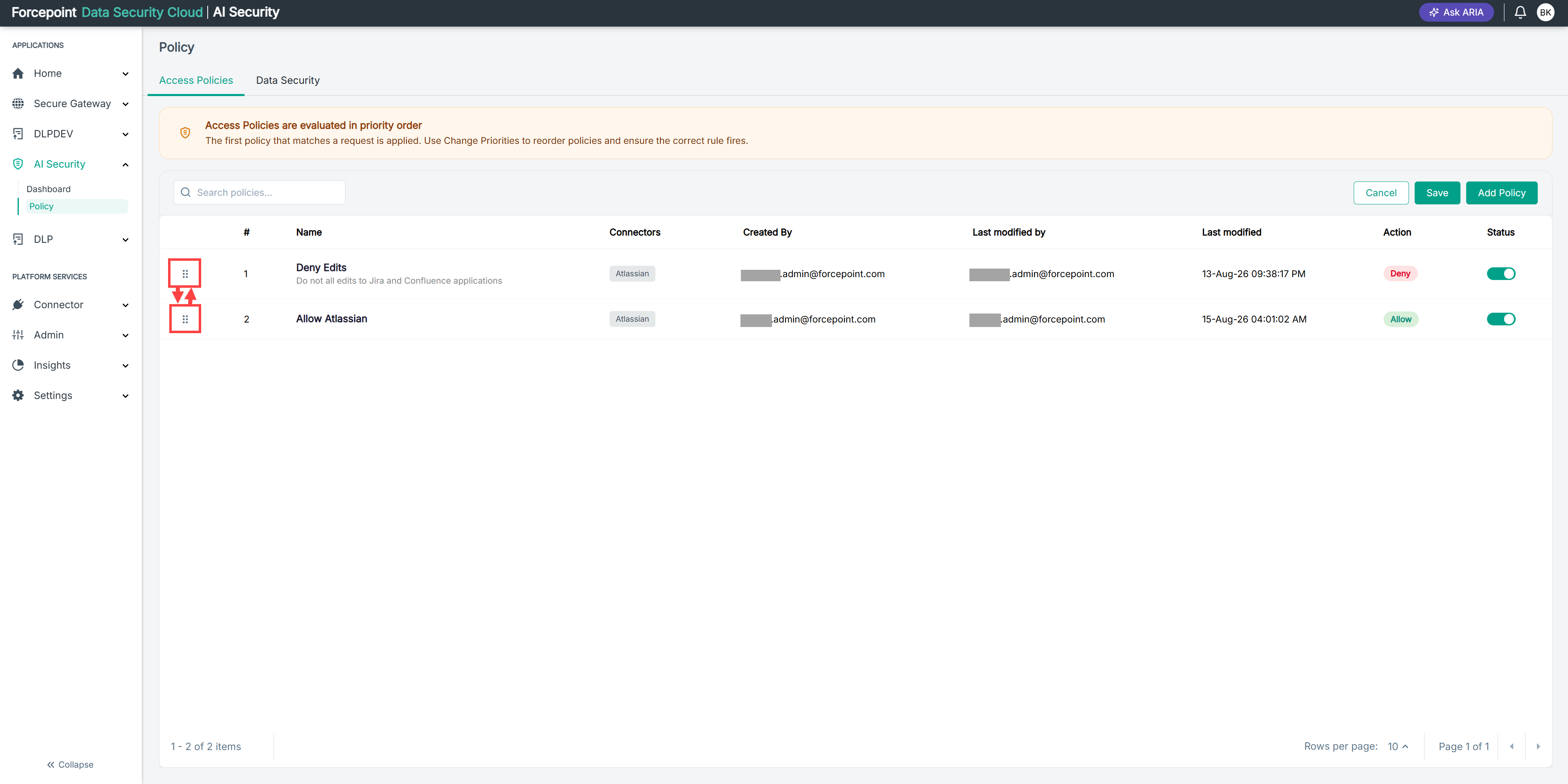
Place your most specific policies above your broadest ones, so that a general policy does not match first and prevent a specific one from running.
-
Save the new order.
Result
The numbers in the first column update to show the new evaluation order, and AI Security evaluates requests in that order.
Next steps
Test a request that each reordered policy should match, to confirm that the intended policy now takes effect.