
Checking When the Dashboard Data Was Last Updated
Confirm how current the dashboard figures are before you act on them.
Steps
-
Open the AI Security Dashboard.
-
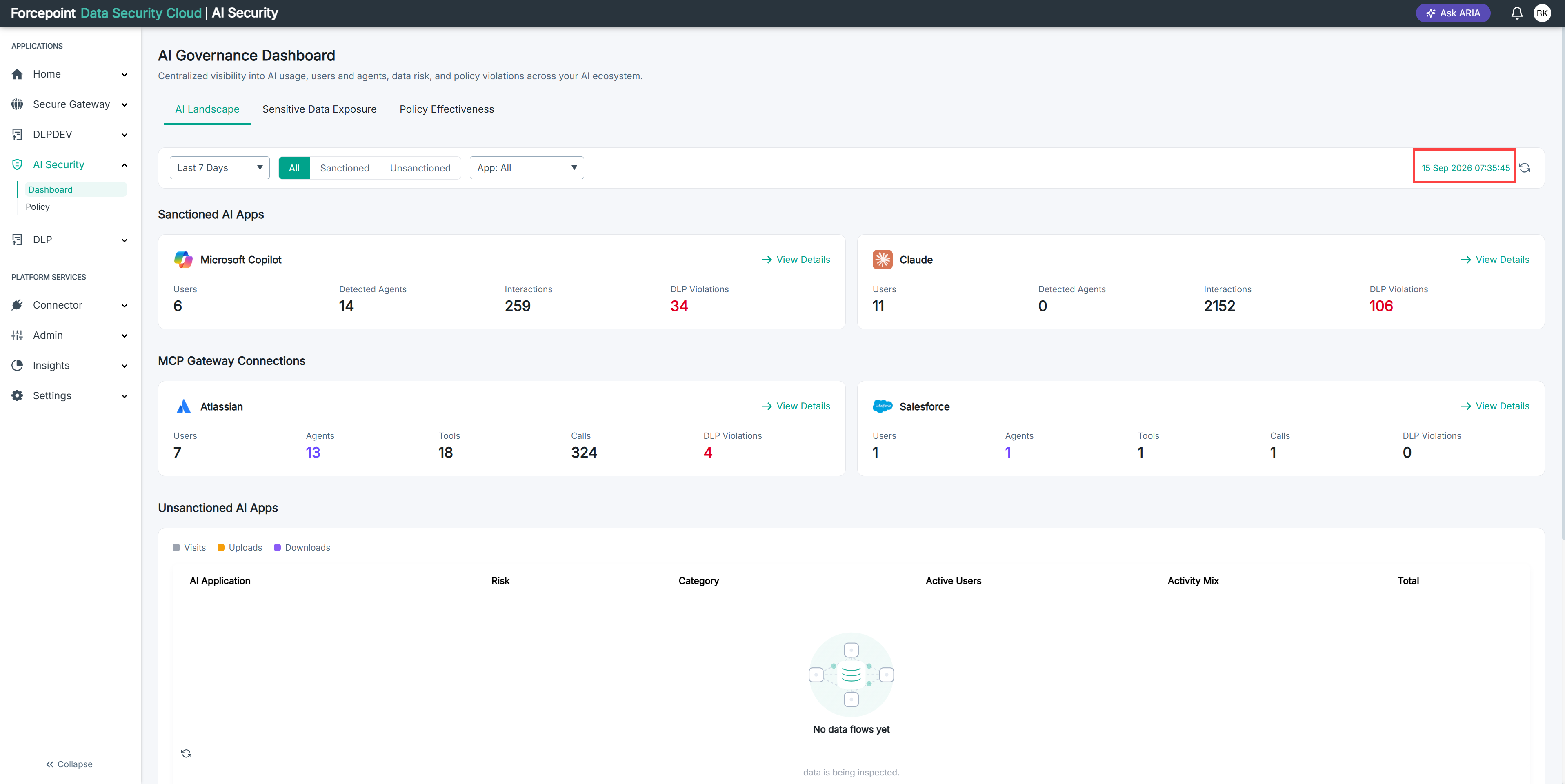
Locate the timestamp at the right of the filter bar, next to the refresh icon.
Result
The timestamp shows the date and time the dashboard data was last loaded.
Next steps
To bring the figures up to date, refresh the dashboard.