
Signing In With Atlassian to Grant Permissions
Complete the OAuth authorization for the Atlassian gateway connector by signing in with an Atlassian System Administrator account.
Before you begin
You need an Atlassian System Administrator account. You must also have selected Org-Wide authentication and OAuth as the type.
Steps
-
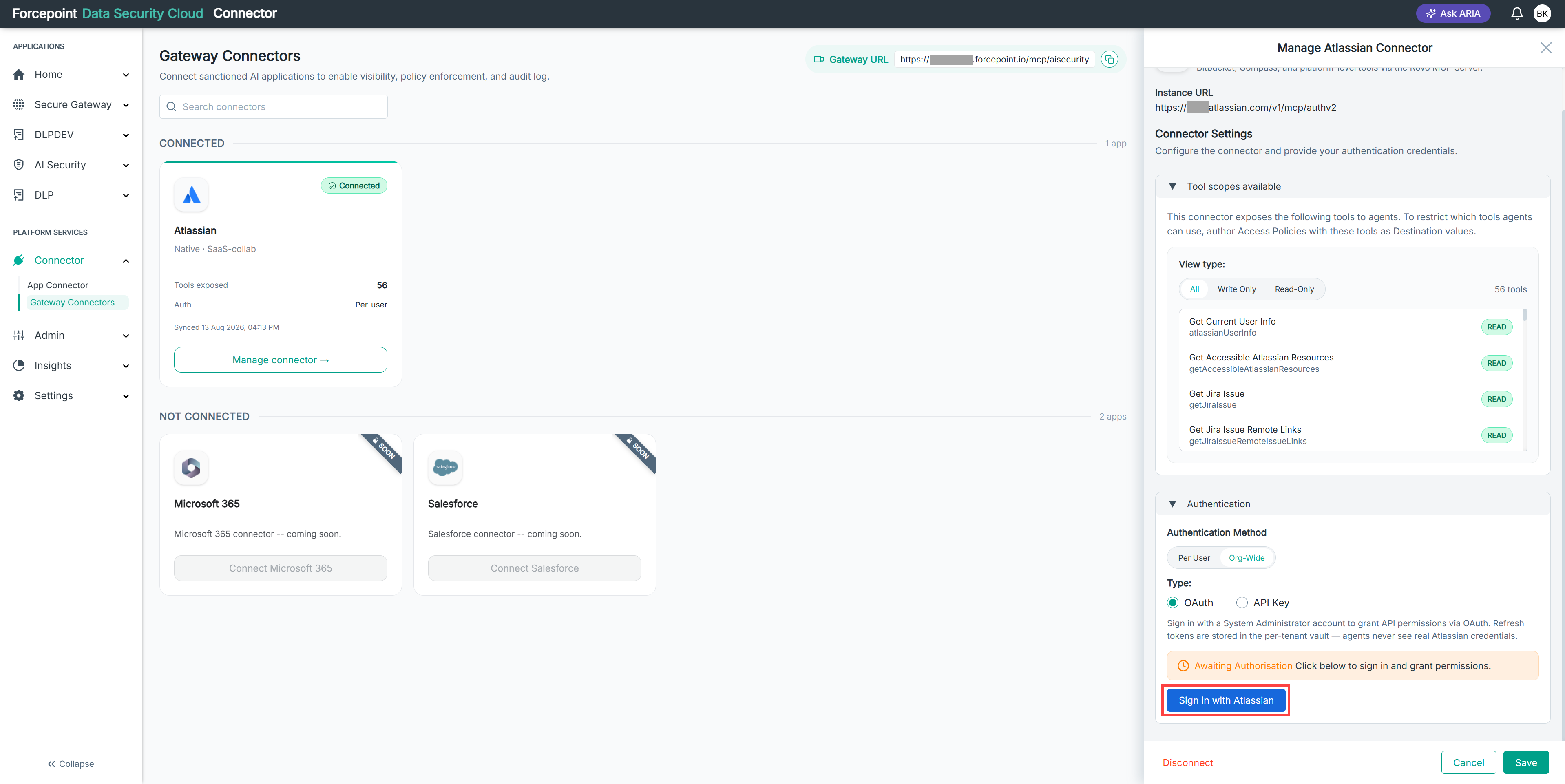
In the Authentication section, locate the Awaiting Authorisation message.
-
Select Sign in with Atlassian.
-
Sign in with your Atlassian System Administrator account.
-
Review the permissions requested by the connector.
-
Grant the requested permissions.
-
Select Save.
Result
The Atlassian connector is authorized. The Awaiting Authorisation message no longer appears, and the tools listed under Tool scopes available can be used by your agents.
Next steps
Grant your registered agents access to the connector, then write access policies to control which tools they can use.