
Naming an Agent Group
Give the group a name that describes what its agents have in common.
The group name is how you identify the group when you manage it later. Name the group for what its agents share, such as their function or the level of access they need.
Steps
-
Open the New Group panel.
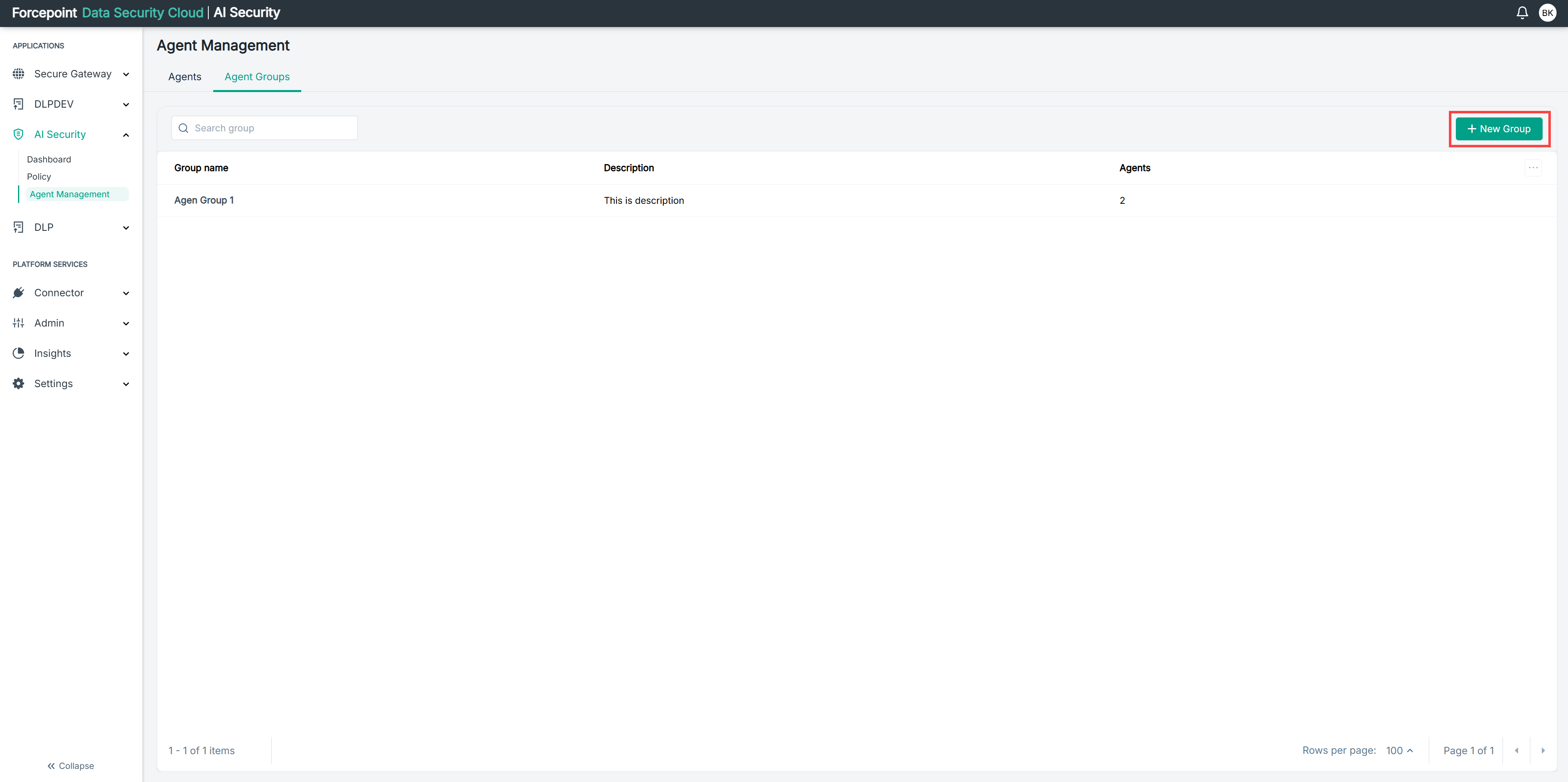
-
In Agent Group Name, enter a name for the group.
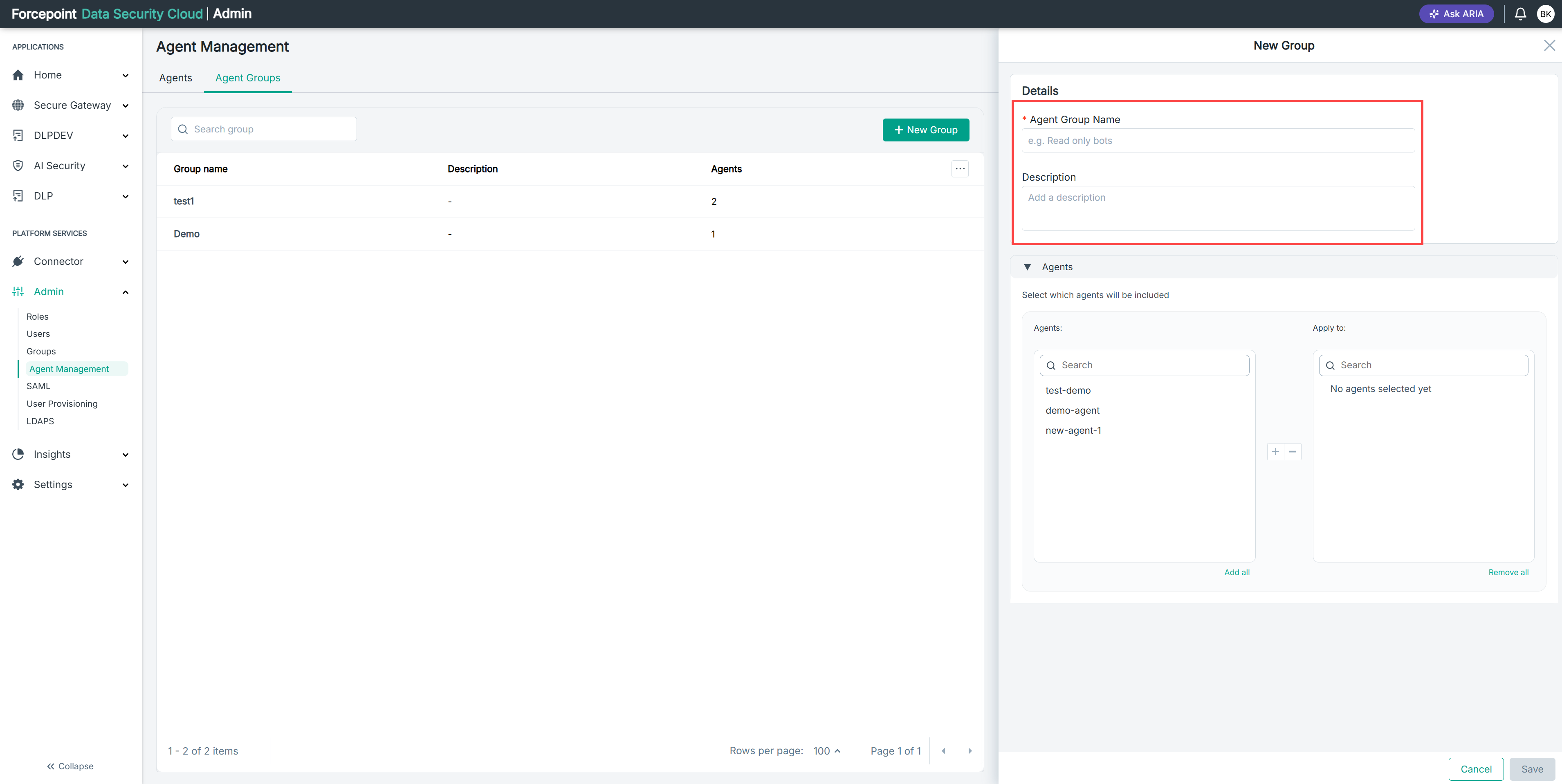
For example,
Read only bots. -
Optional: In Description, enter a description for the group.
Use the description to record why the group exists, so that other administrators understand its purpose.
Result
The group has a name that identifies it in the agent group list.
Next steps
Add agents to the group, then save it.