
Identifying the User Involved in an Event
Find out who sent the sensitive data that triggered a violation.
Before you begin
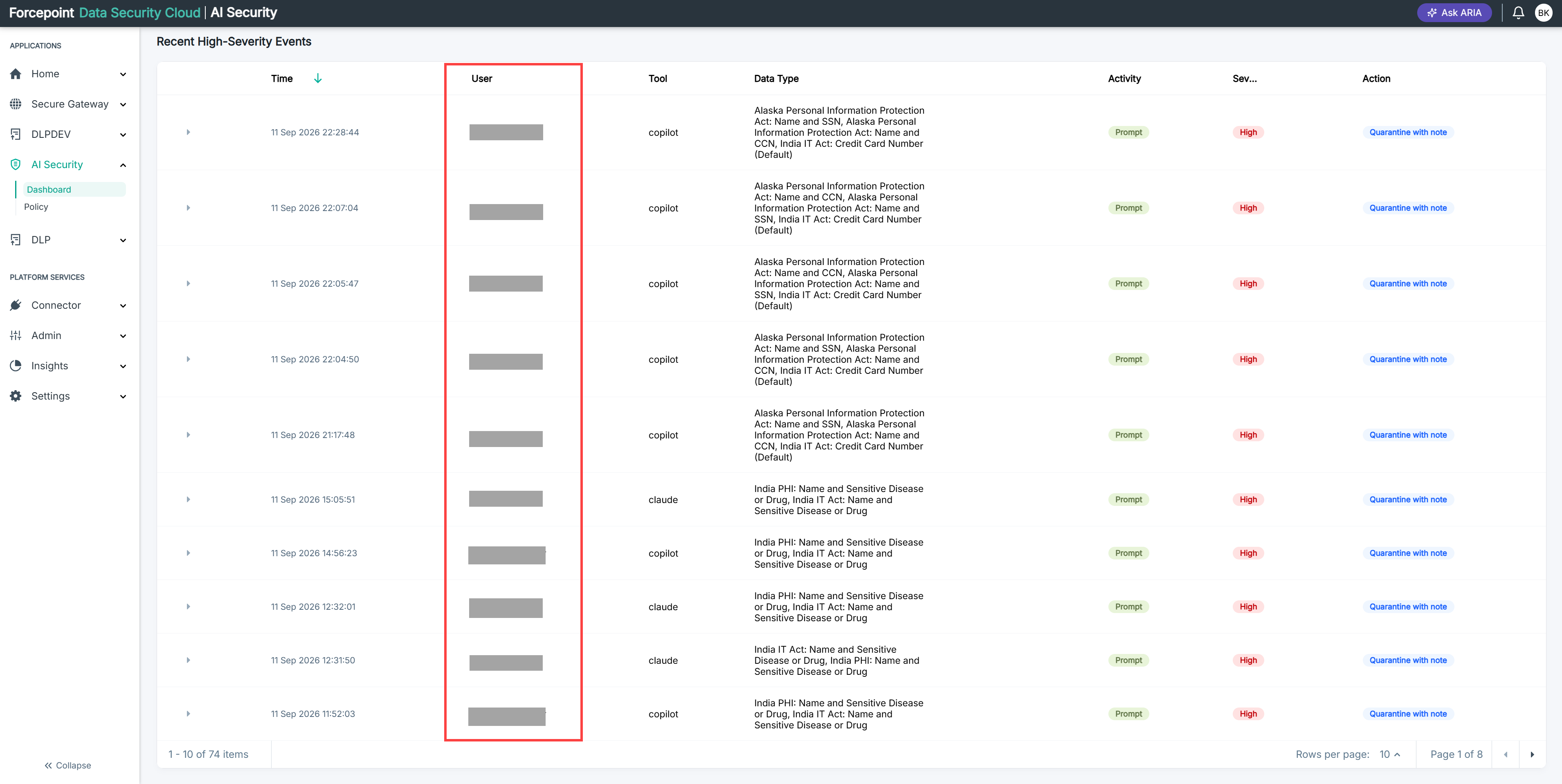
You are looking at the Recent High Severity Events list.
Steps
-
Find the event you want to look at.
-
Read the user shown against it.
This is the person whose activity produced the violation.
-
Check whether the same user appears against other events in the list.
A user appearing repeatedly is usually worth a conversation before a policy change.
Result
You know who was involved and whether the behaviour is isolated or repeated.