The Custom Notification Files are used when configuring a cloud policy to quarantine files when matching based on a condition. This file will replace the original file that is quarantined.
Steps
-
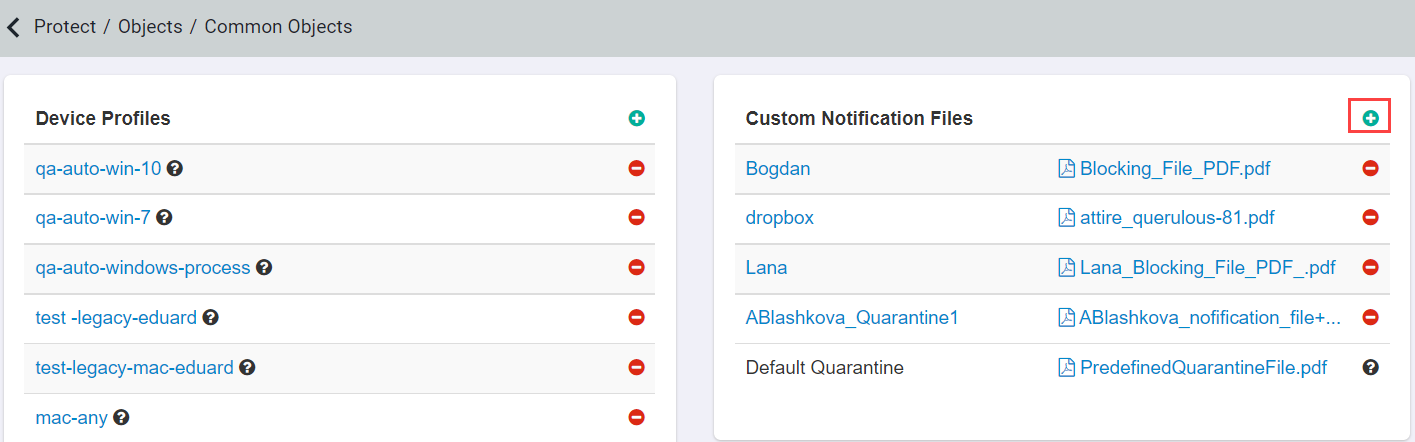
On the Custom Notification Files card, click green plus icon.
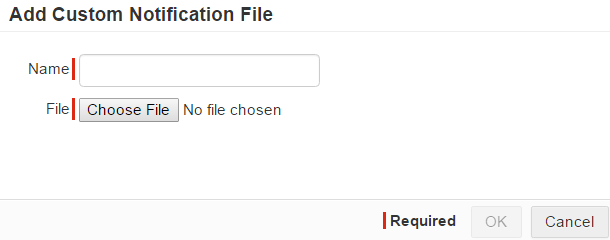
Add Custom Notification File dialog opens.
-
Enter the Name of the file.
Next steps
Note: The notification file that replaces the original file is renamed as
<original_filename>_quarantined.pdf. The original file that is placed in the quarantine account is renamed to
<username>_<original_filename>.