Forcepoint ONE SSE contains a large number of predefined DLP patterns based on commonly used objects including matching patterns for Credit Cards, sensitive keywords, U.S. Social Security Numbers, and more.
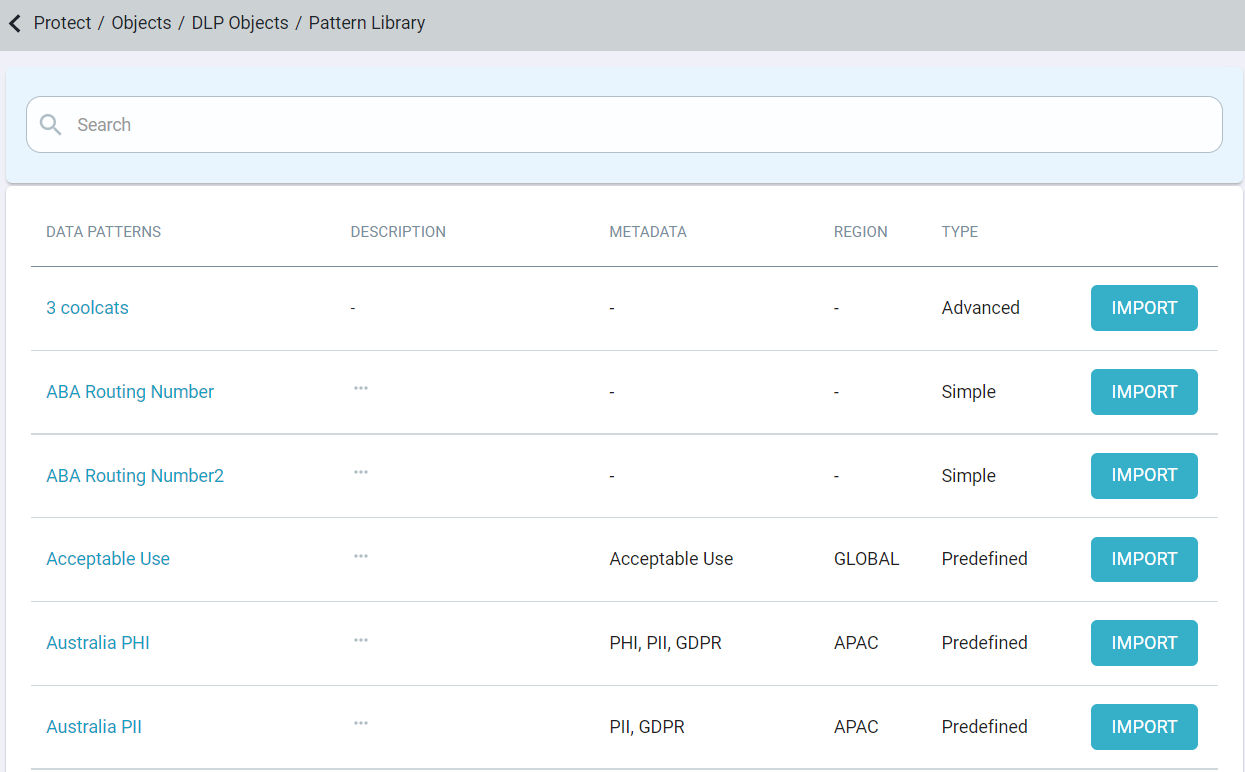
On the Pattern Library page, you can add patterns to use in your policies by clicking the Import button associated with the data pattern you wish to use.
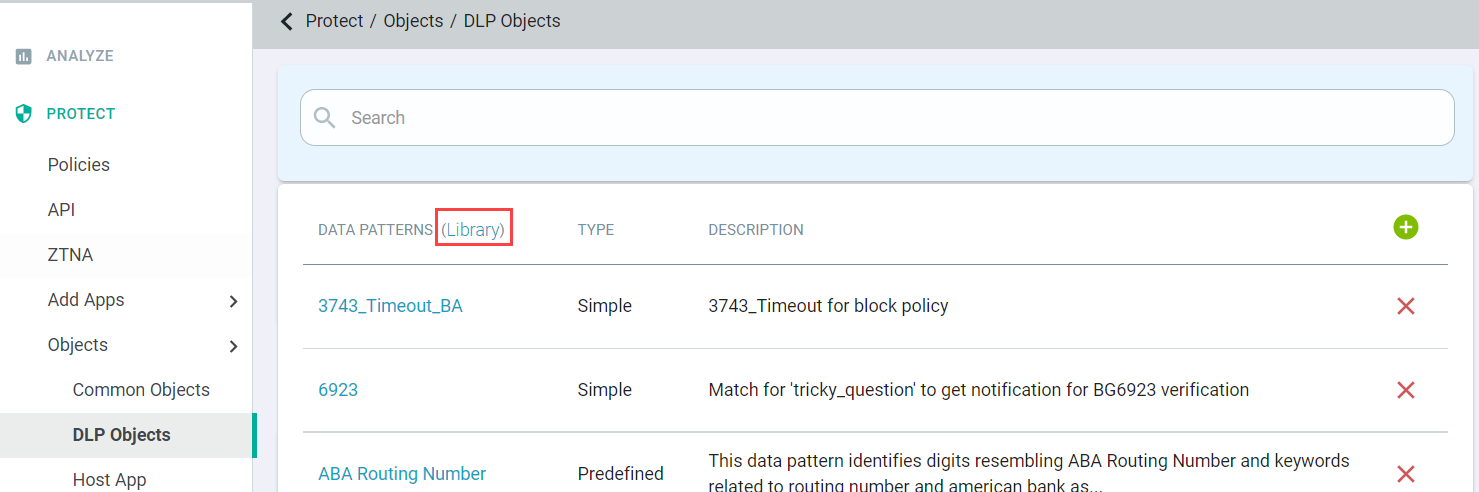
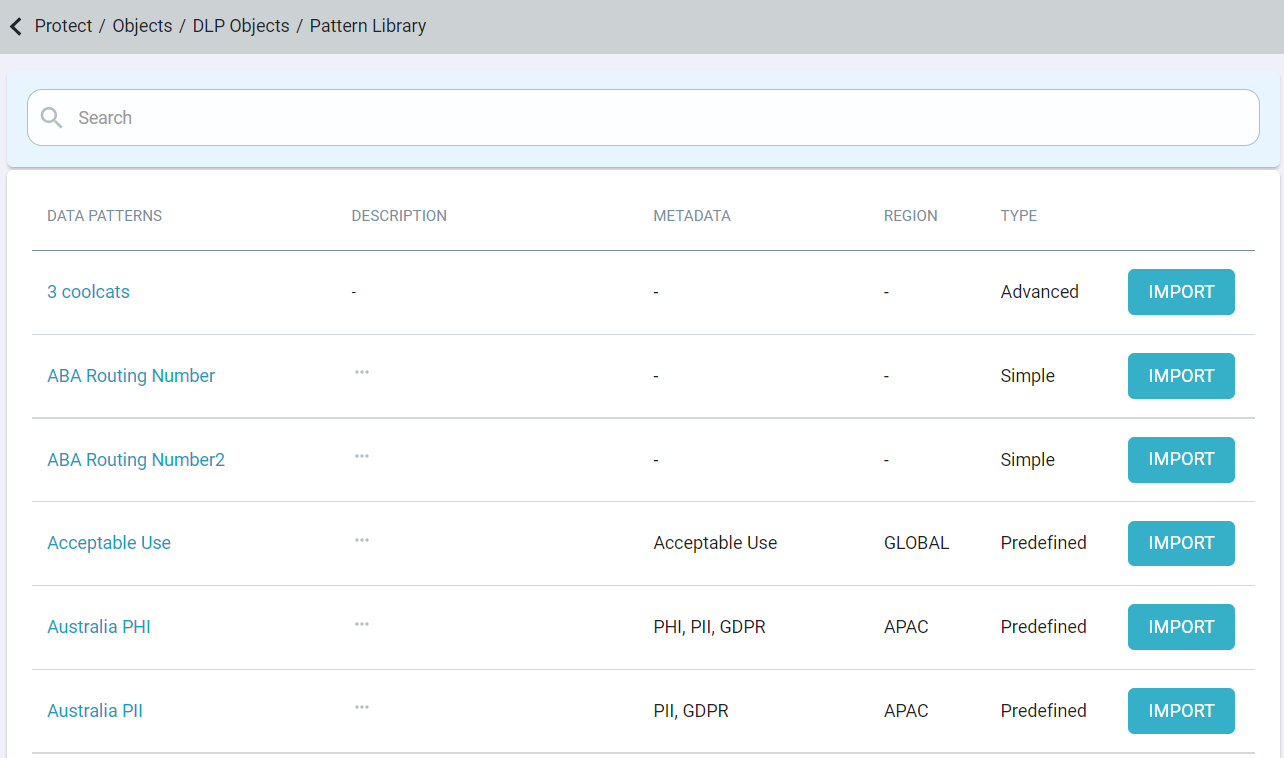
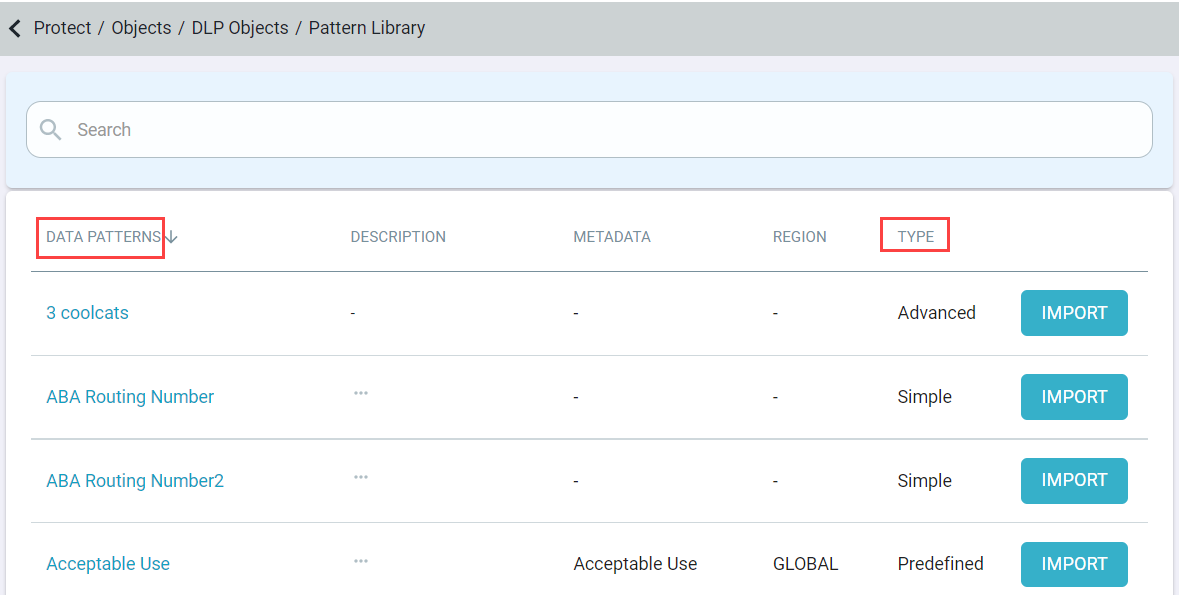
On the Pattern Library page, you can filter data patterns by column name(s). You can also sort the data patterns by clicking on the Data Patterns and Type.
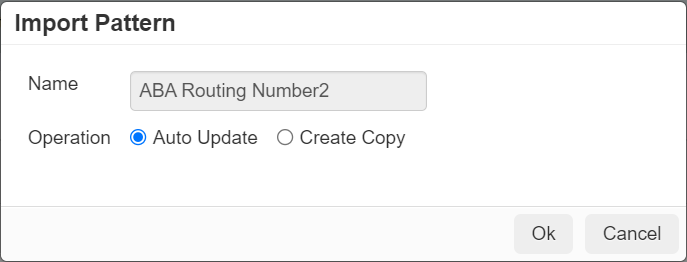
- Auto Update will add the pattern to your tenant as a predefined pattern that you cannot edit and that will automatically update whenever Forcepoint ONE SSE needs to update the pattern. For example, a pattern for credit cards, if in the future a new set of credit card numbers are released or a new credit card is created, then when Forcepoint ONE SSE updates that pattern it will also be updated in your tenant without you having to do anything.
- Create Copy on the other hand will add the pattern to your tenant as a copy so that you can make edits to the pattern (example, the name or even the pattern itself).
This allows you to customize the pattern as needed but also means that if there is ever an update by Forcepoint ONE SSE, admins will need to come back to the
Library page to import the new changes.
Forcepoint DLP data patterns will only display General and Test Pattern tabs when you click the data pattern name either on the Pattern Library page or on the DLP Objects page.
File formats supported by the Forcepoint data patterns can be found at Supported File Formats. To know about each Forcepoint DLP data pattern, refer to Forcepoint DLP Data Patterns included in Forcepoint ONE SSE.
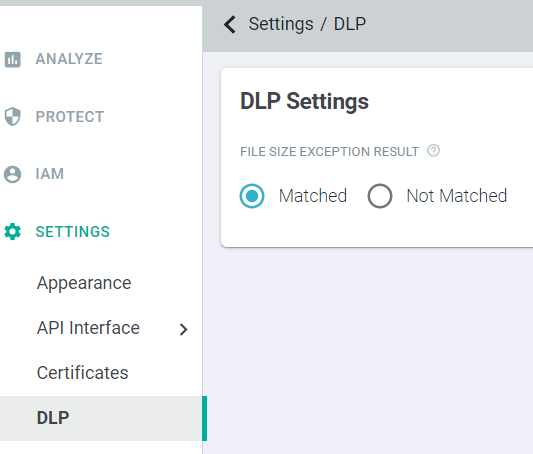
Under , you can configure DLP result when the file size limit exceeds 10MB when Forcepoint ONE SSE is integrated with Forcepoint DLP.
Following are the exceptions of Forcepoint DLP predefined patterns:
- The File Size exception setting is not applicable for API scanning and large files, greater than 10MB, will always be treated as unmatched.
- Forcepoint DLP patterns only work with files and cannot be used for masking or blocking the chat messages in Microsoft 365, Slack and Salesforce.
When you test the Forcepoint data patterns, Failed pattern match or Successful pattern match verdict is shown and the context of the match will not be shown.