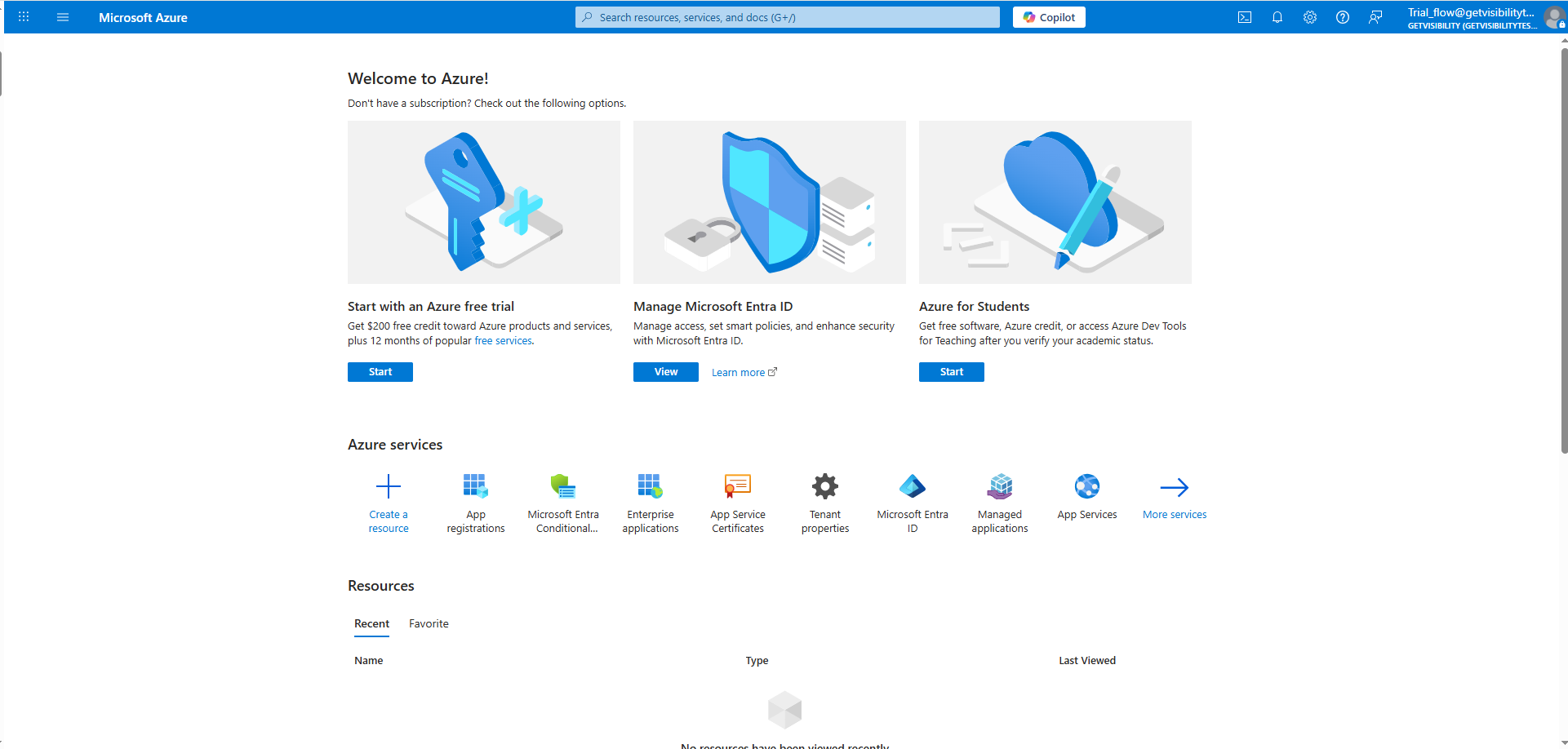
On the App Registration page enter the below information and click the Register button.
Name: (Enter a meaningful application name that will be displayed to users of the app.)
Supported account types: Select the option most suitable for your organization. Here we are selecting Accounts in any organizational
directory (Any Microsoft Entra ID tenant - Multitenant).
Redirect URI (Optional): This field need not be filled.
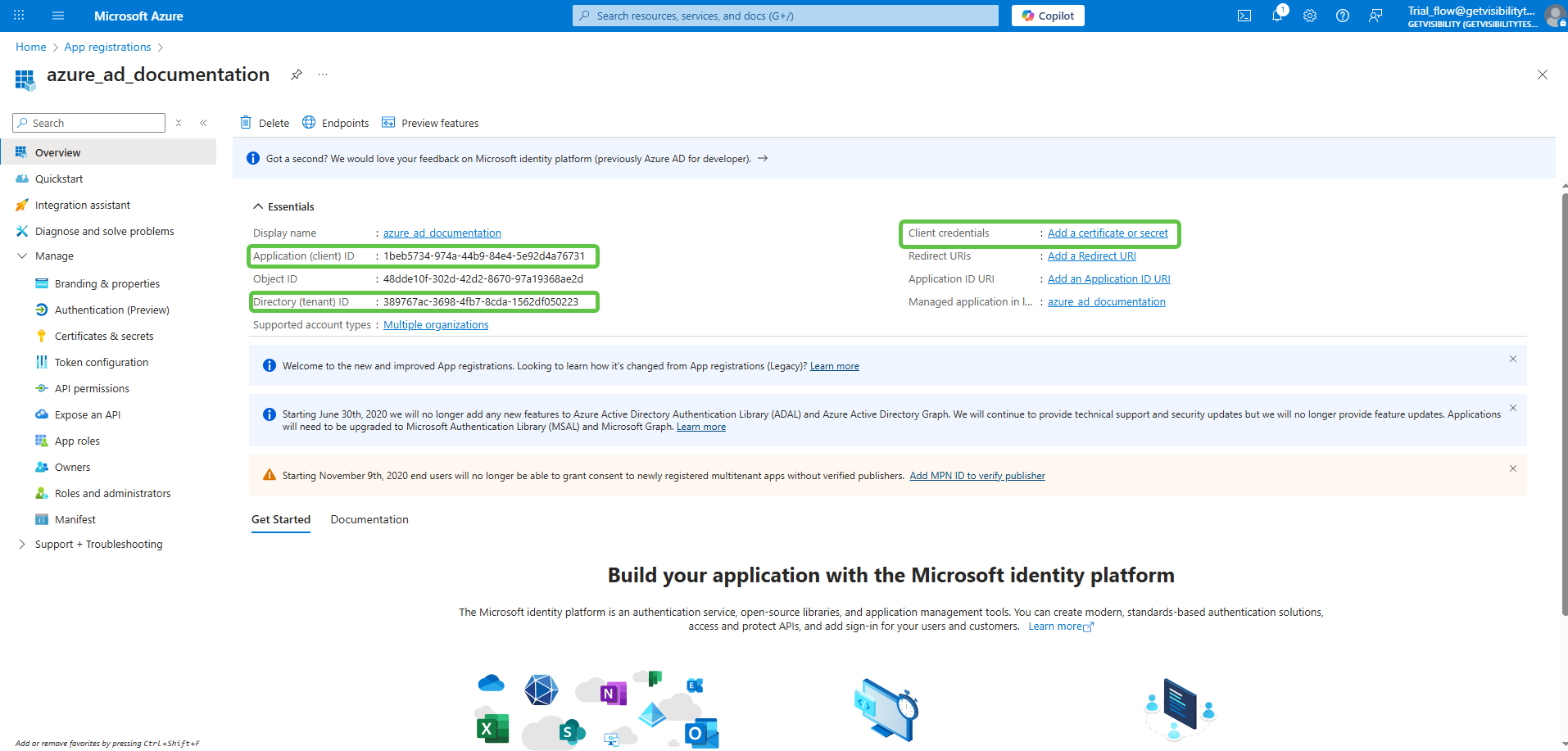
Note the Application (client) ID, Directory (tenant) ID values. Next, click Add a certificate or secret next
to the field Client credentials.
This opens the Certificates & secrets page under section Manage > Certficates & secrets. On this page, click New client secret.
Provide a meaningful description and expiry to the secret and click on Add.
Once a client secret is created, note its Value and store it somewhere safe. This value cannot be viewed once this page is closed.
Navigate to Manage > API permissions on the left menu, and Add a permission. You must add all the permissions as listed below.