
Viewing the Number of Active Policies
Check how many policies are currently in force, and how they split between data security and access control.
Before you begin
You are on the Policy Effectiveness tab.
Steps
-
Read the Active Policies card.
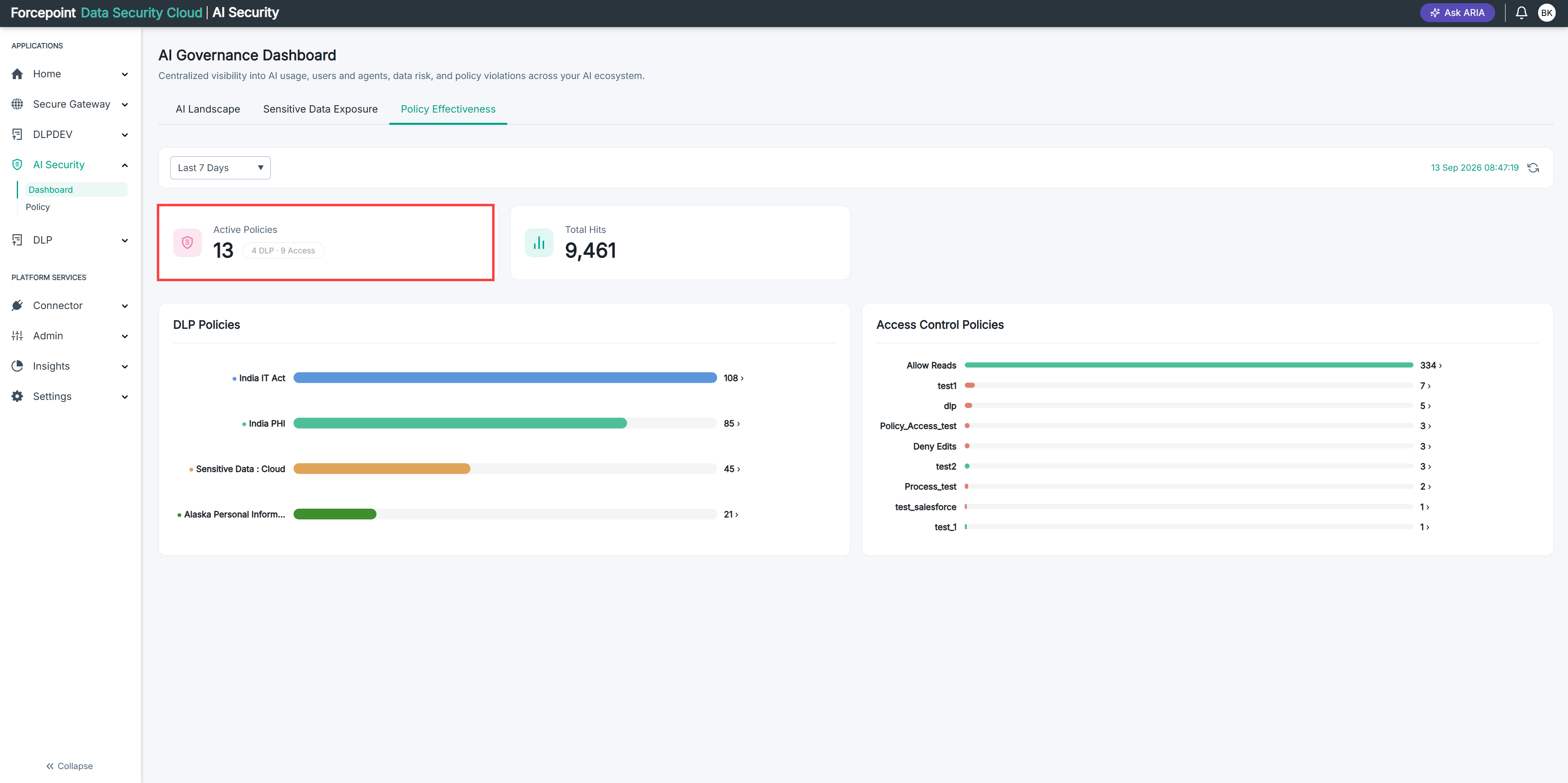
This is the total number of policies currently switched on across both kinds.
-
Read the split shown beside the total.
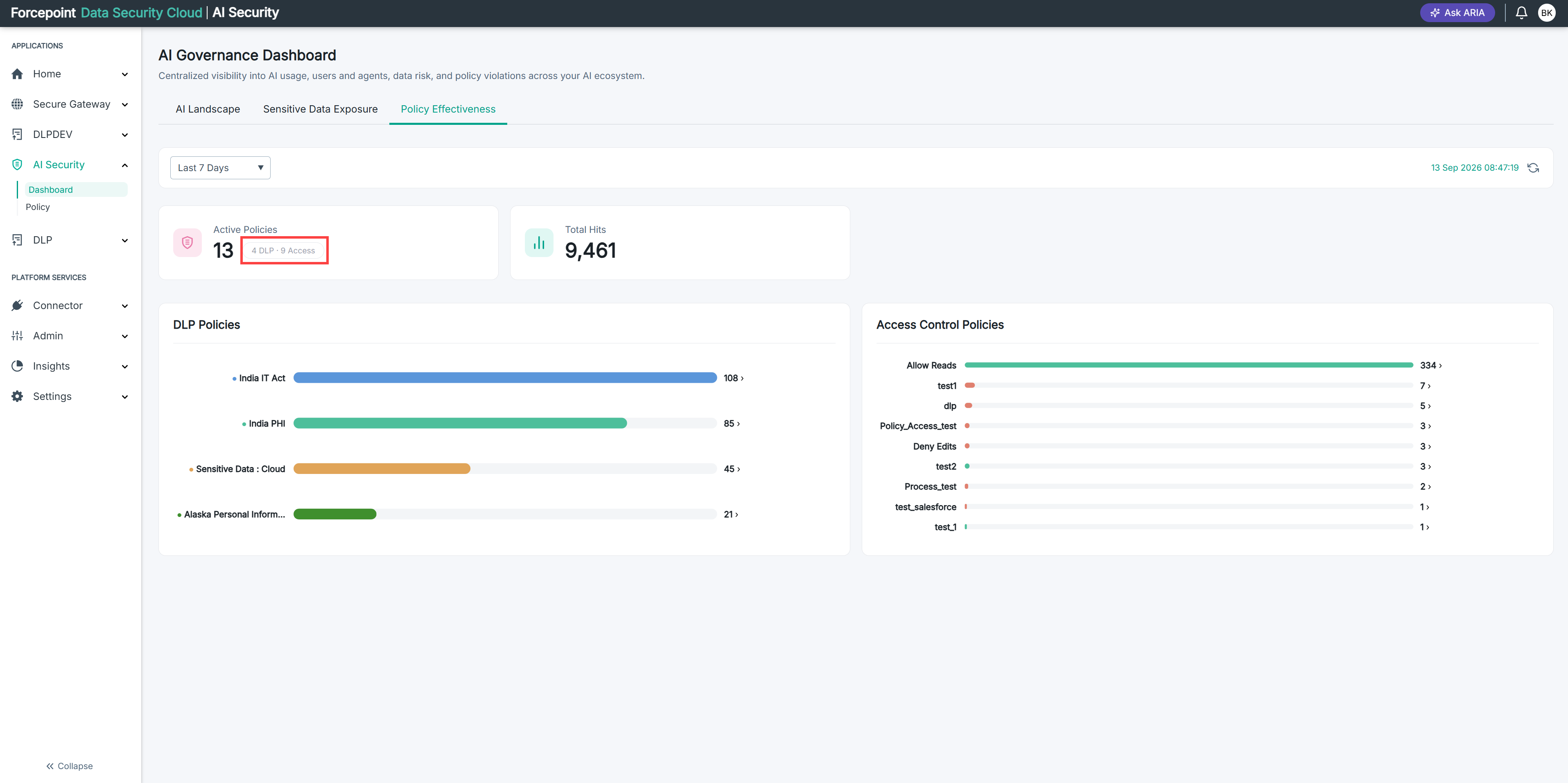
It tells you how many are DLP policies and how many are access control policies.
-
Note the two figures.
You need them when you read the charts below. Each chart lists only the policies that were triggered, so comparing its length against these numbers tells you how many policies produced nothing.
Result
You know how many policies are protecting your organization and how the protection divides between the two kinds.