
Reading the Effectiveness Summary Cards
Read the two cards at the top of the Policy Effectiveness tab to judge, at a glance, whether your policies are doing work.
The two cards answer three separate questions: how much policy you have, and how often it fires. Read them in that order.
Steps
-
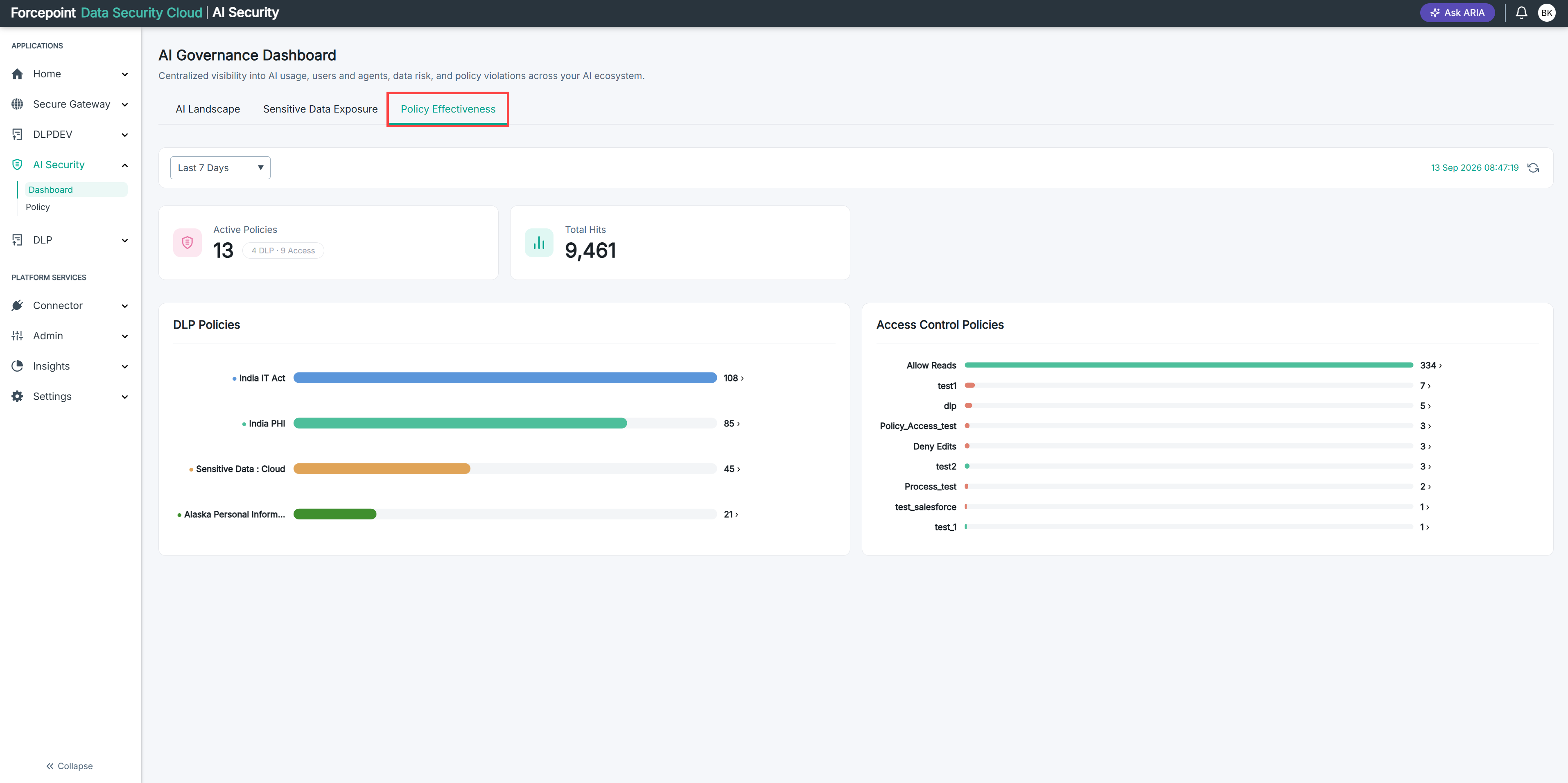
Open the Policy Effectiveness tab and set the period you want. See Opening and Filtering the Effectiveness Tab.
-
Read the number on the Active Policies card.
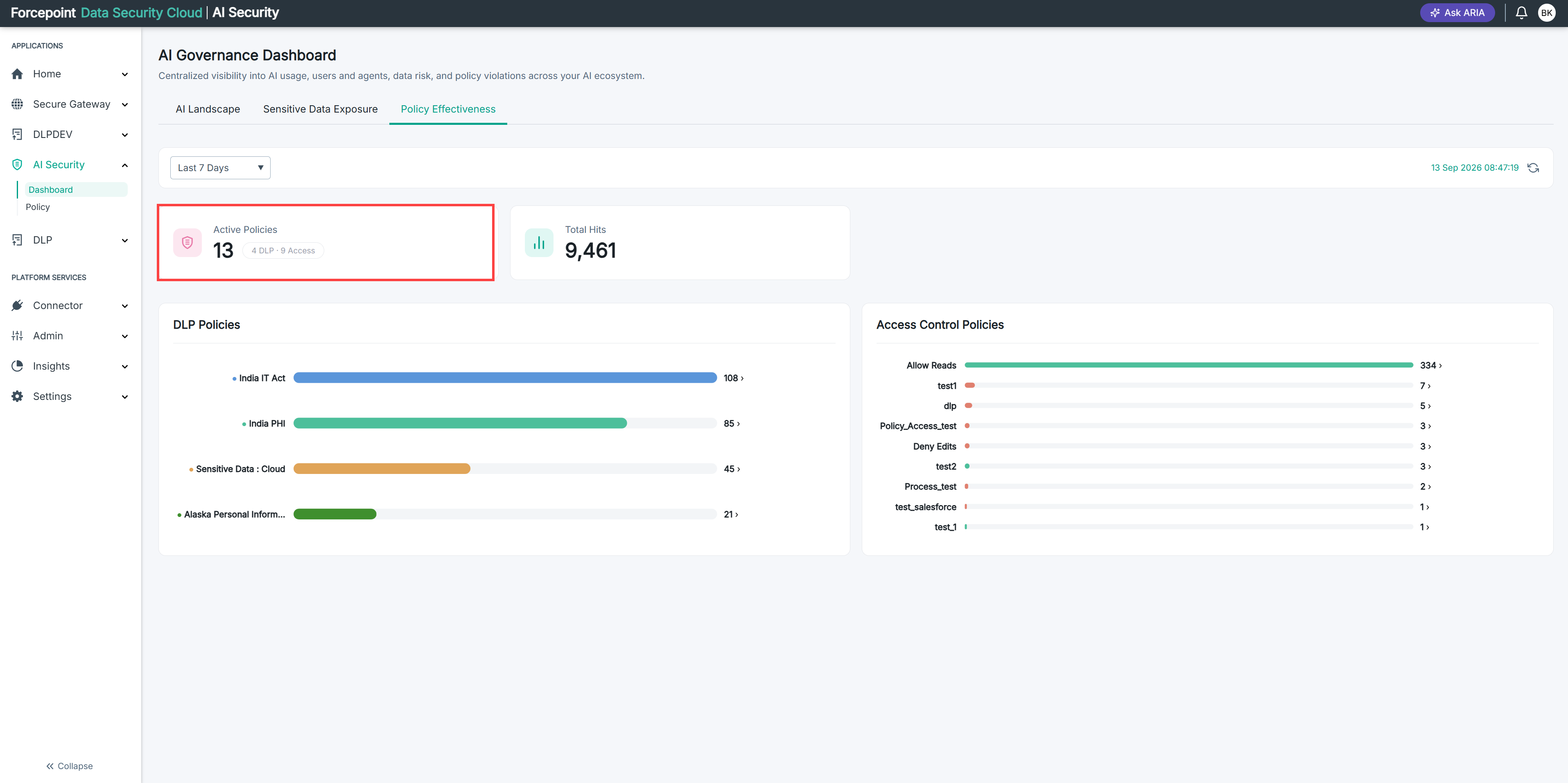
This is how many policies are currently in force.
-
Read the badge beside that number.
The badge splits the total into DLP policies and Access policies, so you can see whether your coverage leans towards inspecting content or towards controlling access.
-
Read the Total Hits card.
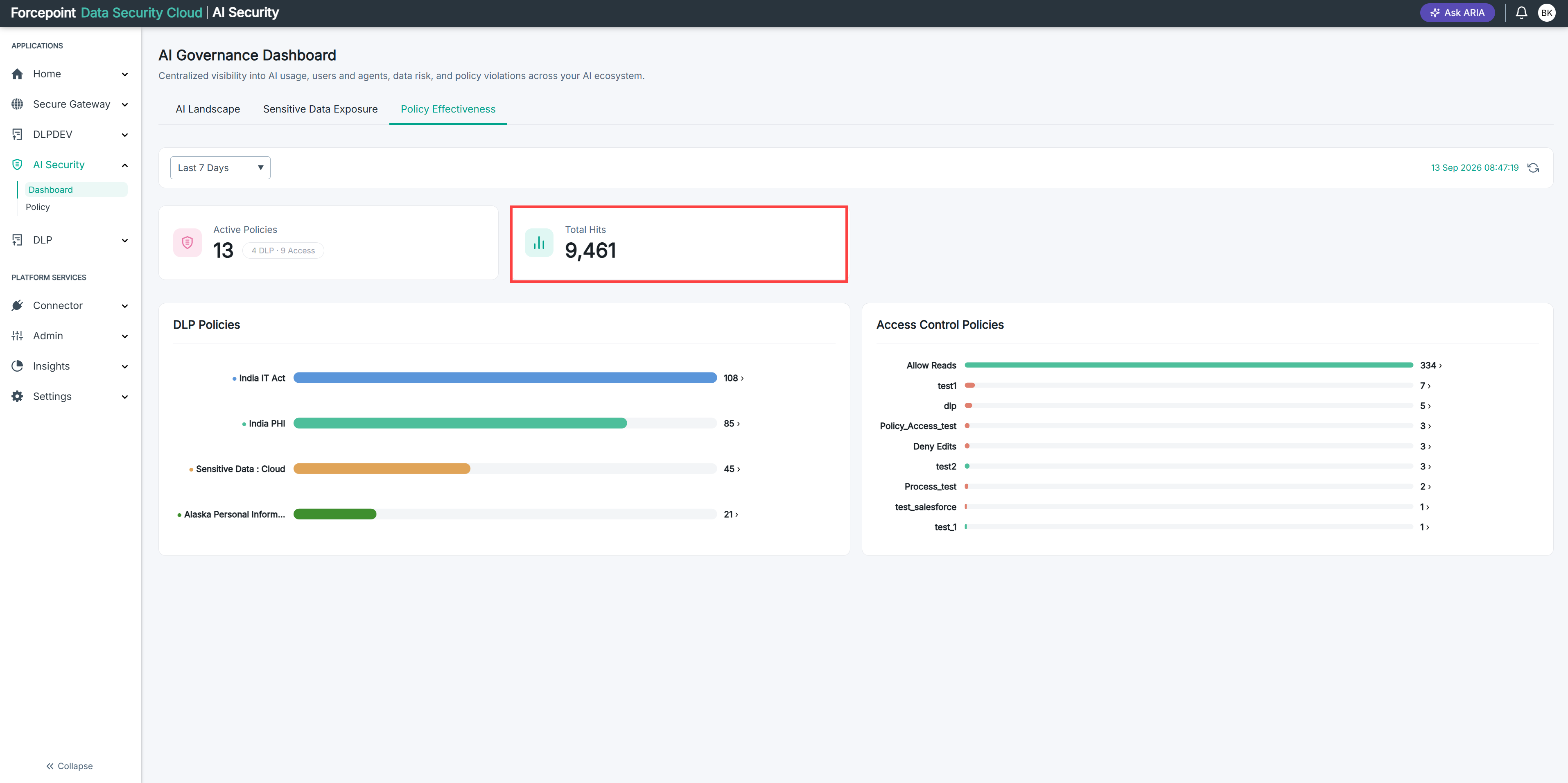
This is how many times any policy was triggered during the period.
Result
You have a headline view of policy activity for the period, and a sense of whether to look next at the policy charts or at the scope of individual policies.