
Identifying Data Security Policies With No Hits
Find the policies that were never triggered, so that you can tell the ones protecting you from the ones doing nothing.
Before you begin
You are on the Policy Effectiveness tab.
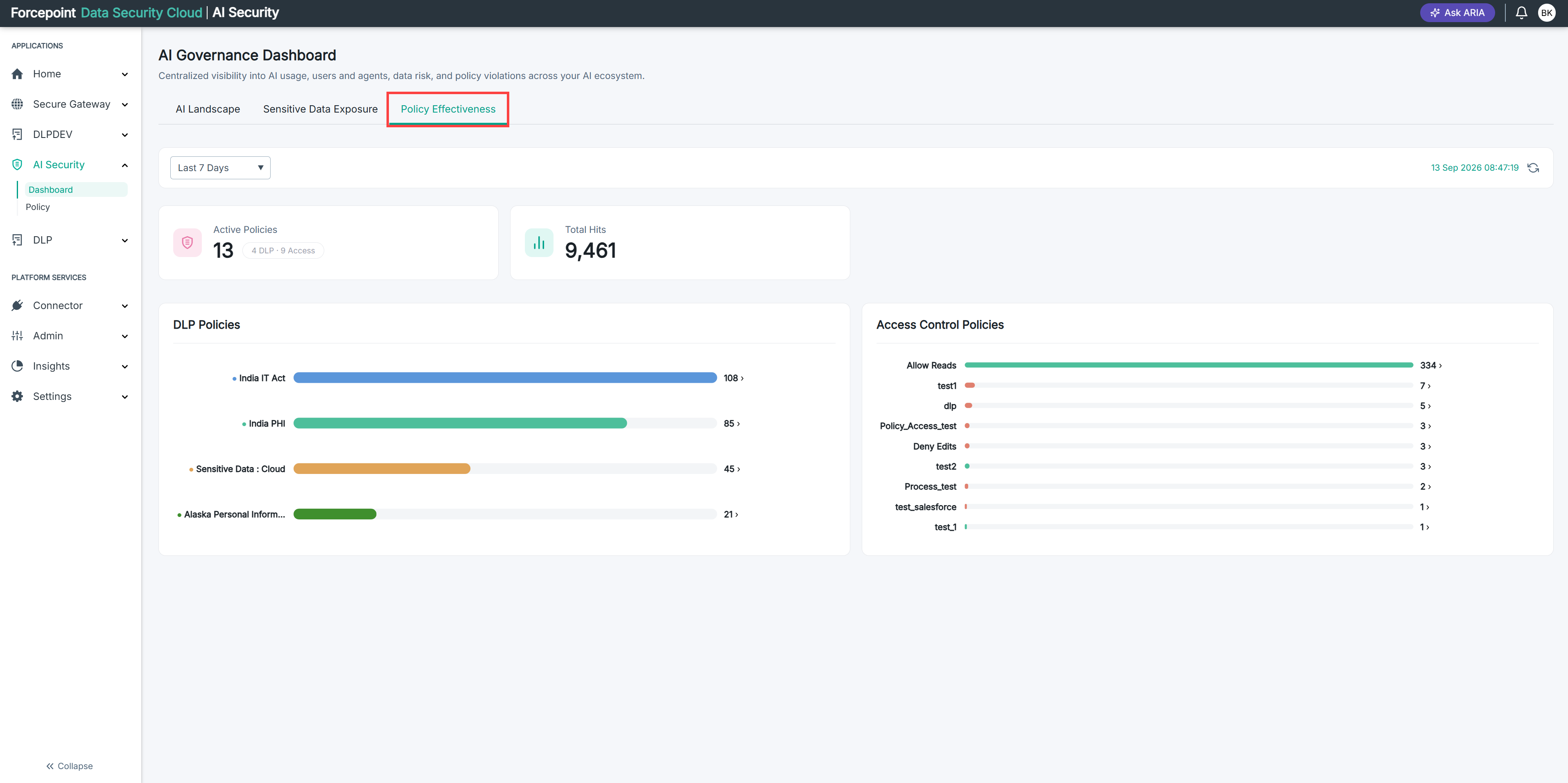
The charts list only the policies that were triggered. A policy with no hits does not appear at all, so you find it by comparing what the chart shows against how many policies are active.
Steps
-
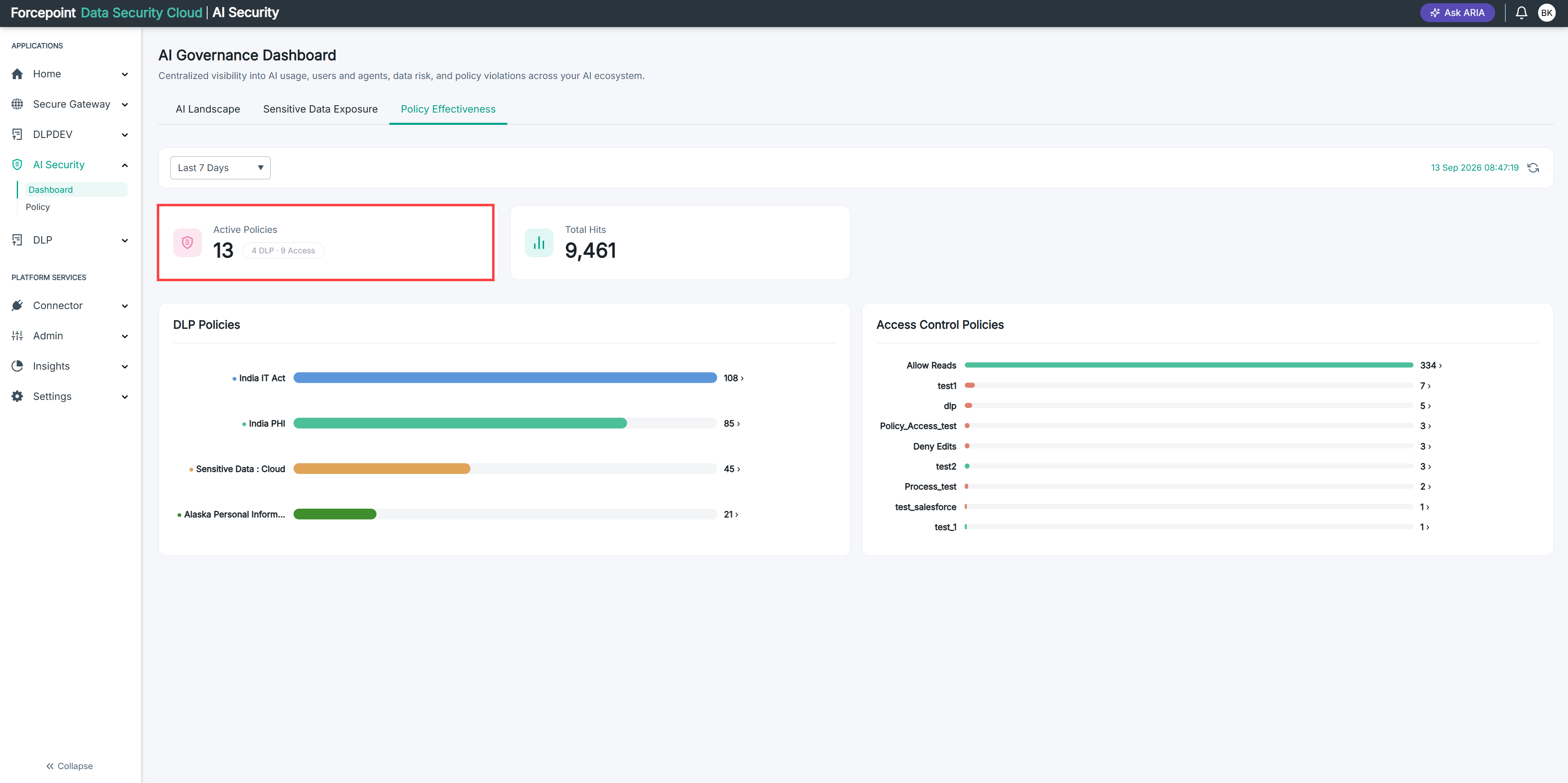
Read the DLP and access counts on the Active Policies card.
-
Count the entries in the DLP Policies chart.
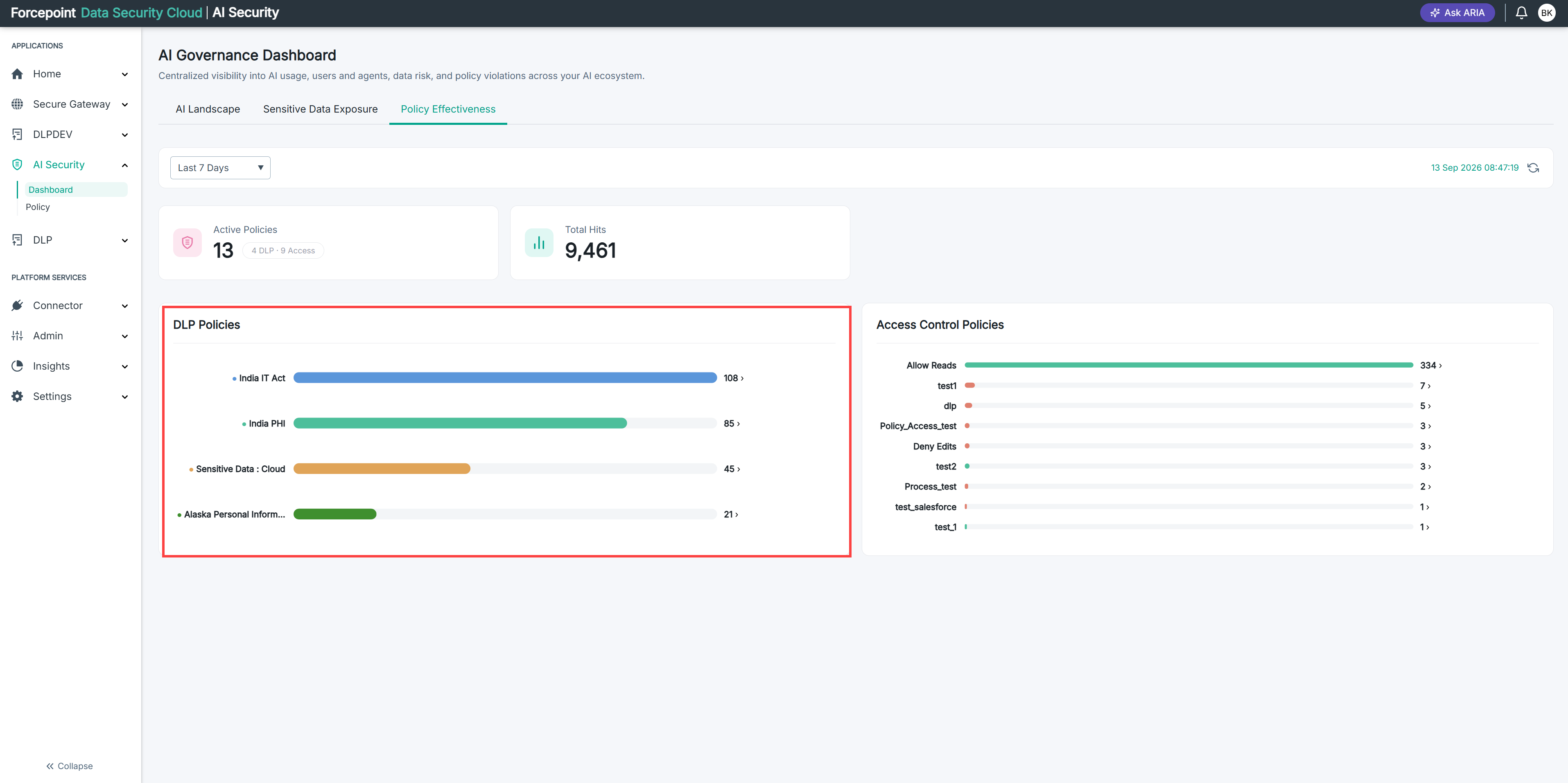
If the chart lists fewer than the card says are active, the difference is the number of DLP policies that were never triggered.
-
Count the entries in the Access Control Policies chart.
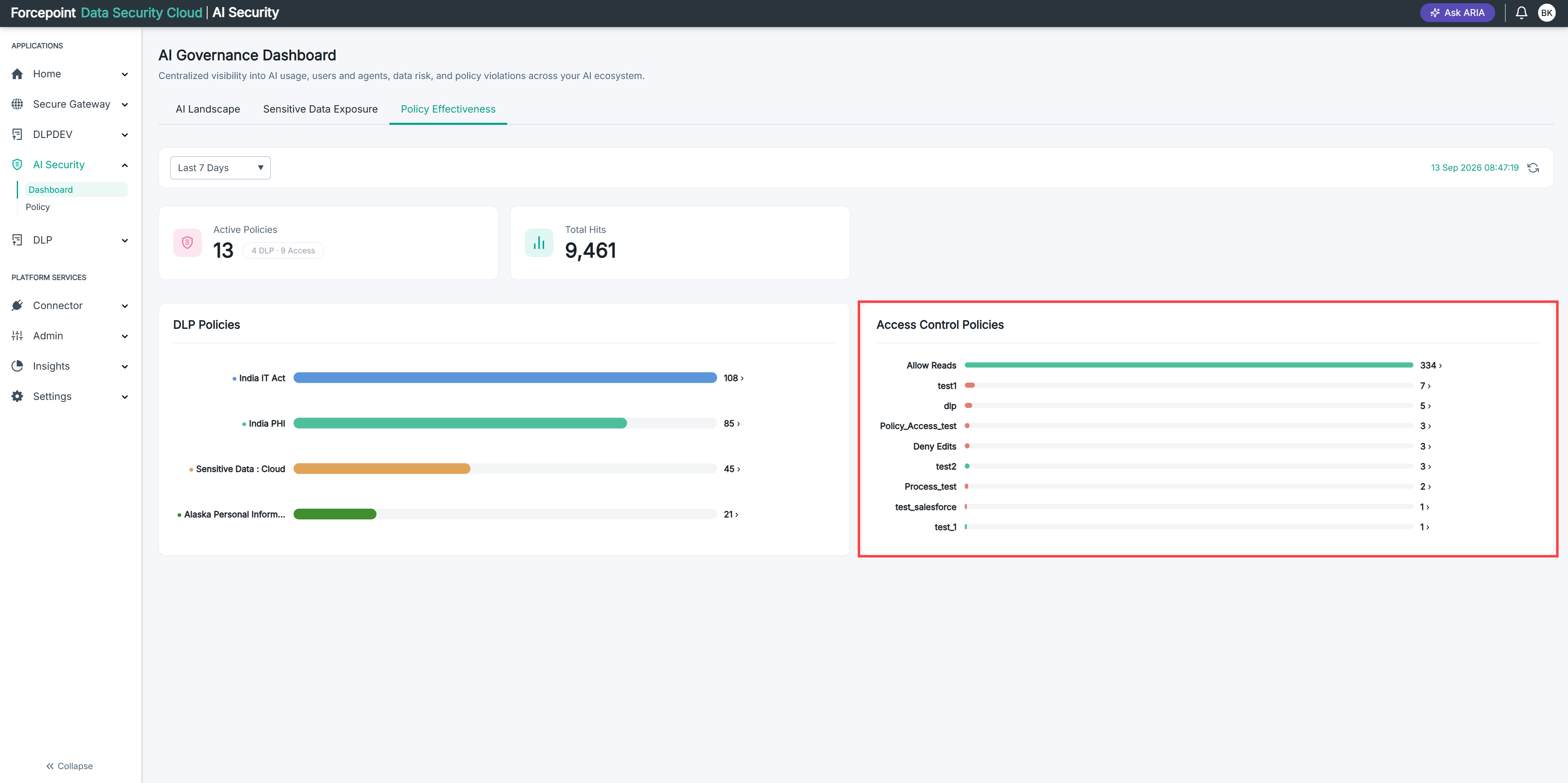
Compare it against the access figure on the card in the same way.
-
Open the Policy page to see which policies are missing from the charts.
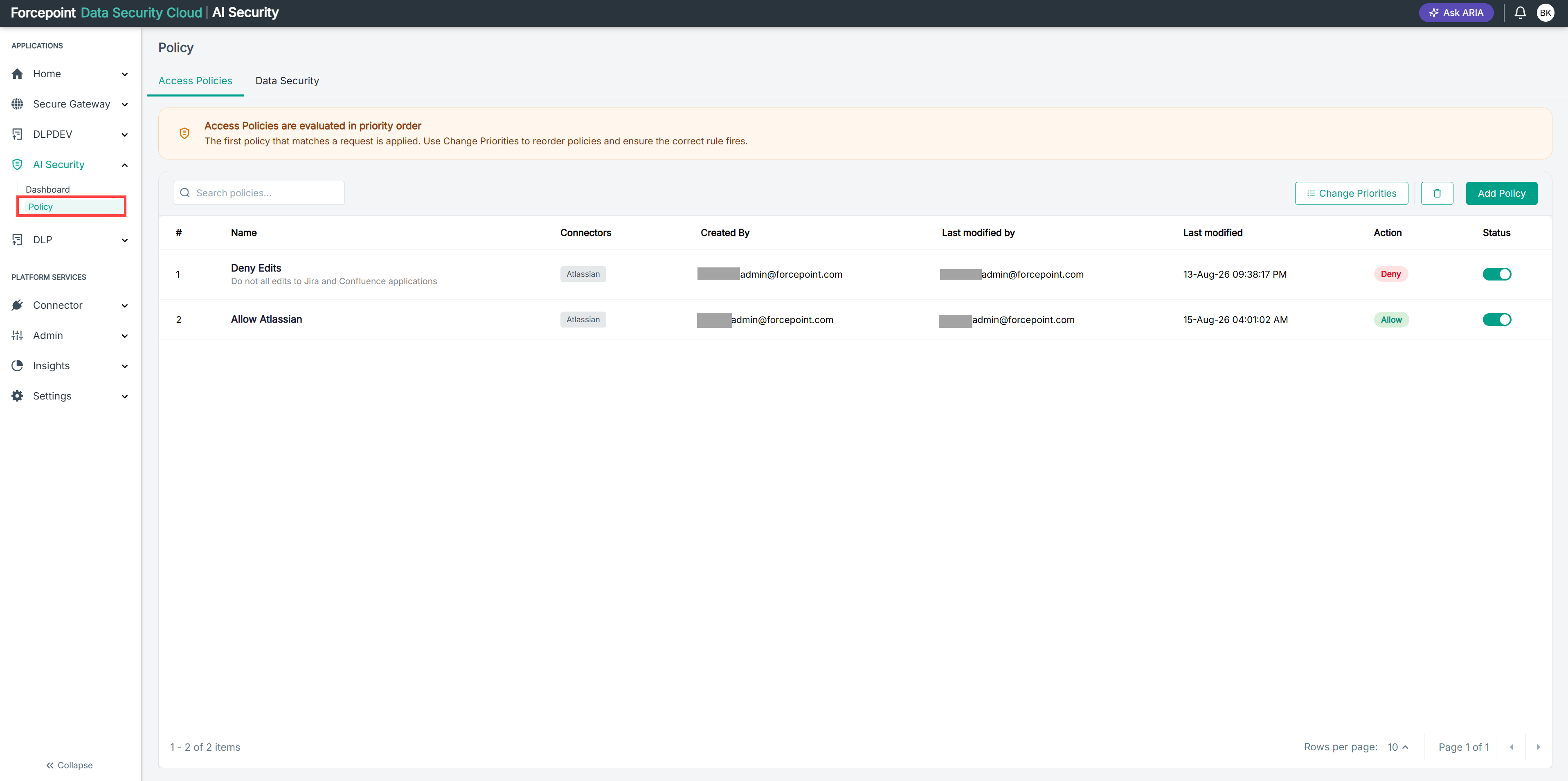
Compare the policy list there against the names in the charts. Anything on the list but not in a chart produced no hits.
Result
You know how many of your policies are inactive in practice, and which ones.