
Viewing the Hit Count for Each DLP Policy
See which of your data security policies are catching the most, so that you know which ones are doing the work.
Before you begin
You are on the Policy Effectiveness tab.
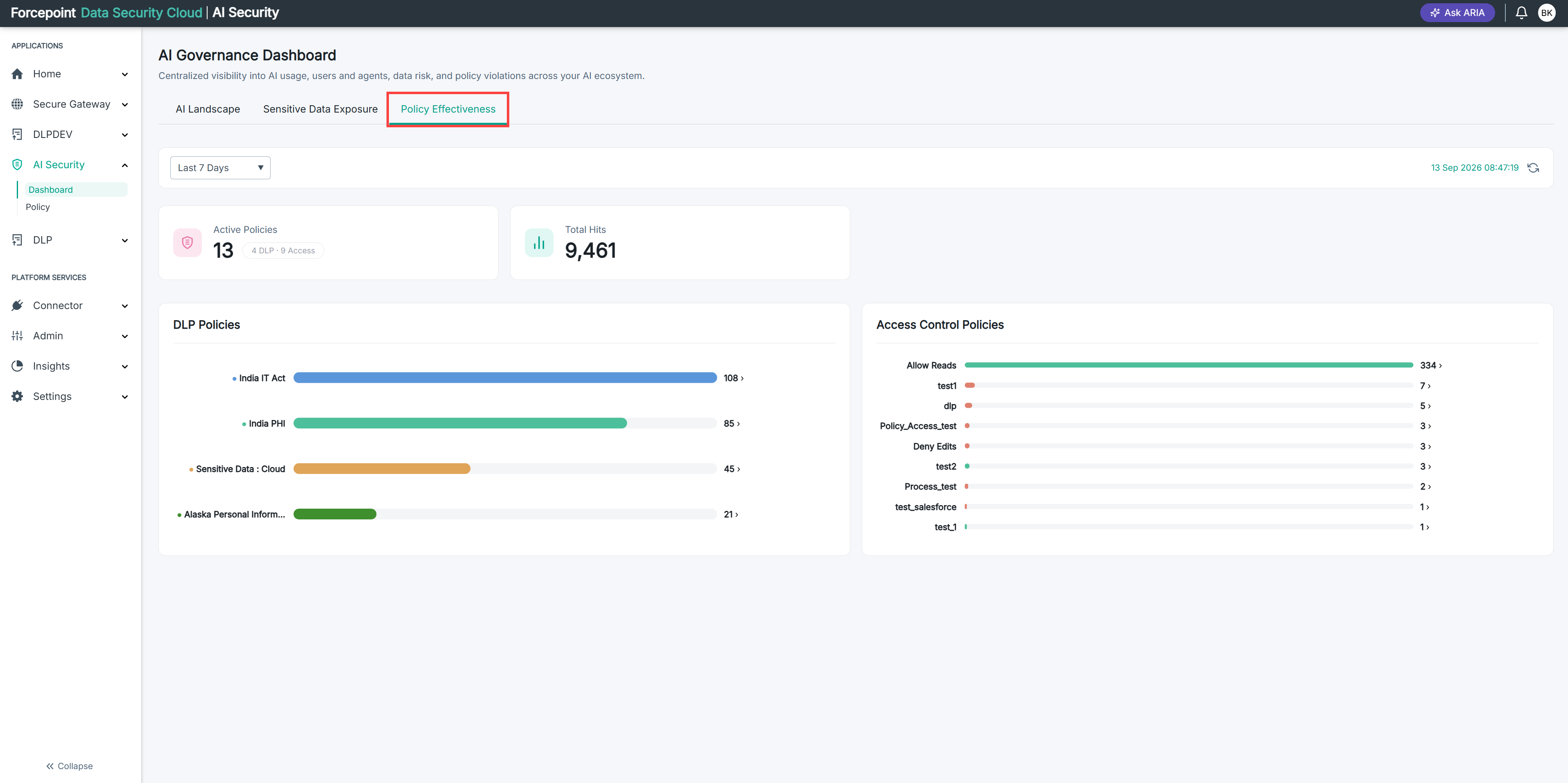
A hit is one occasion on which the policy matched content someone sent to an AI application. The chart ranks your DLP policies by how often that happened during the reporting period.
Steps
-
Go to the DLP Policies chart.
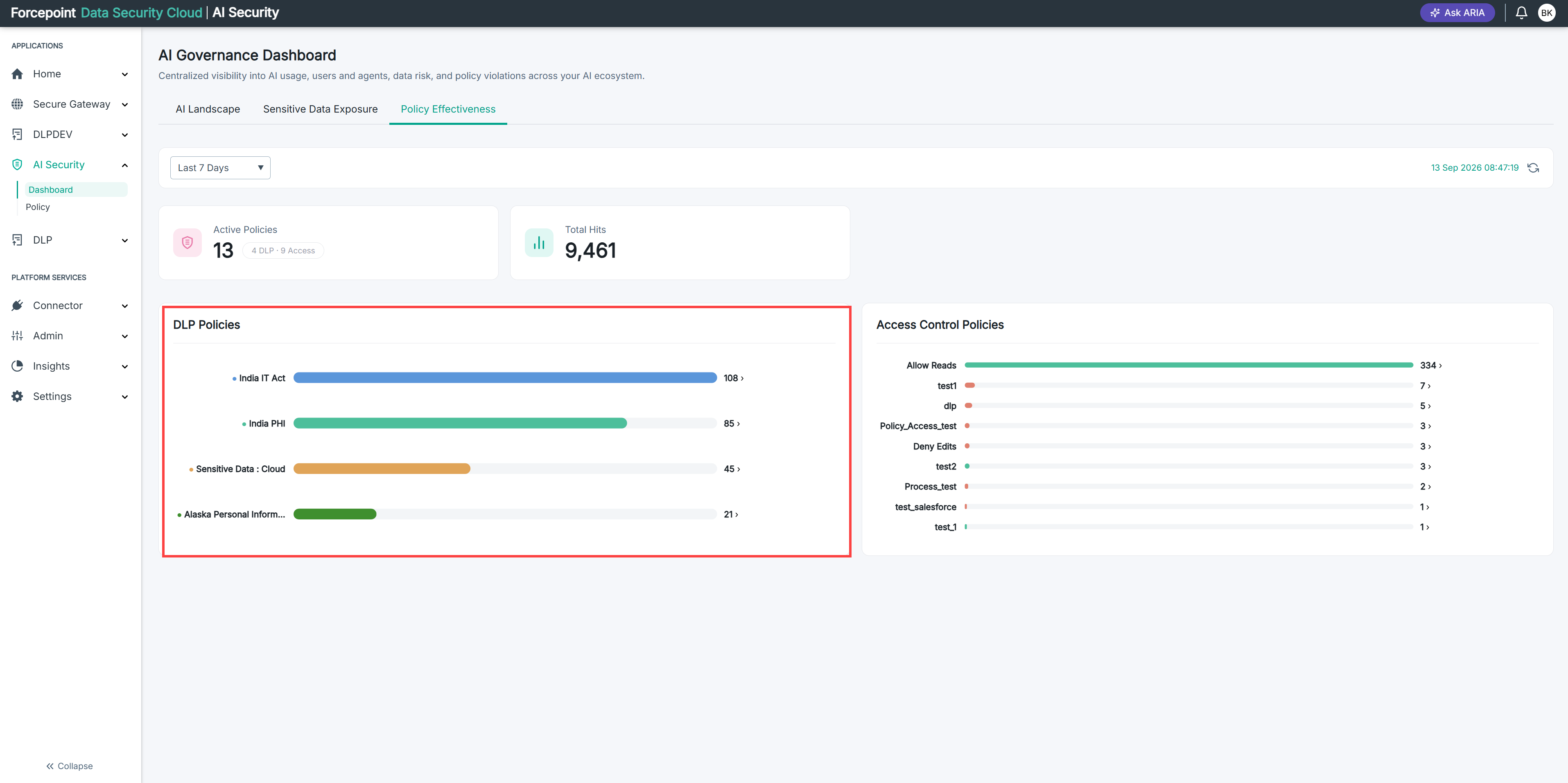
Each policy that was triggered is listed with its hit count, heaviest first.
-
Read the count beside each policy.
The bar shows each count relative to the highest, so you can see at a glance whether one policy dominates or the hits are spread evenly.
-
Look at the policy at the top of the chart.
This is the kind of sensitive data your organization sends to AI tools most often.
Result
You know which data security policies are being triggered, and how often.