
Naming a New Policy
Give the policy a name that describes what it does, so that its purpose is clear from the policy list.
The policy name is what you see when you review the list and when you reorder policies. Name the policy for its effect rather than its subject, for example Deny Edits rather than Atlassian policy.
Steps
-
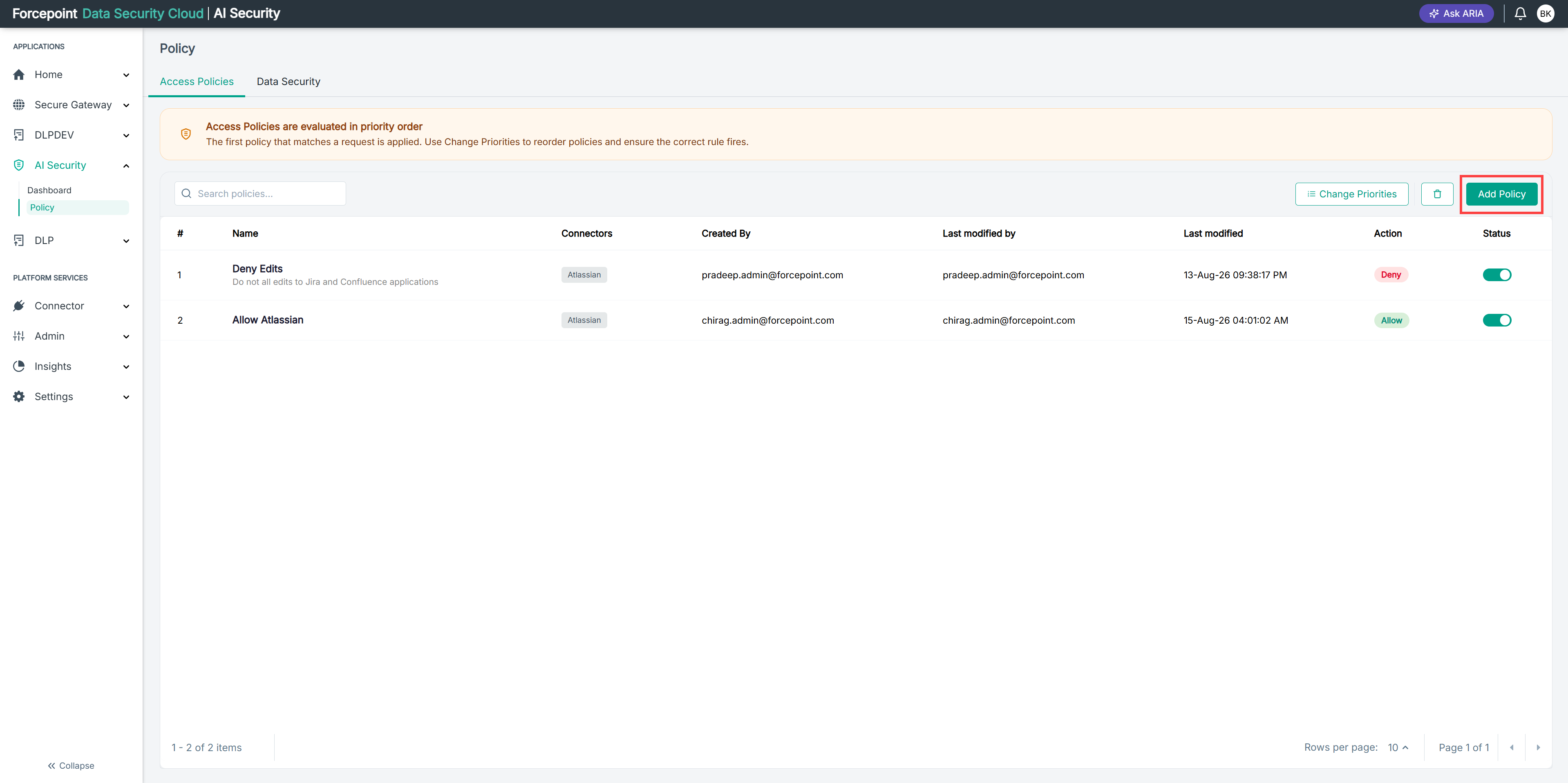
Open the Add Policy panel.
-
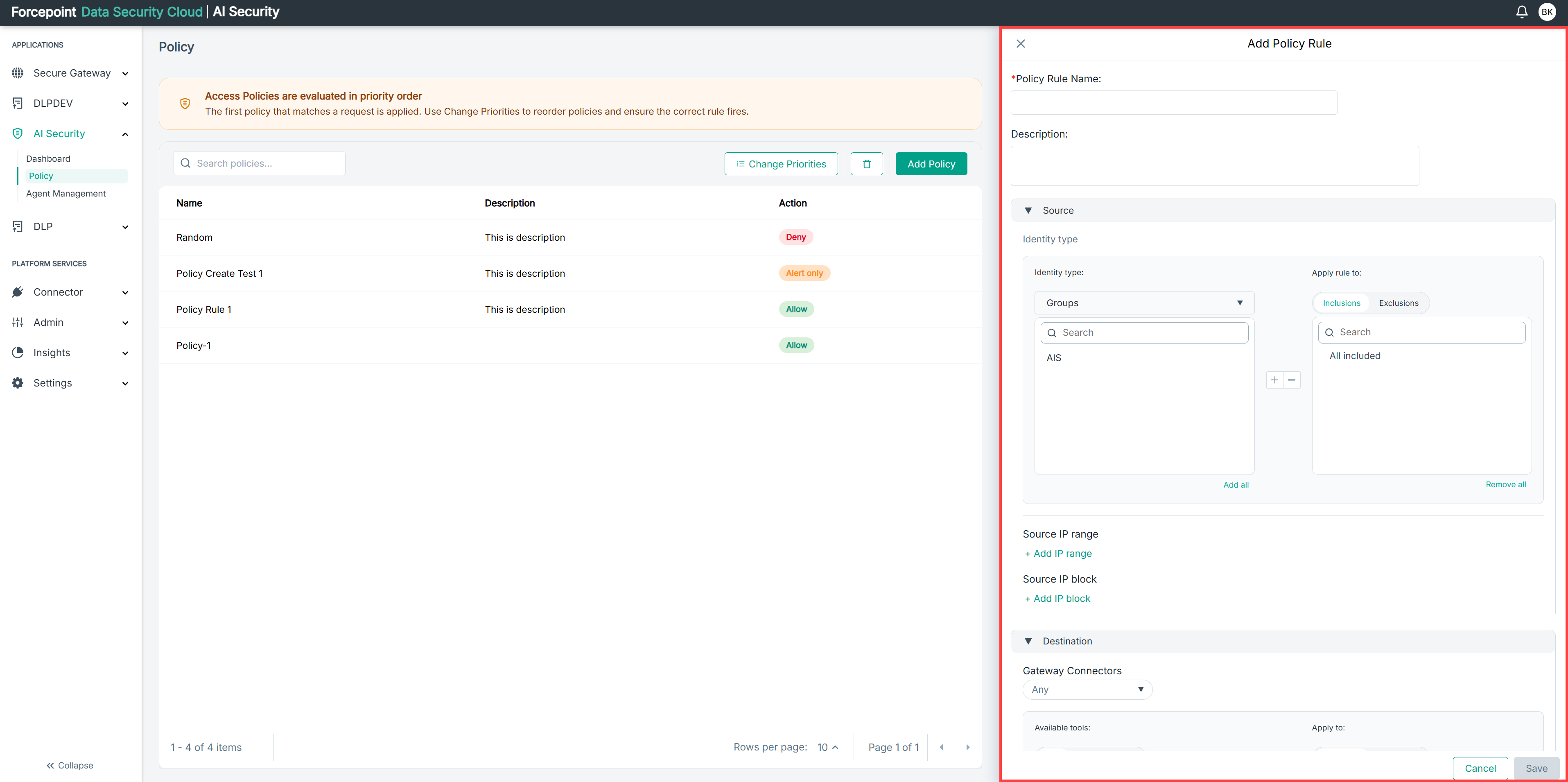
In Policy Name, enter a name for the policy.
-
Optional: In Description, enter a description for the policy.
The description appears beneath the policy name in the policy list, so write it for other administrators rather than as an internal note.
Result
The policy has a name that identifies it in the policy list.
Next steps
Before you save the policy, complete the remaining sections:
Then see Saving a New Policy.