
Viewing the Hit Count for Each Access Control Policy
See which of your access policies are being matched by agent traffic, and whether that is rising or falling.
Before you begin
You are on the Policy Effectiveness tab.
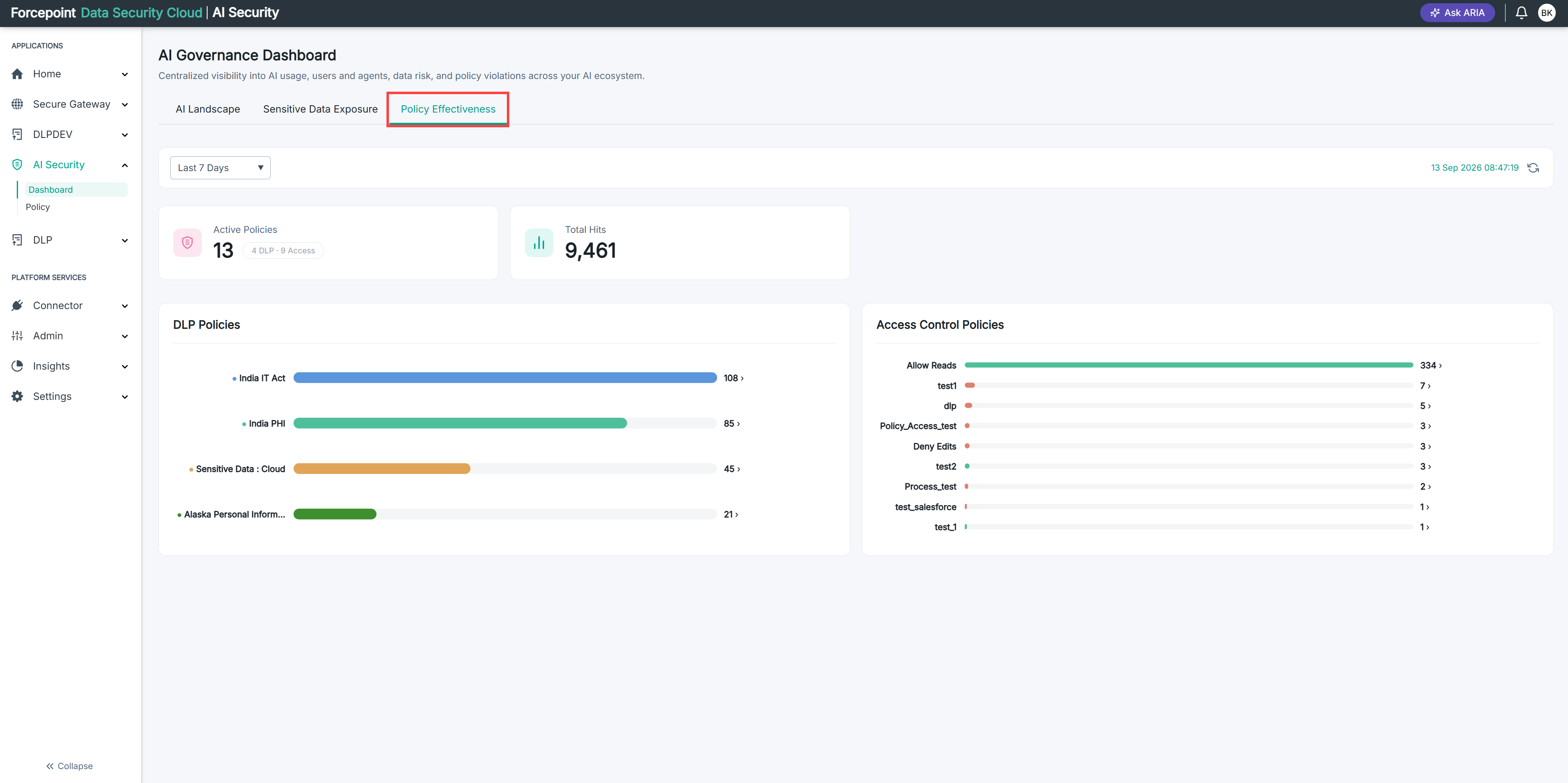
A hit is one occasion on which the policy matched a call an agent made through the MCP gateway. Because access policies are evaluated in order and the first match wins, the counts also tell you which policies are being reached and which are not.
Steps
-
Go to the Access Control Policies chart.
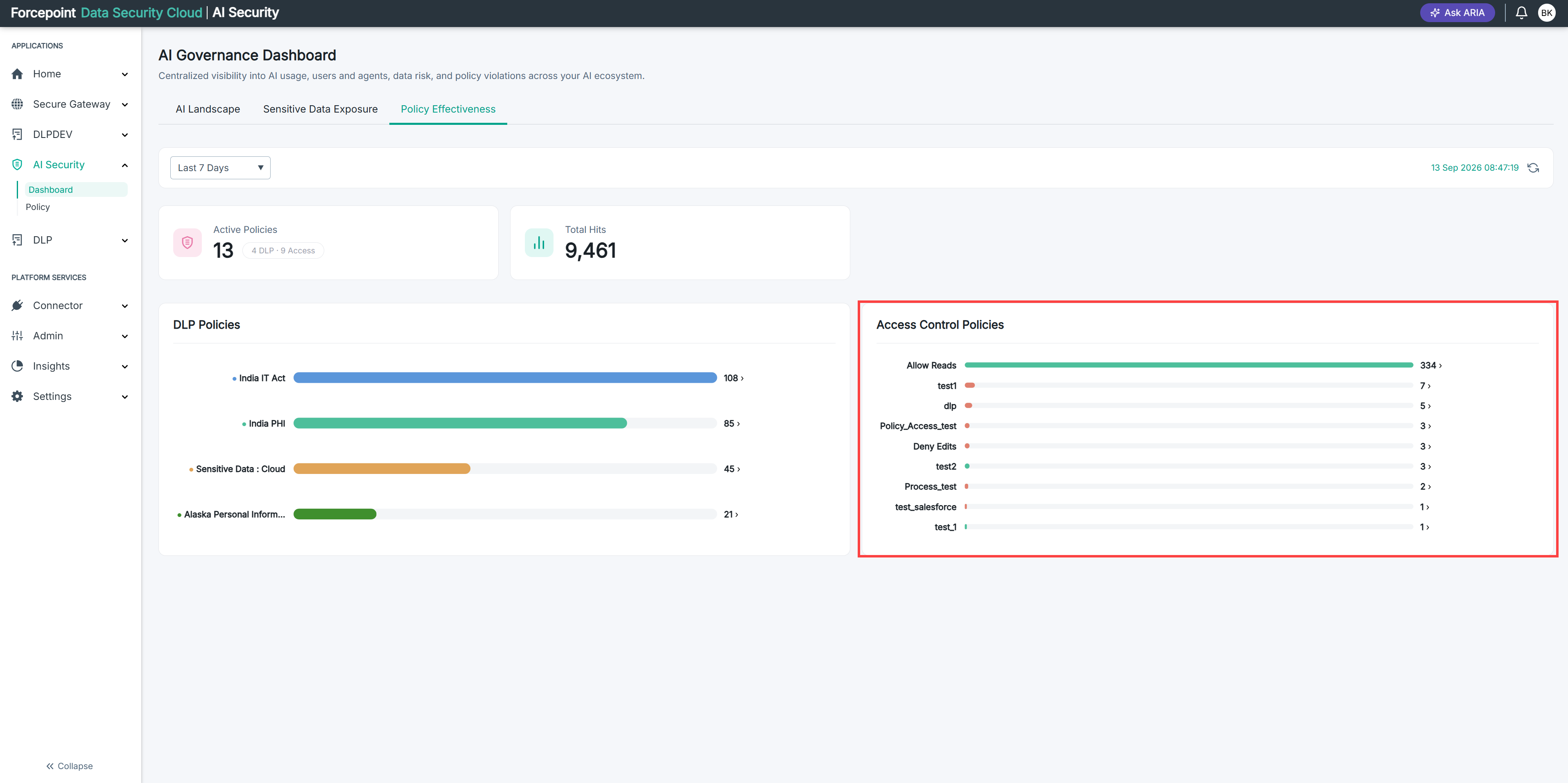
Each policy that was matched is listed with its hit count, heaviest first.
-
Read the count beside each policy.
-
Check the change figure shown under a policy name, where there is one.
It compares this period against the one before it — for example ↓ 18% vs prior 7d. Not every policy shows one.
-
Note which policies allow and which deny.
The bars are coloured by the policy's action, so you can tell allowed traffic from denied traffic without reading each name.
Result
You know which access policies are governing your agent traffic, how heavily, and which way the trend is moving.